주요 콘텐츠로 건너뛰기
수리 커뮤니티 가입 - 계정 만들기

Tungsten T3 Battery Replacement

필요한 것

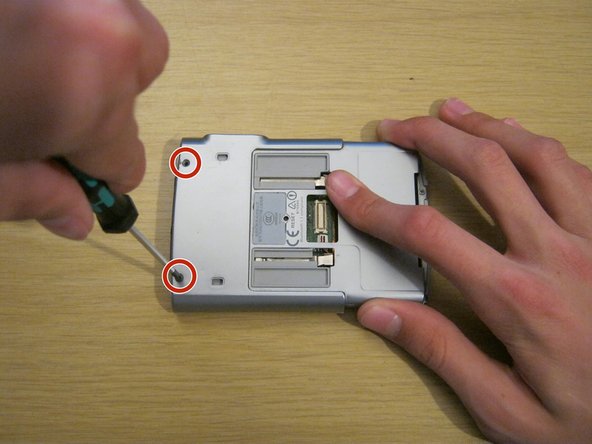
  1. Tungsten T3 Battery Replacement, Battery: 1 단계, 이미지 2개 중 1개 Tungsten T3 Battery Replacement, Battery: 1 단계, 이미지 2개 중 2개
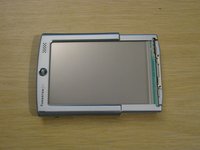
    • Remove the two Phillips #00 screws on either side of the device, on the sliding panel.

    댓글 쓰기

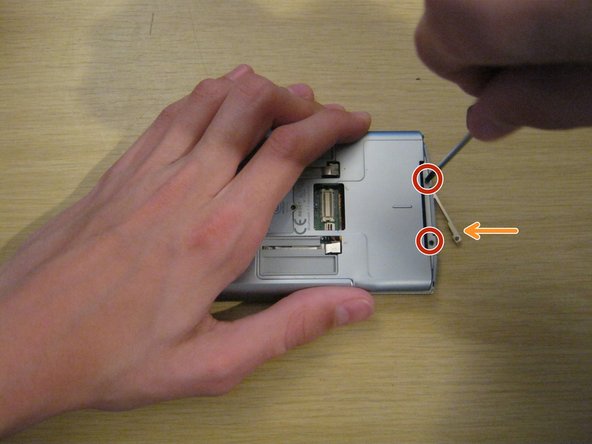
  2. Tungsten T3 Battery Replacement: 2 단계, 이미지 3개 중 1개 Tungsten T3 Battery Replacement: 2 단계, 이미지 3개 중 2개 Tungsten T3 Battery Replacement: 2 단계, 이미지 3개 중 3개
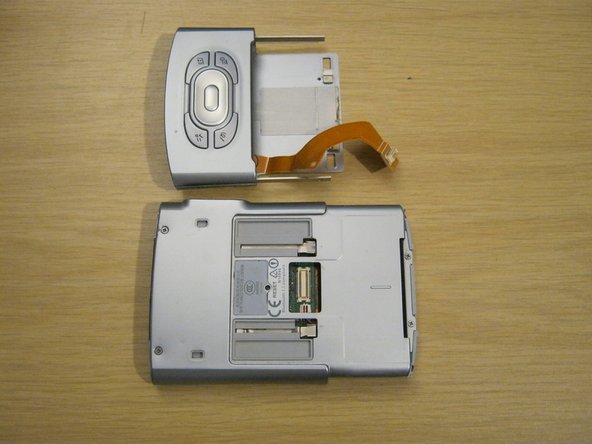
    • Slide out the function panel.

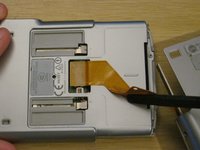
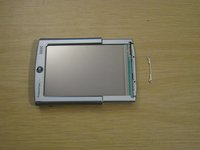
    • Insert a paper clip into the two marked small holes on the back and push downwards while pulling the function panel gently.

    • The connector for the buttons will be revealed.

    댓글 쓰기

  3. Tungsten T3 Battery Replacement: 3 단계, 이미지 3개 중 1개 Tungsten T3 Battery Replacement: 3 단계, 이미지 3개 중 2개 Tungsten T3 Battery Replacement: 3 단계, 이미지 3개 중 3개
    • Gently remove the function panel from the device.

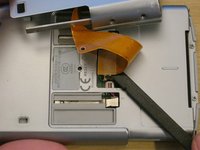
    • Be careful - it's still connected by the button cable. Peel the cable from the device carefully with a spudger - it is attached with a little bit of adhesive.
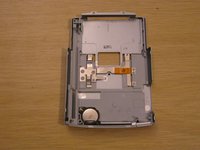
    • Carefully remove the connector and set the panel aside.

    댓글 쓰기

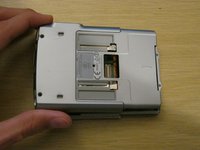
  4. Tungsten T3 Battery Replacement: 4 단계, 이미지 2개 중 1개 Tungsten T3 Battery Replacement: 4 단계, 이미지 2개 중 2개
    • Remove the two Phillips #00 screws on the back of the device.

    댓글 쓰기

  5. Tungsten T3 Battery Replacement: 5 단계, 이미지 3개 중 1개 Tungsten T3 Battery Replacement: 5 단계, 이미지 3개 중 2개 Tungsten T3 Battery Replacement: 5 단계, 이미지 3개 중 3개
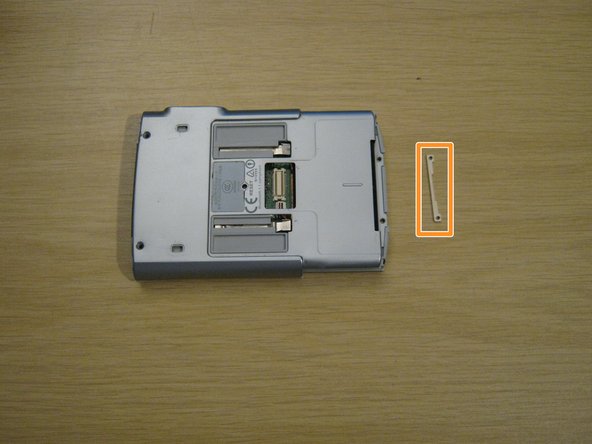
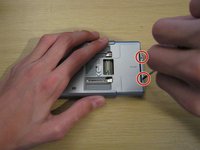
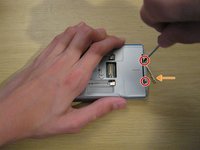
    • Remove the two small Phillips #00 screws at the other end of the device.

    • A small metal part will fall out of the device from the other side. Keep hold of this - you won't be able to put these screws back in without it.

    댓글 쓰기

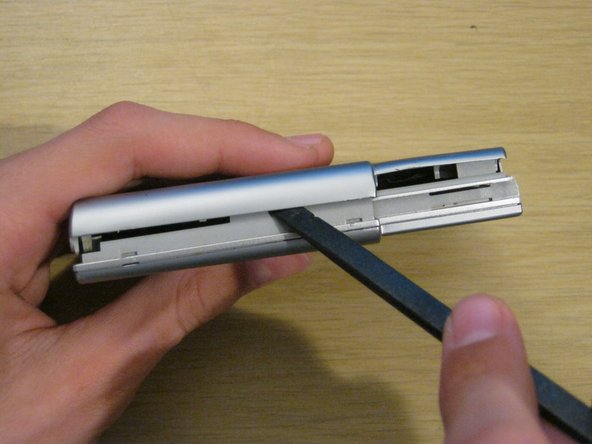
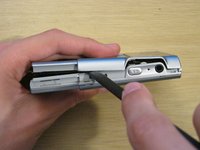
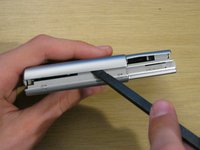
  6. Tungsten T3 Battery Replacement: 6 단계, 이미지 3개 중 1개 Tungsten T3 Battery Replacement: 6 단계, 이미지 3개 중 2개 Tungsten T3 Battery Replacement: 6 단계, 이미지 3개 중 3개
    • Using a spudger, gently separate the back casing from the rest of the device.

    • Be careful - the back casing contains the battery, which is connected by a very thin battery cable.

    댓글 쓰기

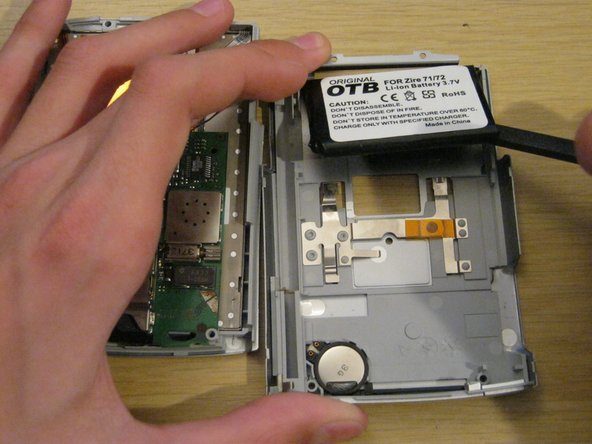
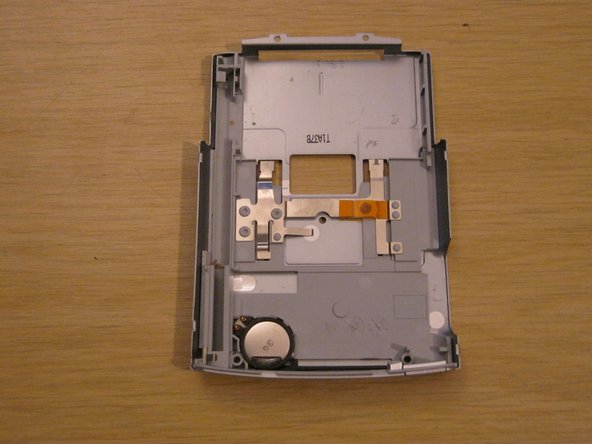
  7. Tungsten T3 Battery Replacement: 7 단계, 이미지 3개 중 1개 Tungsten T3 Battery Replacement: 7 단계, 이미지 3개 중 2개 Tungsten T3 Battery Replacement: 7 단계, 이미지 3개 중 3개
    • Lay the two halves side by side.

    • The battery is usually held to the case by a small amount of adhesive. Carefully peel it up with a spudger.

    • Lay the back case aside.

    댓글 쓰기

  8. Tungsten T3 Battery Replacement: 8 단계, 이미지 3개 중 1개 Tungsten T3 Battery Replacement: 8 단계, 이미지 3개 중 2개 Tungsten T3 Battery Replacement: 8 단계, 이미지 3개 중 3개
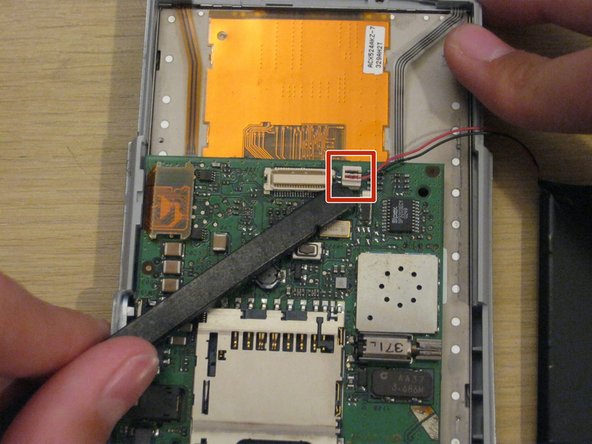
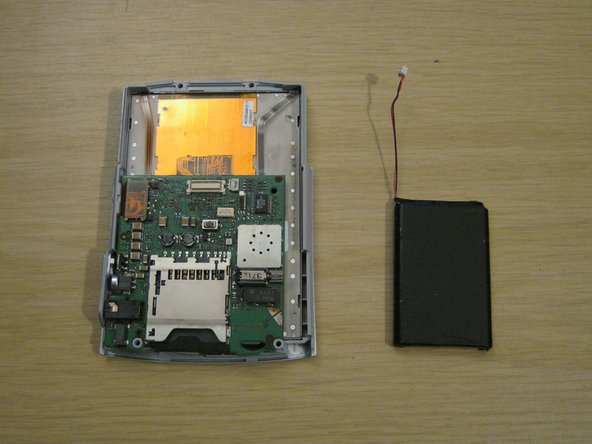
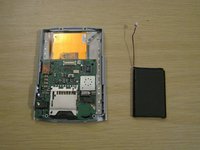
    • You should now be left with the front panel and the battery.

    • Gently disconnect the battery connector from the front panel. It's small and the pins are delicate, so be careful not to bend it.

    • When you install the new battery, you may find it useful to secure it to the back casing with some double-sided tape or even a small amount of glue.

    댓글 쓰기

  9. Tungsten T3 Battery Replacement: 9 단계, 이미지 2개 중 1개 Tungsten T3 Battery Replacement: 9 단계, 이미지 2개 중 2개
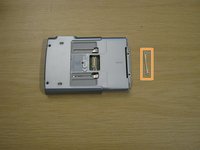
    • When reassembling your device, remember to place the small metal part on the front of the device and hold it while you insert the two small screws.

    • The screws won't stay in unless they're screwed into this metal part.

    댓글 쓰기

결론

To reassemble your device, follow these instructions in reverse order.

취소: 해당 안내서를 완성하지 않았습니다.

다른 11명이 해당 안내서를 완성하였습니다.

작성자

7다른 기여자 명과 함께

Whitney

회원 가입일: 09/08/11

318 평판

안내서 3개를 작성함

University of Maine, Team 1-14, Diaz Fall 2011 University of Maine, Team 1-14, Diaz Fall 2011 회원

UMAINE-DIAZ-F11S1G14

2 회원들

안내서 3개를 작성함

1가이드 댓글

The only thing I would add is before replacing the battery, be sure to backup your device since disconnecting the battery will do a total reset.

bill.costa_01 - 답글 공유

댓글 쓰기

조회 통계:

지난 24시간: 1

지난 7일: 18

지난 30일: 85

전체 시간: 8,610