주요 콘텐츠로 건너뛰기

Turtle Beach Recon Controller Front Buttons Replacement

필요한 것

  1. Turtle Beach Recon Controller Front Buttons Replacement, Back Plate: 1 단계, 이미지 3개 중 1개 Turtle Beach Recon Controller Front Buttons Replacement, Back Plate: 1 단계, 이미지 3개 중 2개 Turtle Beach Recon Controller Front Buttons Replacement, Back Plate: 1 단계, 이미지 3개 중 3개
    • Use a Phillips #00 screwdriver to remove seven 10 mm screws from the back plate.

    • When replacing the screws, ensure that the screwdriver is perpendicular to the screw in curved areas.

  2. Turtle Beach Recon Controller Front Buttons Replacement: 2 단계, 이미지 3개 중 1개 Turtle Beach Recon Controller Front Buttons Replacement: 2 단계, 이미지 3개 중 2개 Turtle Beach Recon Controller Front Buttons Replacement: 2 단계, 이미지 3개 중 3개
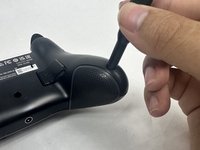
    • Use an opening tool to separate the back plate from the grips of your Turtle Beach Recon.

    • Use your fingers to remove the back plate from the body of your Turtle Beach Recon.

  3. Turtle Beach Recon Controller Front Buttons Replacement, Face Plate: 3 단계, 이미지 2개 중 1개 Turtle Beach Recon Controller Front Buttons Replacement, Face Plate: 3 단계, 이미지 2개 중 2개
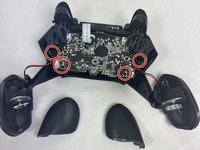
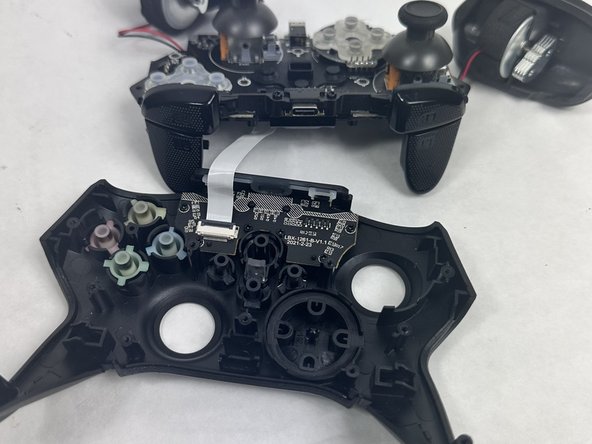
    • Remove the four 10 mm screws from the motherboard using a Phillips #00 screwdriver.

  4. Turtle Beach Recon Controller Front Buttons Replacement: 4 단계, 이미지 2개 중 1개 Turtle Beach Recon Controller Front Buttons Replacement: 4 단계, 이미지 2개 중 2개
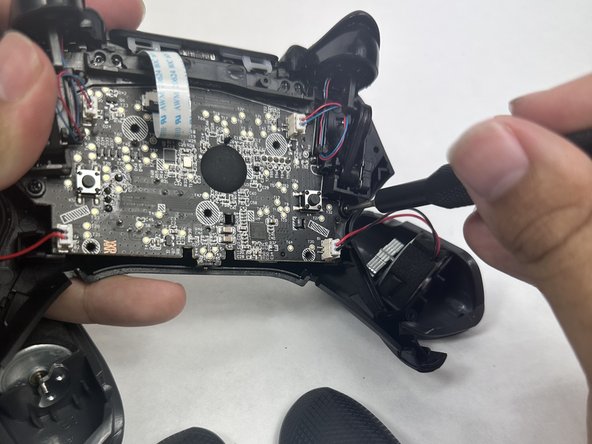
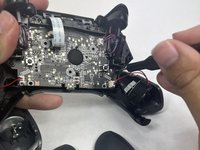
    • Use your fingers to grab the motherboard.

    • Gently pull the motherboard and joystick caps away from the face plate.

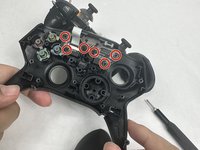
  5. Turtle Beach Recon Controller Front Buttons Replacement: 5 단계, 이미지 3개 중 1개 Turtle Beach Recon Controller Front Buttons Replacement: 5 단계, 이미지 3개 중 2개 Turtle Beach Recon Controller Front Buttons Replacement: 5 단계, 이미지 3개 중 3개
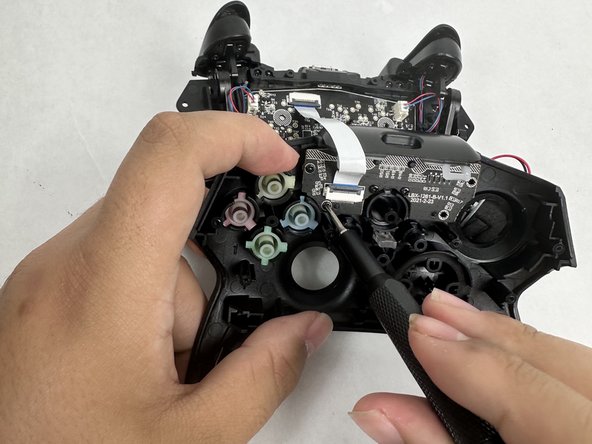
    • Use a Phillips #00 screwdriver to remove six 10 mm screws from the motherboard.

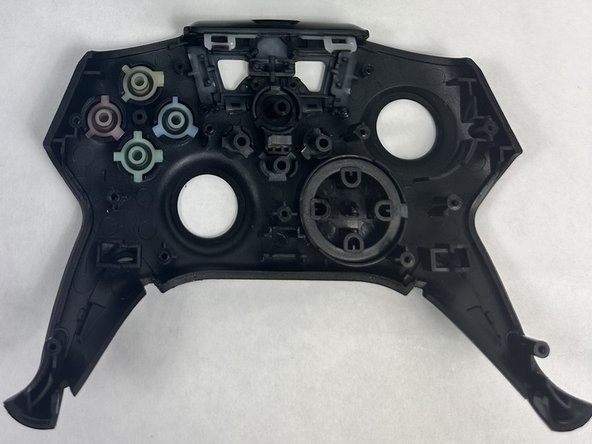
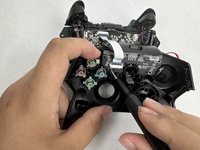
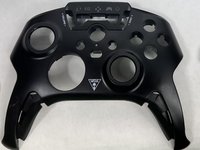
  6. Turtle Beach Recon Controller Front Buttons Replacement, Front Buttons: 6 단계, 이미지 3개 중 1개 Turtle Beach Recon Controller Front Buttons Replacement, Front Buttons: 6 단계, 이미지 3개 중 2개 Turtle Beach Recon Controller Front Buttons Replacement, Front Buttons: 6 단계, 이미지 3개 중 3개
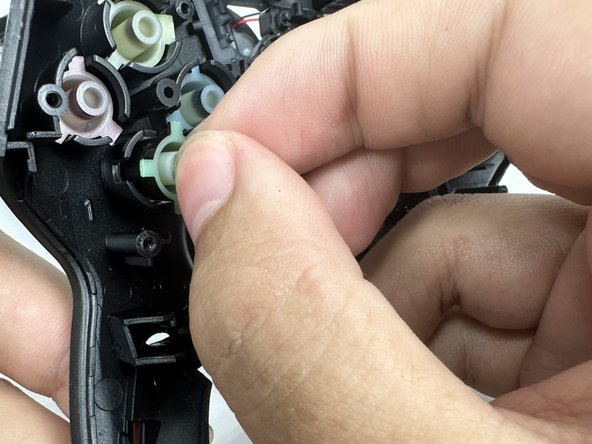
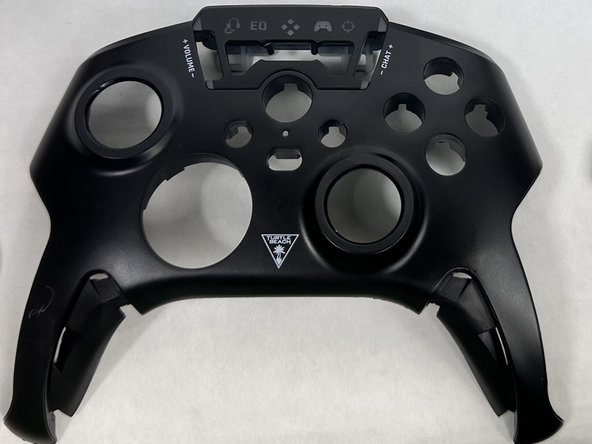
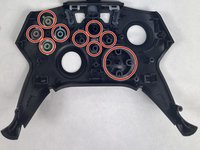
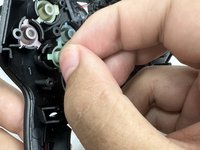
    • Gently remove front buttons from the face plate by hand.

결론

To reassemble your device, follow these instructions in reverse order.

다른 한 분이 해당 안내서를 완성하였습니다.

작성자

2다른 기여자 명과 함께

Mary Goodrow

회원 가입일: 03/22/24

671 평판

안내서 5개를 작성함

UMass Dartmouth, Team 6-1, Botvin Spring 2024 UMass Dartmouth, Team 6-1, Botvin Spring 2024 회원

UMASSD-BOTVIN-S24S6G1

3 회원들

안내서 5개를 작성함

0가이드 댓글

댓글 쓰기

조회 통계:

지난 24시간: 1

지난 7일: 10

지난 30일: 31

전체 시간: 443