소개
This guide will demonstrate removing the motherboard from your Turtle Beach Recon.
The motherboard connects all of the components within your Turtle Beach Recon by distributing electricity. Ensure that your Turtle Beach Recon is unplugged and separated from your power source.
Removing the motherboard is often necessary if your Turtle Beach Recon is not responding, has been exposed to water, or has distorted audio.
필요한 것
-
-
Use a Phillips #00 screwdriver to remove seven 10 mm screws from the back plate.
 FixBot에 문의하기
-
-
-
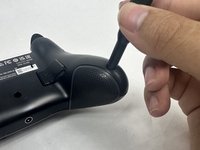
Use an opening tool to separate the back plate from the grips of your Turtle Beach Recon.
-
Use your fingers to remove the back plate from the body of your Turtle Beach Recon.
-
-
-
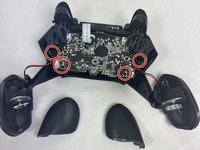
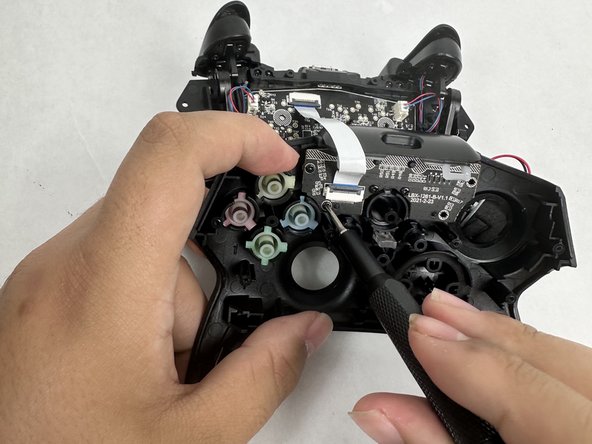
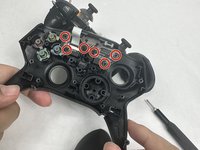
Remove the four 10 mm screws from the motherboard using a Phillips #00 screwdriver.
-
-
-
-
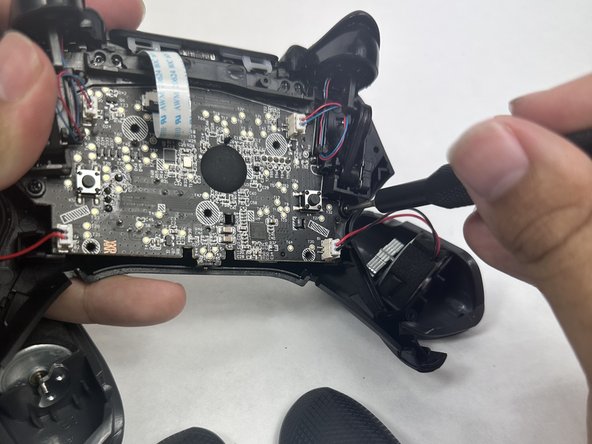
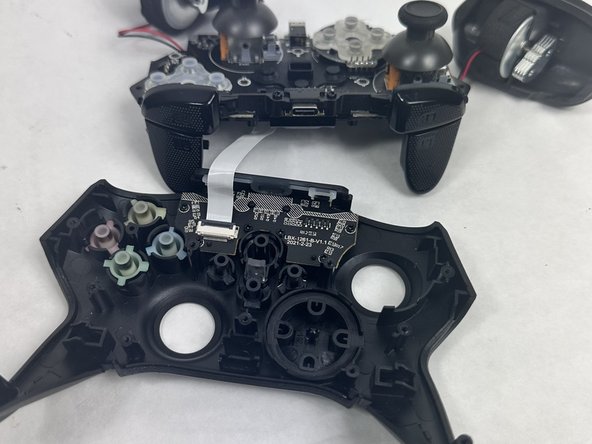
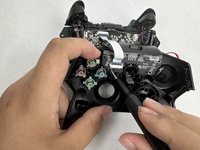
Use your fingers to grab the motherboard.
-
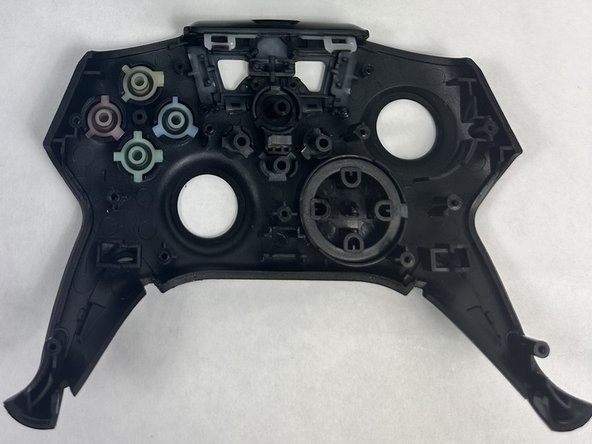
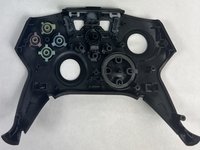
Gently pull the motherboard and joystick caps away from the face plate.
-
-
-
Use a Phillips #00 screwdriver to remove six 10 mm screws from the motherboard.
-
-
-
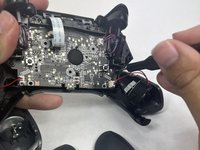
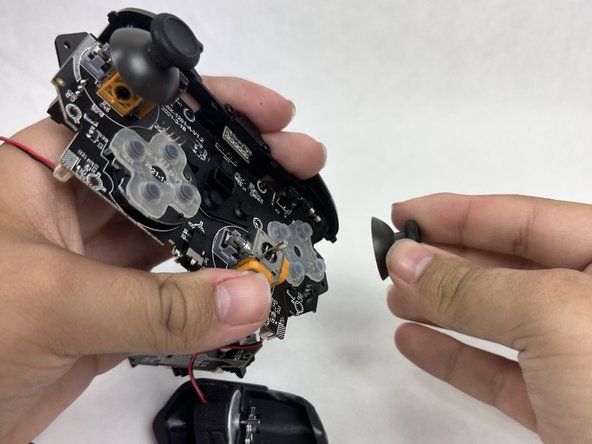
Use your fingers to lift both of the joystick caps off of the motherboard.
-
Remove the joystick caps.
-
-
-
Nothing can be further removed from the motherboard. It can now be replaced.
-








To reassemble your device, follow these instructions in reverse order.
다른 2명이 해당 안내서를 완성하였습니다.

팀

UMass Dartmouth, Team 6-1, Botvin Spring 2024 UMass Dartmouth, Team 6-1, Botvin Spring 2024 회원
UMASSD-BOTVIN-S24S6G1
3 회원들
안내서 5개를 작성함
