소개
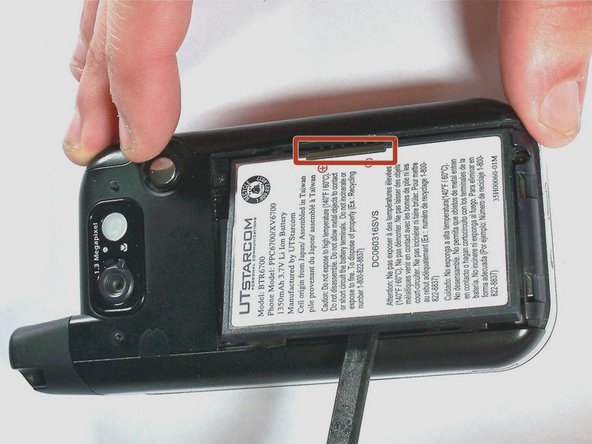
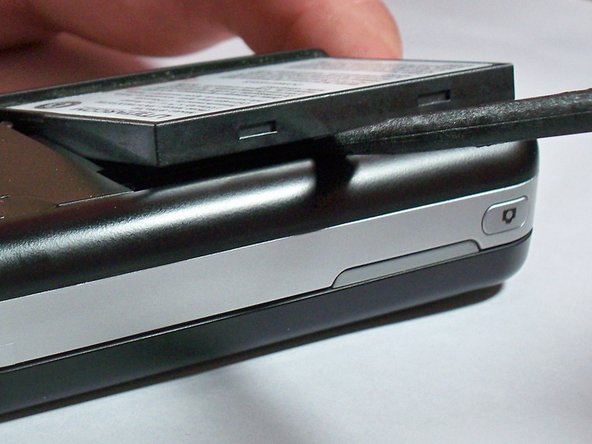
Even rechargeable batteries eventually wear out and need replacing. You can replace the battery in The UTStarcom XV6700 cellular phone in three easy steps.
Swollen Battery Warning: If the battery in your phone is swollen, be sure to read this article before proceeding.
필요한 것
-
-
-
-
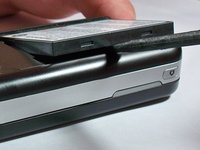
Remove the battery cover by pressing and sliding the cover down and off of the phone.
-

 FixBot에 문의하기


결론
To reassemble your device, follow these instructions in reverse order.

팀

University of Kentucky Louisville, Team 1-4, Chamberlain Spring 2013 University of Kentucky Louisville, Team 1-4, Chamberlain Spring 2013 회원
LOUISVILLE-CHAMBERLAIN-S13S1G4
3 회원들
안내서 35개를 작성함
