주요 콘텐츠로 건너뛰기
수리 커뮤니티 가입 - 계정 만들기
Vizio CT15 Keyboard Replacement

필요한 것

  1. Vizio CT15 Keyboard Replacement, Vizio CT15 Back Panel Removal: 1 단계, 이미지 2개 중 1개 Vizio CT15 Keyboard Replacement, Vizio CT15 Back Panel Removal: 1 단계, 이미지 2개 중 2개
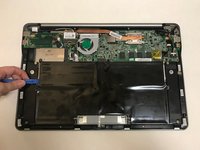
    • Turn the laptop off and remove all power cables.

    • Remove the six Phillips #0 screws.

    • Pull the back cover off.

    댓글 쓰기

  2. Vizio CT15 Keyboard Replacement, Battery: 2 단계, 이미지 1개 중 1개
    • Remove the six Phillips #0 screws.

    댓글 쓰기

  3. Vizio CT15 Keyboard Replacement: 3 단계, 이미지 2개 중 1개 Vizio CT15 Keyboard Replacement: 3 단계, 이미지 2개 중 2개
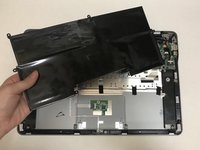
    • Use the plastic opening tool or your fingers to pry the battery up and pull it from the laptop.

    댓글 쓰기

  4. Vizio CT15 Keyboard Replacement, Speakers: 4 단계, 이미지 2개 중 1개 Vizio CT15 Keyboard Replacement, Speakers: 4 단계, 이미지 2개 중 2개
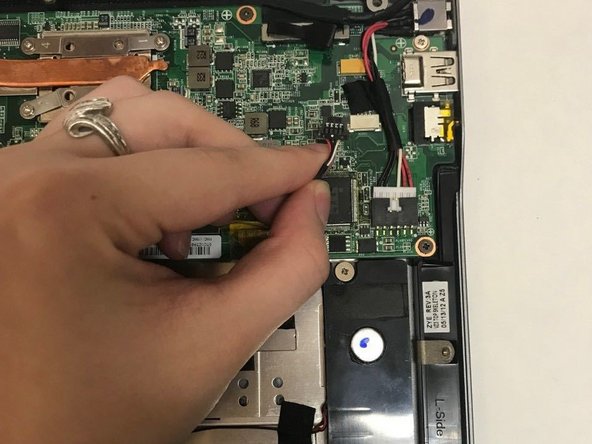
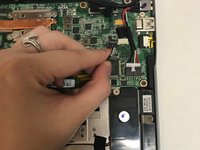
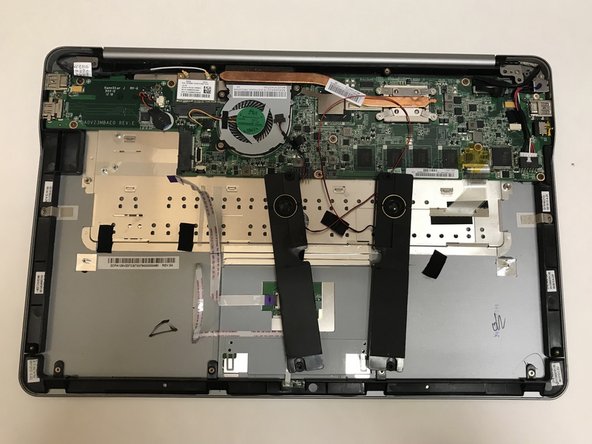
    • Unplug the wire connecting the speakers to the motherboard.

    댓글 쓰기

  5. Vizio CT15 Keyboard Replacement: 5 단계, 이미지 2개 중 1개 Vizio CT15 Keyboard Replacement: 5 단계, 이미지 2개 중 2개
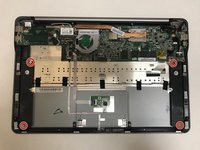
    • Remove the four Phillips #0 screws.

    • Pull the speakers out to remove.

    댓글 쓰기

  6. Vizio CT15 Keyboard Replacement: 6 단계, 이미지 3개 중 1개 Vizio CT15 Keyboard Replacement: 6 단계, 이미지 3개 중 2개 Vizio CT15 Keyboard Replacement: 6 단계, 이미지 3개 중 3개
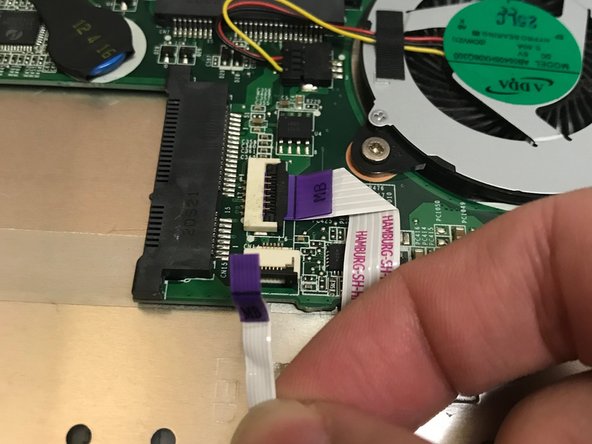
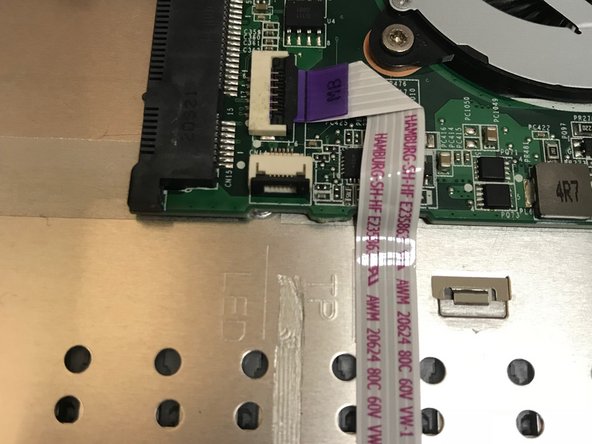
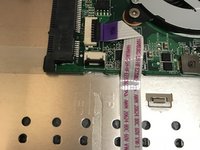
    • Use the flat end of a spudger to lift up the black tab on the ZIF connector.

    • Pull the ribbon cables out of the ZIF connector.

    • These wires are not connected to the speakers. We are only unplugging them to remove the wire underneath.

    댓글 쓰기

  7. Vizio CT15 Keyboard Replacement: 7 단계, 이미지 2개 중 1개 Vizio CT15 Keyboard Replacement: 7 단계, 이미지 2개 중 2개
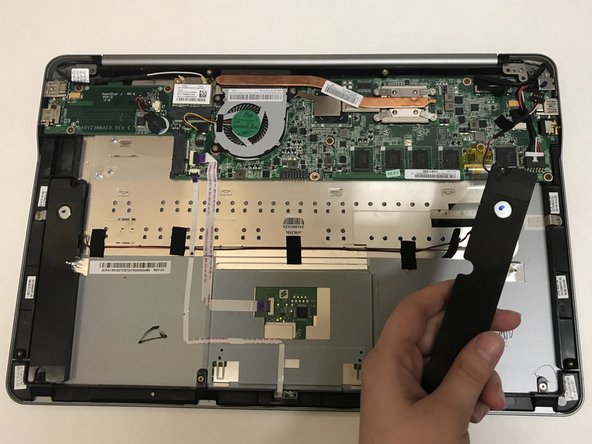
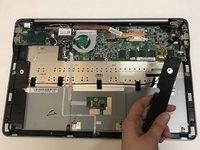
    • Pull off the black strips of tape from the speaker wires and remove the speakers from the laptop.

    댓글 쓰기

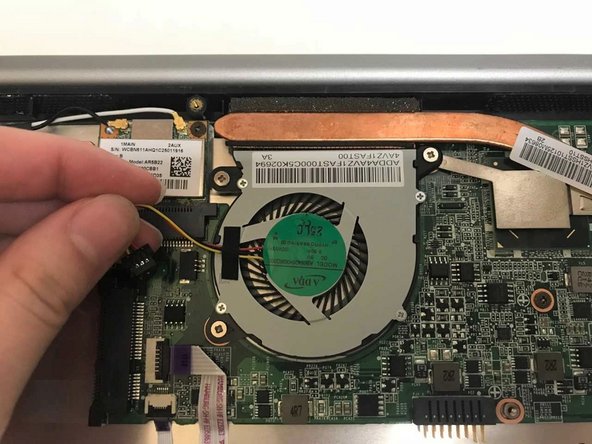
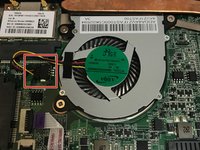
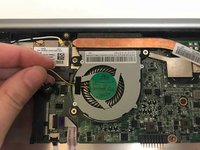
  8. Vizio CT15 Keyboard Replacement, CPU Fan: 8 단계, 이미지 2개 중 1개 Vizio CT15 Keyboard Replacement, CPU Fan: 8 단계, 이미지 2개 중 2개
    • Unplug the fan from the motherboard.

    댓글 쓰기

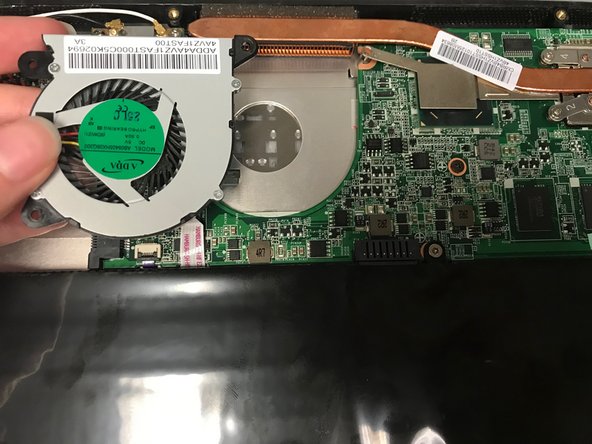
  9. Vizio CT15 Keyboard Replacement: 9 단계, 이미지 2개 중 1개 Vizio CT15 Keyboard Replacement: 9 단계, 이미지 2개 중 2개
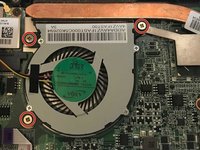
    • Remove the three Phillips #0 screws.

    • Pull the fan out to remove.

    댓글 쓰기

  10. Vizio CT15 Keyboard Replacement, Keyboard: 10 단계, 이미지 2개 중 1개 Vizio CT15 Keyboard Replacement, Keyboard: 10 단계, 이미지 2개 중 2개
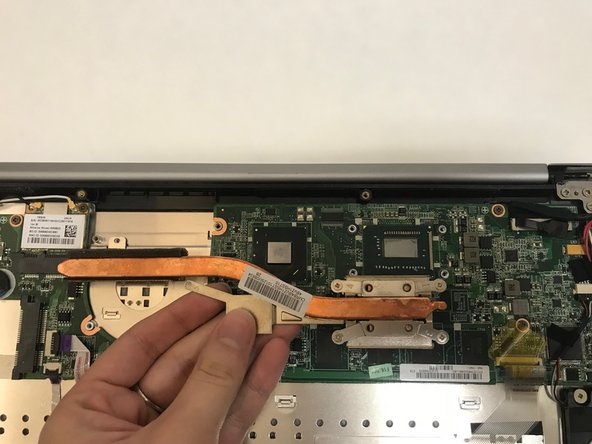
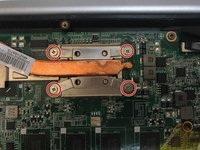
    • Remove the four Philips #0 screws from the heatsink.

    • Pull up and out to remove the heatsink from the laptop.

    댓글 쓰기

  11. Vizio CT15 Keyboard Replacement: 11 단계, 이미지 2개 중 1개 Vizio CT15 Keyboard Replacement: 11 단계, 이미지 2개 중 2개
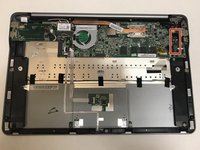
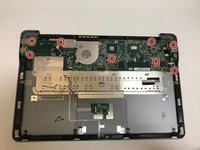
    • Remove the eight Phillips #0 screws from the motherboard.

    • Lift the motherboard up and out to remove it from the laptop.

    댓글 쓰기

  12. Vizio CT15 Keyboard Replacement: 12 단계, 이미지 1개 중 1개
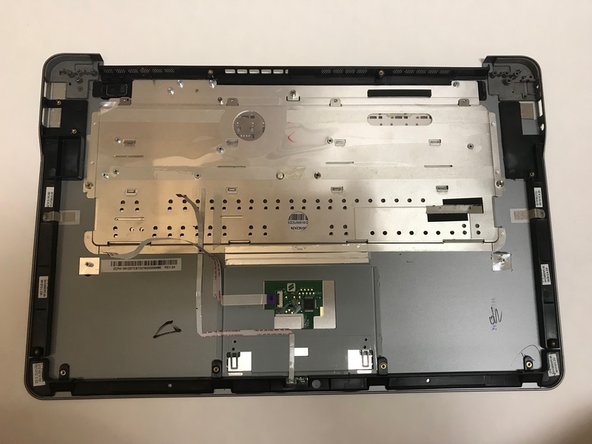
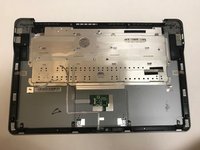
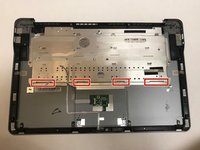
    • Remove the four Phillips #00 screws that hold the keyboard to the laptop case.

    댓글 쓰기

  13. Vizio CT15 Keyboard Replacement: 13 단계, 이미지 3개 중 1개 Vizio CT15 Keyboard Replacement: 13 단계, 이미지 3개 중 2개 Vizio CT15 Keyboard Replacement: 13 단계, 이미지 3개 중 3개
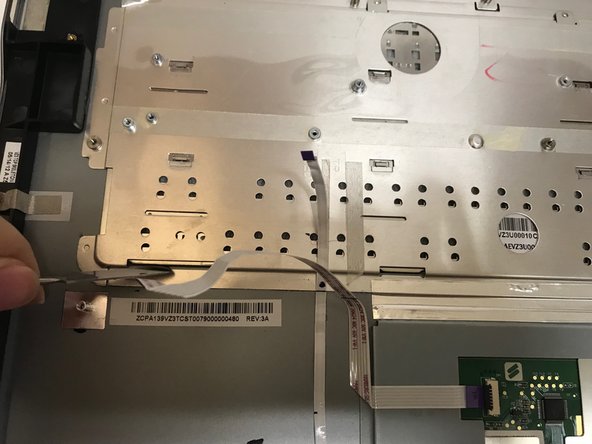
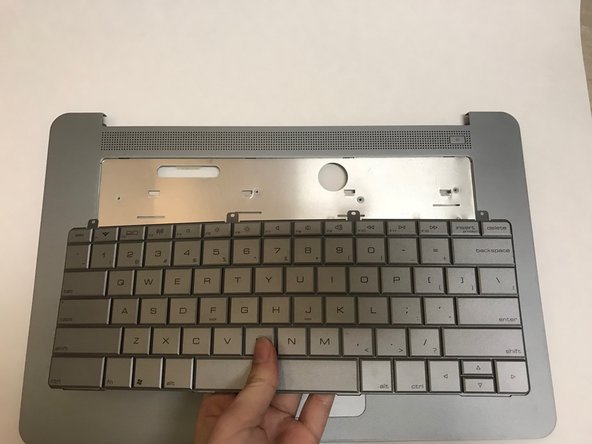
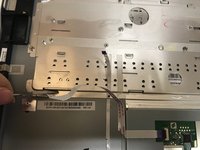
    • Use a metal spudger to carefully push the keyboard out of place.

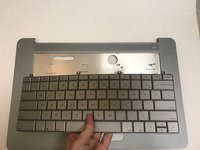
    • Carefully flip the laptop over and pull the keyboard out.

    댓글 쓰기

결론

To reassemble your device, follow these instructions in reverse order.

취소: 해당 안내서를 완성하지 않았습니다.

다른 3명이 해당 안내서를 완성하였습니다.

작성자

3다른 기여자 명과 함께

jalon

회원 가입일: 03/07/18

115 평판

안내서 1개를 작성함

0가이드 댓글

댓글 쓰기

조회 통계:

지난 24시간: 1

지난 7일: 10

지난 30일: 28

전체 시간: 1,149