주요 콘텐츠로 건너뛰기

ZTE Awe Screen Replacement

필요한 것

  1. ZTE Awe Screen Replacement, Detach the mid frame: 1 단계, 이미지 1개 중 1개
    • Use the Phillips Head 00 screw driver to unscrew the seven 0.1mm screws from the phone's mid frame.

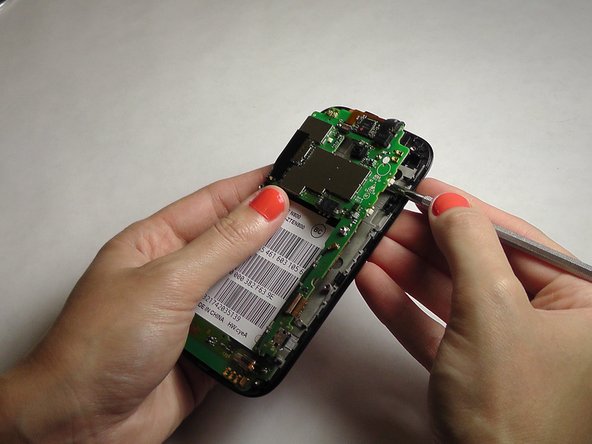
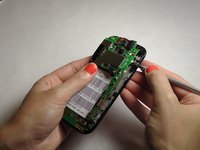
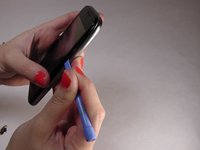
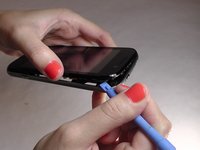
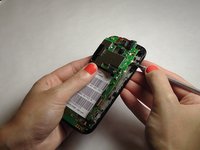
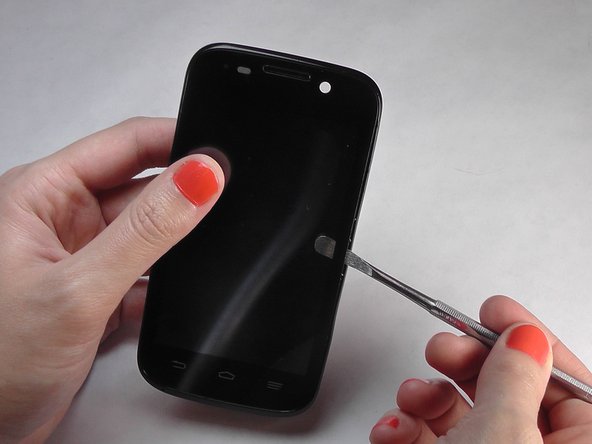
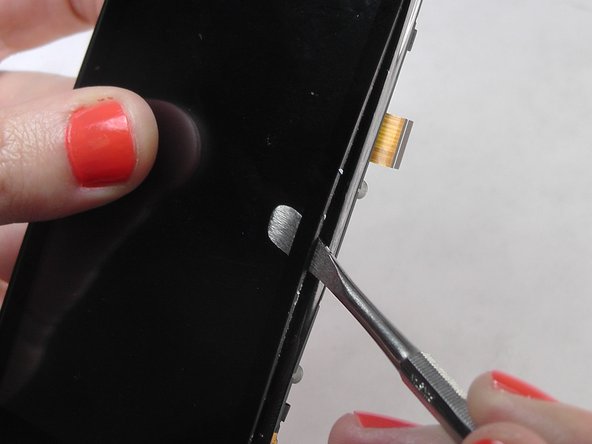
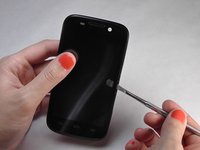
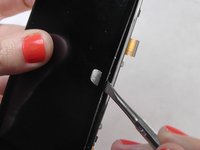
  2. ZTE Awe Screen Replacement, Separate the mid frame and the digitizer: 2 단계, 이미지 3개 중 1개 ZTE Awe Screen Replacement, Separate the mid frame and the digitizer: 2 단계, 이미지 3개 중 2개 ZTE Awe Screen Replacement, Separate the mid frame and the digitizer: 2 단계, 이미지 3개 중 3개
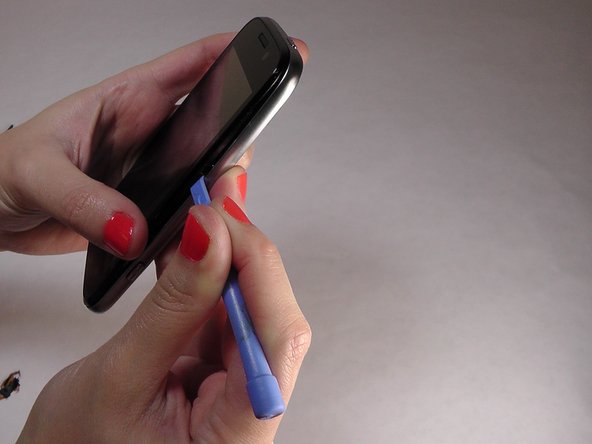
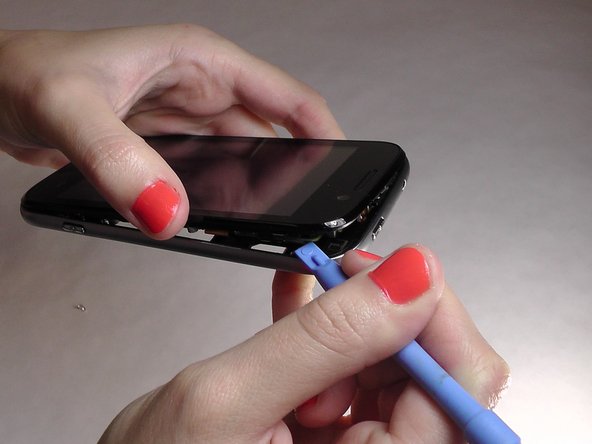
    • Wedge the flat end of the spudger between the mid frame and the digitizer.

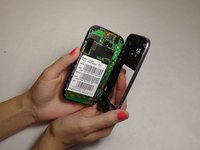
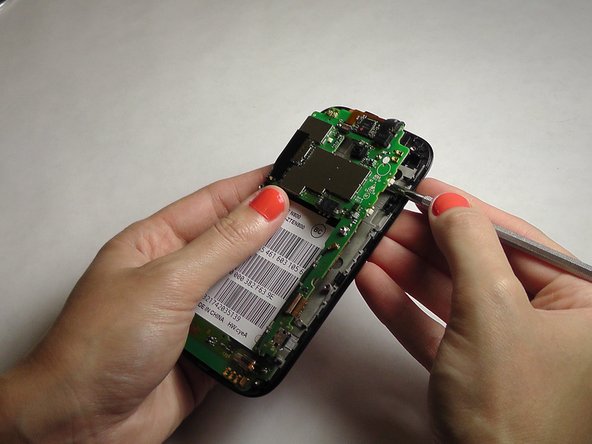
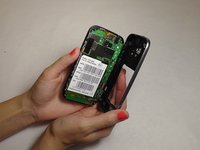
  3. ZTE Awe Screen Replacement, Expose the motherboard: 3 단계, 이미지 2개 중 1개 ZTE Awe Screen Replacement, Expose the motherboard: 3 단계, 이미지 2개 중 2개
    • Gently pry the mid frame away from the rest of the phone to expose the motherboard.

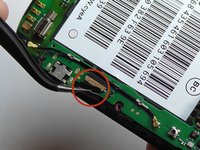
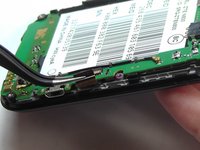
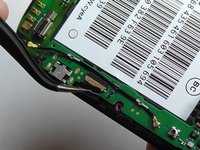
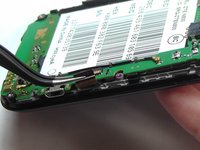
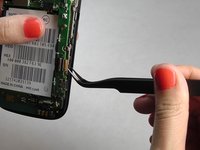
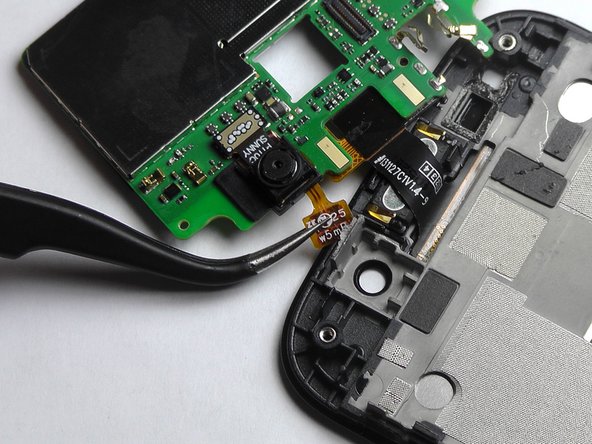
  4. ZTE Awe Screen Replacement, Remove the ribbon wires: 4 단계, 이미지 3개 중 1개 ZTE Awe Screen Replacement, Remove the ribbon wires: 4 단계, 이미지 3개 중 2개 ZTE Awe Screen Replacement, Remove the ribbon wires: 4 단계, 이미지 3개 중 3개
    이 단계에 사용된 도구:
    Tweezers
    $4.99
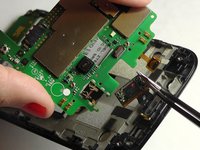
    • Use the tweezers to remove the four ribbon wires on the sides of the device.

  5. ZTE Awe Screen Replacement, Orient the motherboard: 5 단계, 이미지 1개 중 1개
    • Orient the motherboard to expose the mid frame.

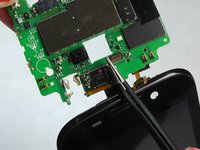
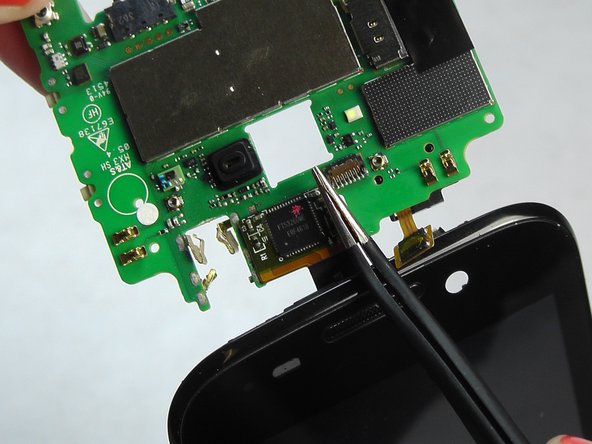
  6. ZTE Awe Screen Replacement, Remove the connector: 6 단계, 이미지 3개 중 1개 ZTE Awe Screen Replacement, Remove the connector: 6 단계, 이미지 3개 중 2개 ZTE Awe Screen Replacement, Remove the connector: 6 단계, 이미지 3개 중 3개
    • Remove the connector to free the motherboard from the screen.

  7. ZTE Awe Screen Replacement, Remove the cover: 7 단계, 이미지 1개 중 1개
    • Remove the back cover from the phone.

  8. ZTE Awe Screen Replacement, Remove battery: 8 단계, 이미지 1개 중 1개
    • Pry the battery up and out of the phone.

  9. ZTE Awe Screen Replacement: 9 단계, 이미지 3개 중 1개 ZTE Awe Screen Replacement: 9 단계, 이미지 3개 중 2개 ZTE Awe Screen Replacement: 9 단계, 이미지 3개 중 3개
    • Gently wedge the spudger in between the glass screen and the mid frame.

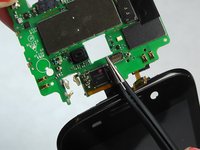
  10. ZTE Awe Screen Replacement, Separate the motherboard from the screen: 10 단계, 이미지 2개 중 1개 ZTE Awe Screen Replacement, Separate the motherboard from the screen: 10 단계, 이미지 2개 중 2개
    • Carefully pry the screen away from the motherboard.

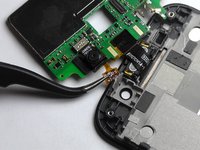
  11. ZTE Awe Screen Replacement, Remove the ribbons: 11 단계, 이미지 3개 중 1개 ZTE Awe Screen Replacement, Remove the ribbons: 11 단계, 이미지 3개 중 2개 ZTE Awe Screen Replacement, Remove the ribbons: 11 단계, 이미지 3개 중 3개
    • Be careful when removing the ribbon wires. They are delicate.

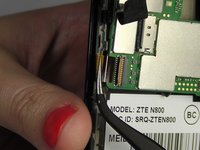
  12. ZTE Awe Screen Replacement, Remove the remaining ribbons: 12 단계, 이미지 3개 중 1개 ZTE Awe Screen Replacement, Remove the remaining ribbons: 12 단계, 이미지 3개 중 2개 ZTE Awe Screen Replacement, Remove the remaining ribbons: 12 단계, 이미지 3개 중 3개
    • Remove the remaining two ribbon wires from their connectors.

  13. ZTE Awe Screen Replacement, Expose the digitizer: 13 단계, 이미지 3개 중 1개 ZTE Awe Screen Replacement, Expose the digitizer: 13 단계, 이미지 3개 중 2개 ZTE Awe Screen Replacement, Expose the digitizer: 13 단계, 이미지 3개 중 3개
    • Wedge the plastic spudger between the screen and the digitizer.

    • Gently pry apart the screen from the digitizer.

결론

To reassemble your device, follow these instructions in reverse order.

다른 12명이 해당 안내서를 완성하였습니다.

작성자

4다른 기여자 명과 함께

Jennifer DeMeo

회원 가입일: 10/07/14

1,035 평판

안내서 5개를 작성함

USF Tampa, Team 1-2, Leahy Fall 2014 USF Tampa, Team 1-2, Leahy Fall 2014 회원

USFT-LEAHY-F14S1G2

4 회원들

안내서 10개를 작성함

0가이드 댓글

댓글 쓰기

조회 통계:

지난 24시간: 1

지난 7일: 1

지난 30일: 4

전체 시간: 14,317