주요 콘텐츠로 건너뛰기
수리 커뮤니티 가입 - 계정 만들기

ZTE Jasper LTE Screen Replacement

필요한 것

  1. ZTE Jasper LTE Screen Replacement, Battery: 1 단계, 이미지 1개 중 1개
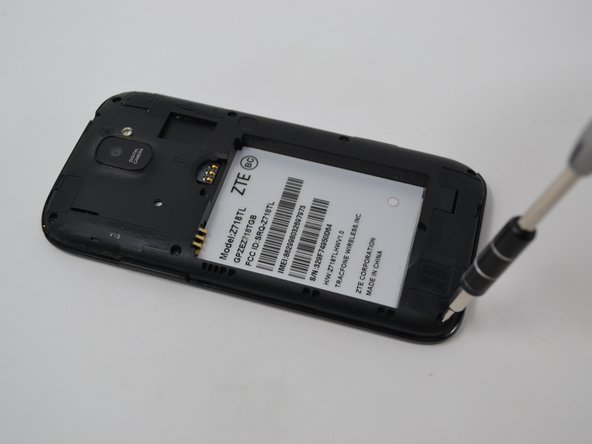
    • Insert the spudger into the bottom left corner of the phone.

    • Use the spudger to loosen the back cover.

  2. ZTE Jasper LTE Screen Replacement: 2 단계, 이미지 1개 중 1개
    • Insert the black spudger near the bottom left of the battery. There will be an opening to easily to remove the battery.

    • Continuing to use tool, prop up the battery and remove it.

  3. ZTE Jasper LTE Screen Replacement, Camera: 3 단계, 이미지 2개 중 1개 ZTE Jasper LTE Screen Replacement, Camera: 3 단계, 이미지 2개 중 2개
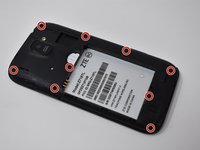
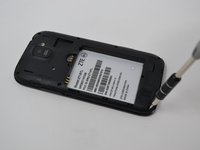
    • Remove nine 0.8mm Phillips #00 screws.

  4. ZTE Jasper LTE Screen Replacement: 4 단계, 이미지 2개 중 1개 ZTE Jasper LTE Screen Replacement: 4 단계, 이미지 2개 중 2개
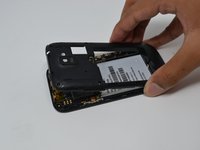
    • Remove the back cover by pulling upwards.

    • Removing the back cover may take a bit of force.

  5. ZTE Jasper LTE Screen Replacement: 5 단계, 이미지 3개 중 1개 ZTE Jasper LTE Screen Replacement: 5 단계, 이미지 3개 중 2개 ZTE Jasper LTE Screen Replacement: 5 단계, 이미지 3개 중 3개
    이 단계에 사용된 도구:
    Tweezers
    $4.99
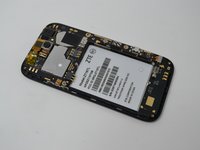
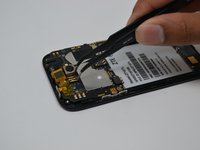
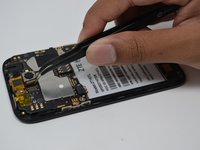
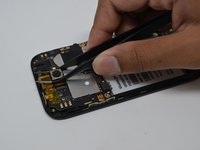
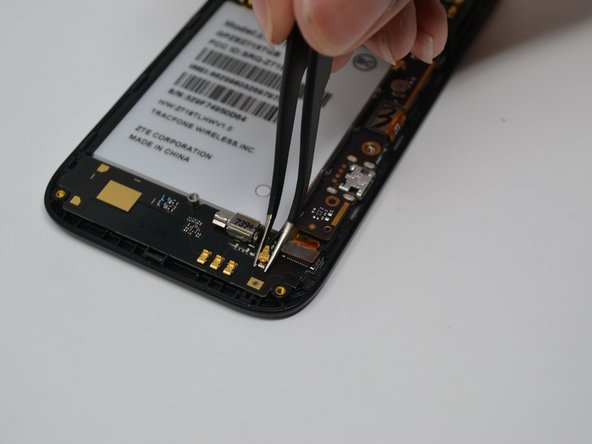
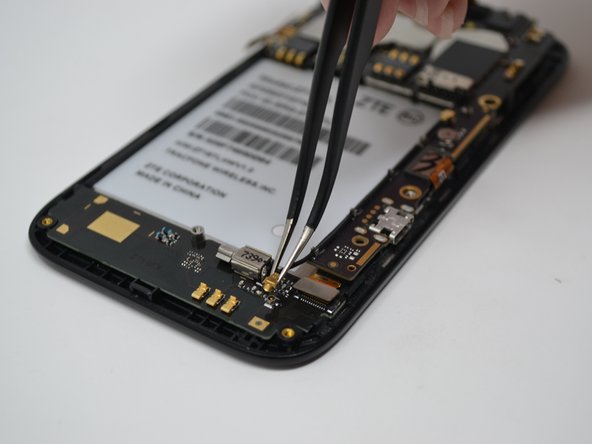
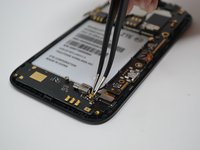
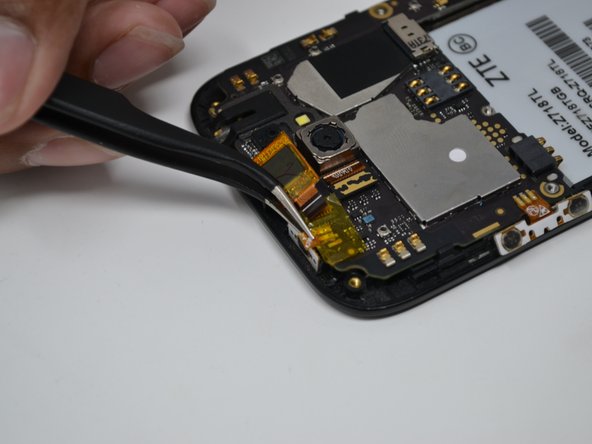
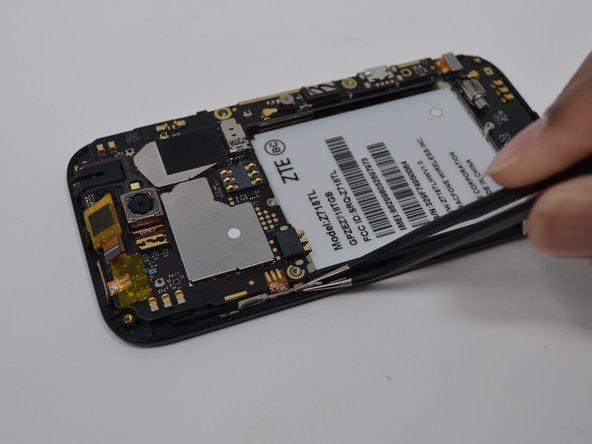
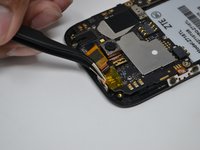
    • Disconnect the gold component attached to the camera by pulling upwards using the tweezers.

    • Remove the camera using the tweezers by gripping tightly around the camera and pulling upwards.

    • Camera is attached to the motherboard with adhesive. As such, you may need to use light force to remove the camera.

  6. ZTE Jasper LTE Screen Replacement, Screen: 6 단계, 이미지 1개 중 1개
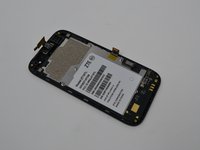
    • Disconnect all of these parts from the motherboard.

  7. ZTE Jasper LTE Screen Replacement: 7 단계, 이미지 3개 중 1개 ZTE Jasper LTE Screen Replacement: 7 단계, 이미지 3개 중 2개 ZTE Jasper LTE Screen Replacement: 7 단계, 이미지 3개 중 3개
    이 단계에 사용된 도구:
    Tweezers
    $4.99
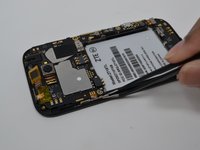
    • Remove the 0.8mm Phillips #00 screw from the bottom right.

    • Disconnect the gold pin by pulling upwards with the tweezers.

  8. ZTE Jasper LTE Screen Replacement: 8 단계, 이미지 3개 중 1개 ZTE Jasper LTE Screen Replacement: 8 단계, 이미지 3개 중 2개 ZTE Jasper LTE Screen Replacement: 8 단계, 이미지 3개 중 3개
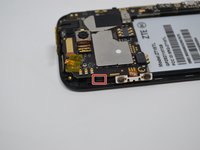
    • Lightly disconnect the power button, volume button and the chip from the motherboard.

    • Be careful not to tear the volume and power button off the motherboard.

  9. ZTE Jasper LTE Screen Replacement: 9 단계, 이미지 2개 중 1개 ZTE Jasper LTE Screen Replacement: 9 단계, 이미지 2개 중 2개
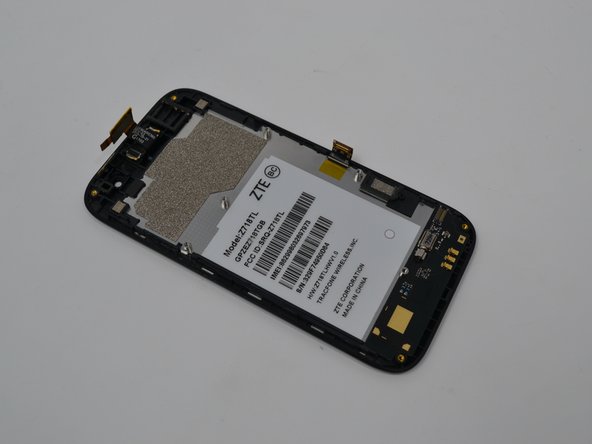
    • Lightly move clip back to release the motherboard.

    • Gently pull the motherboard away from the screen.

결론

To reassemble your device, follow these instructions in reverse order.

다른 2명이 해당 안내서를 완성하였습니다.

작성자

4다른 기여자 명과 함께

Anthony Sou

회원 가입일: 04/22/19

391 평판

안내서 4개를 작성함

UW Tacoma, Team S1-G1, Cardinal Spring 2019 UW Tacoma, Team S1-G1, Cardinal Spring 2019 회원

UWT-CARDINAL-S19S1G1

4 회원들

안내서 10개를 작성함

0가이드 댓글

댓글 쓰기

조회 통계:

지난 24시간: 3

지난 7일: 16

지난 30일: 31

전체 시간: 415