필요한 것
-
-
-
In the notebook shell intermediate insert a thin card This will separate the shell
-
-
-
-
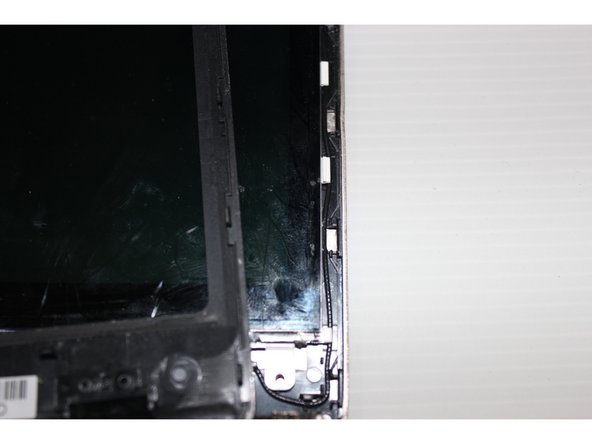
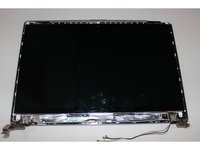
To separate the shell casing removed some attention how to combine together The perfect time to go into the screen You will understand how to combine together
-
-
-
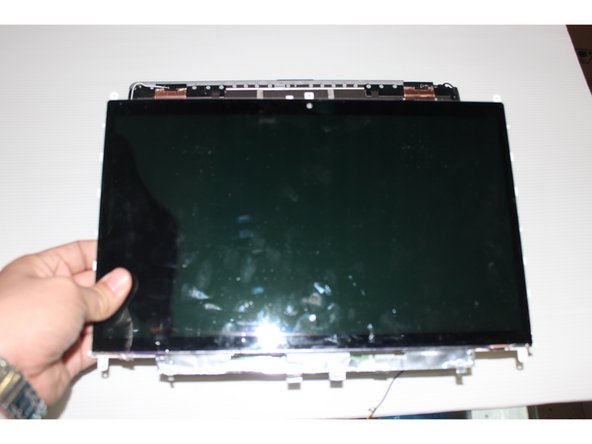
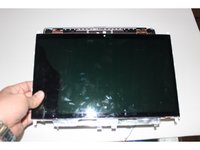
Many models of LCD directly could get down But this machine's LCD screen needs to move down flat push
-
-
-
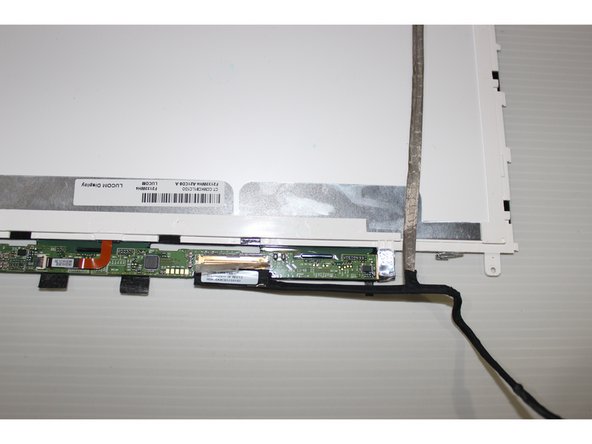
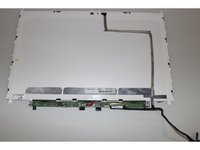
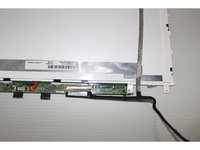
The LCD screen upside down We can put the screen line to win Must pay attention to the screen wire interface
-
-
-
The new LCD and then put the housing installed Screws installed on the notebook intact You can continue to work
-

 FixBot에 문의하기








To reassemble your device, follow these instructions in reverse order.
다른 한 분이 해당 안내서를 완성하였습니다.

