소개
The iHome IH27B is a portable alarm clock and sound system. This device acts as a dock for the following devices: iPhone 8, 9 and 10. Placing your iPod on and off of the adapter can cause some normal wear and tear to the dock connector. If you have noticed that your dock connector on the dock is loose or appears to be damaged, you may need to replace the iPod connector.
필요한 것
-
-
-
Set the IHome on a surface facing upward.
-
Locate the two screws on the docking station adapter.
-
Remove the following screws:
-
Two 10 mm Phillips #0
 FixBot에 문의하기
-
-
-
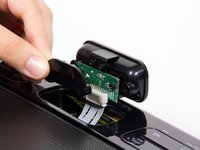
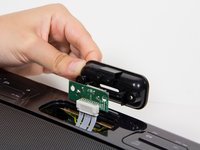
Grip the plastic adapter case and pull upwards with a medium amount of force. You will have to twist forward a little so that the connections are visible.
-
-
-
-
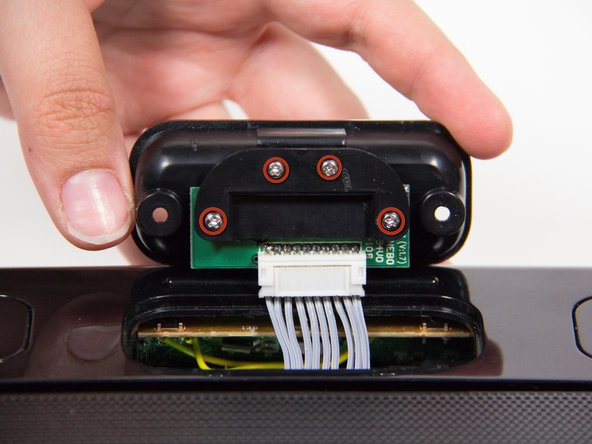
Remove the following screws:
-
Four 7 mm Phillips #0
-
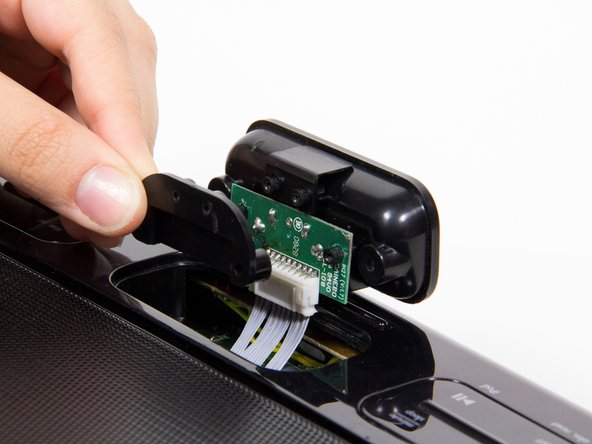
Lift up the two black plastic pieces that have come loose on either side of the circuit board, and set them aside.
-
-
-
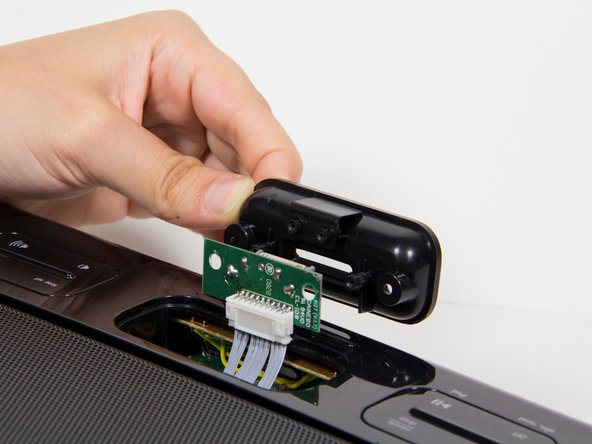
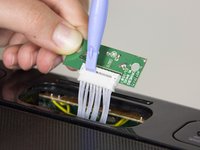
Carefully pry apart the bundle of white wires connected at the junction with the plastic opening tool.
-
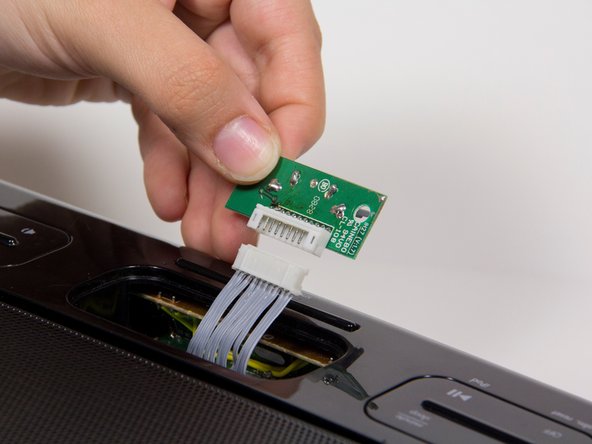
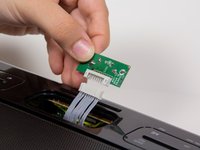
Lift up the circuit board that has become loose.
-
-




To reassemble your device, follow these instructions in reverse order.
다른 한 분이 해당 안내서를 완성하였습니다.

팀

Cal Poly, Team 3-21, Amido Fall 2012 Cal Poly, Team 3-21, Amido Fall 2012 회원
CPSU-AMIDO-F12S3G21
4 회원들
안내서 36개를 작성함
