소개
Use this guide to replace your iHome iP1's damaged or faulty command buttons. These buttons are located on the front of the iPod/iPhone dock and are used pause/play music and change the volume of the speakers.
필요한 것
-
-
-
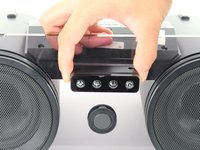
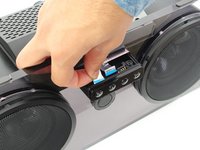
Remove the dock cover by grabbing its sides and pulling it up and away from the faceplate.
-
-
-
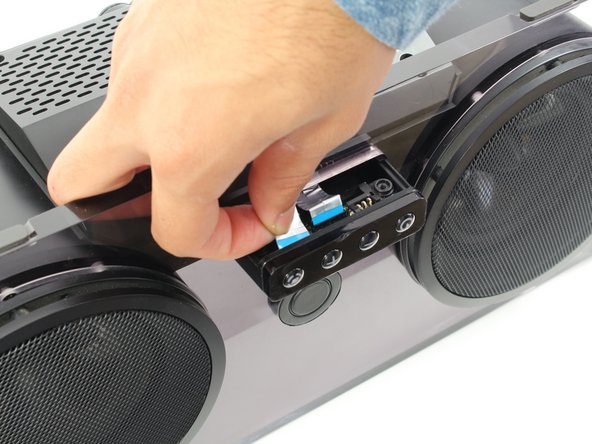
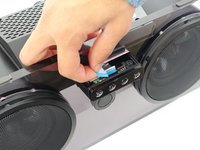
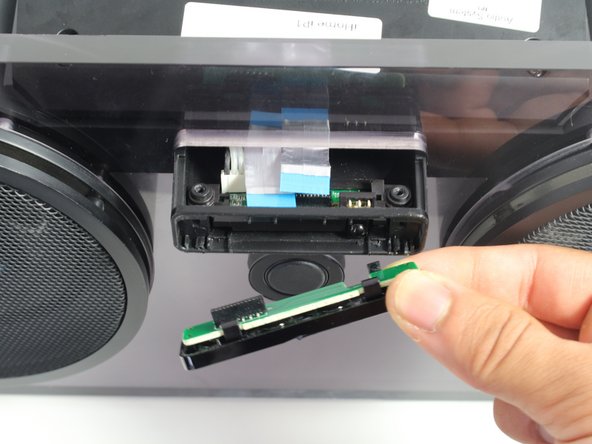
Disconnect the silver ribbon cable on the left-hand side by pulling away from the command buttons.
-
-
-
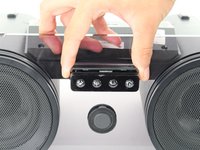
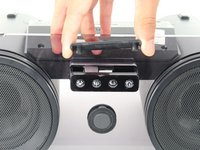
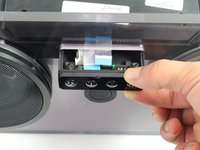
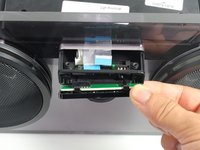
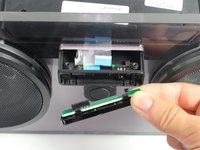
Remove the command buttons by pulling the small black panel containing them downward and away from the faceplate.
-

 FixBot에 문의하기





To reassemble your device, follow these instructions in reverse order.
다른 한 분이 해당 안내서를 완성하였습니다.

팀

Cal Poly, Team 20-1, Livingston Fall 2016 Cal Poly, Team 20-1, Livingston Fall 2016 회원
CPSU-LIVINGSTON-F16S20G1
4 회원들
안내서 14개를 작성함
