주요 콘텐츠로 건너뛰기
수리 커뮤니티 가입 - 계정 만들기

iRobot Roomba 980 Brush Module Replacement

필요한 것

  1. iRobot Roomba 980 Brush Module Replacement, Battery: 1 단계, 이미지 1개 중 1개
    • Flip over the device and remove the two 11.5 mm screws using the Phillips #1 screwdriver.

    댓글 쓰기

  2. iRobot Roomba 980 Brush Module Replacement: 2 단계, 이미지 2개 중 1개 iRobot Roomba 980 Brush Module Replacement: 2 단계, 이미지 2개 중 2개
    • Unscrew the back plate using a Phillips #1 screwdriver.

    • Carefully lift the panel up once the screws are removed.

    댓글 쓰기

  3. iRobot Roomba 980 Brush Module Replacement: 3 단계, 이미지 2개 중 1개 iRobot Roomba 980 Brush Module Replacement: 3 단계, 이미지 2개 중 2개
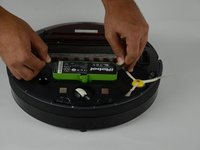
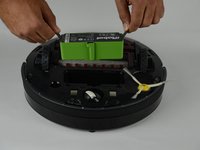
    • With both hands, grab the two black tabs on each end of the battery.

    • Pull the tabs upwards to remove the battery.

    댓글 쓰기

  4. iRobot Roomba 980 Brush Module Replacement, Brush Module: 4 단계, 이미지 3개 중 1개 iRobot Roomba 980 Brush Module Replacement, Brush Module: 4 단계, 이미지 3개 중 2개 iRobot Roomba 980 Brush Module Replacement, Brush Module: 4 단계, 이미지 3개 중 3개
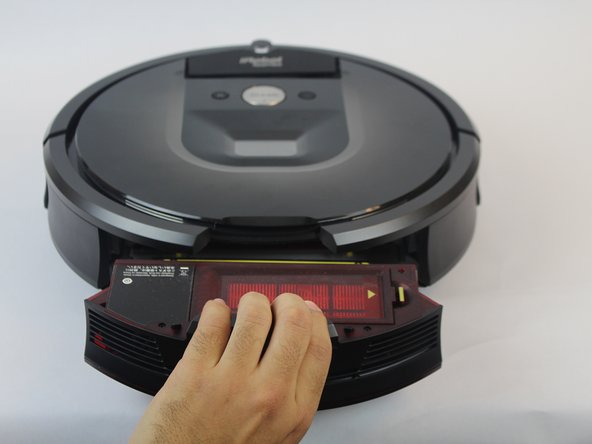
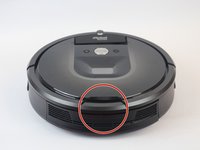
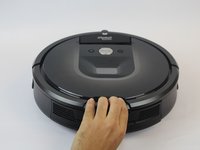
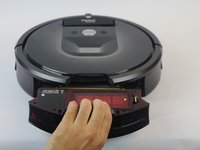
    • Press down on the button on the rear of the device.

    • Pull bin towards you to remove it.

    댓글 쓰기

  5. iRobot Roomba 980 Brush Module Replacement: 5 단계, 이미지 2개 중 1개 iRobot Roomba 980 Brush Module Replacement: 5 단계, 이미지 2개 중 2개
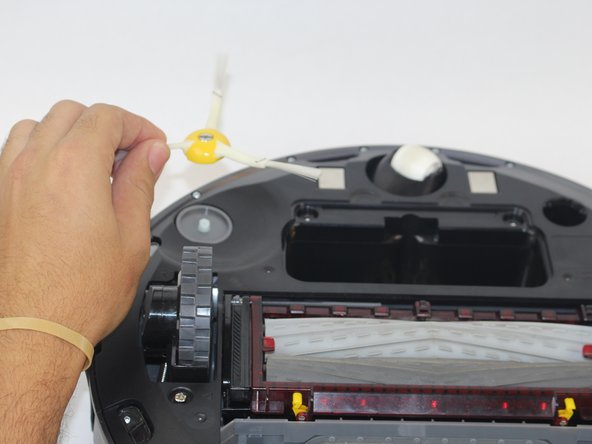
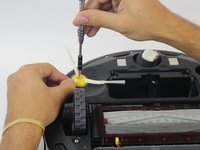
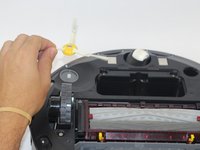
    • Loosen the screw holding the side brush in place.

    • The screw is attached to the side brush and does not come out completely.

    • Lift the side brush.

    댓글 쓰기

  6. iRobot Roomba 980 Brush Module Replacement: 6 단계, 이미지 2개 중 1개 iRobot Roomba 980 Brush Module Replacement: 6 단계, 이미지 2개 중 2개
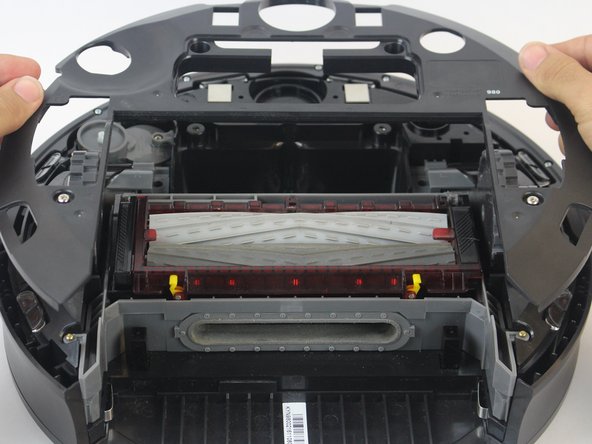
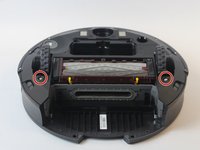
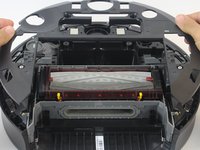
    • Remove the (2) 11.5mm Phillips #1 screws holding down the bottom plate.

    • Carefully lift the bottom plate.

    댓글 쓰기

  7. iRobot Roomba 980 Brush Module Replacement: 7 단계, 이미지 1개 중 1개
    • Remove the (4) 15.8mm Phillips #1 gold screws around the brush module.

    댓글 쓰기

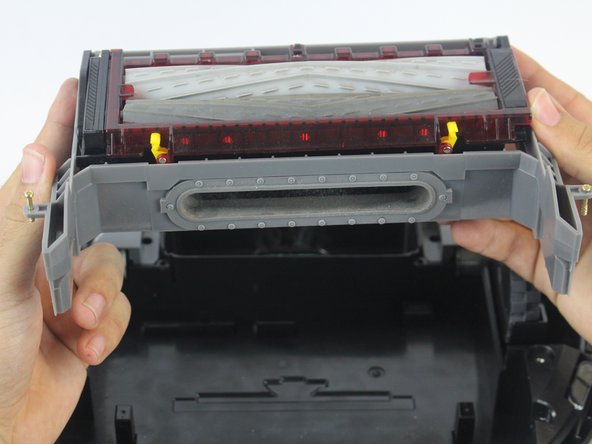
  8. iRobot Roomba 980 Brush Module Replacement: 8 단계, 이미지 2개 중 1개 iRobot Roomba 980 Brush Module Replacement: 8 단계, 이미지 2개 중 2개
    • Lift the brush module carefully using both hands.

    댓글 쓰기

결론

To reassemble your device, follow these instructions in reverse order.

취소: 해당 안내서를 완성하지 않았습니다.

다른 3명이 해당 안내서를 완성하였습니다.

작성자

2다른 기여자 명과 함께

Ernesto Rodriguez Romero

회원 가입일: 09/27/17

1,040 평판

안내서 4개를 작성함

USF Tampa, Team S14-G2, Boczar Fall 2017 USF Tampa, Team S14-G2, Boczar Fall 2017 회원

USFT-BOCZAR-F17S14G2

4 회원들

안내서 9개를 작성함

0가이드 댓글

댓글 쓰기

조회 통계:

지난 24시간: 2

지난 7일: 11

지난 30일: 38

전체 시간: 5,218