페이지 토막글
This wiki page is a stub. Help us improve this page by adding information to it!
학생-기여 위키
자사 교육 프로그램의 멋진 학생들이 이 위키를 만들었습니다.
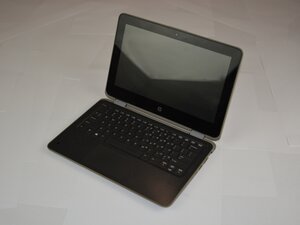
HP ProBook x360 11 G3 EE가 간단한 작업을 수행할 때 매우 뜨거워진다면, 이 페이지에서 해결 방법을 확인해 보세요.
먼지가 쌓인 통풍구
노트북 뒷면의 통풍구를 살펴보세요. 먼지가 가득하다면 청소가 필요합니다. 통풍구 내부에 먼지와 이물질이 쌓이면 노트북이 과열될 수 있습니다. 압축 공기 캔을 사용하여 통풍구의 먼지를 제거하면 공기 흐름이 원활해져 노트북을 냉각할 수 있습니다.
고장 난 팬
작동 중에 팬 돌아가는 소리가 들리지 않는다면, 팬이 고장 났을 수 있습니다. 노트북의 하단 케이스를 분리하고 팬을 점검하세요. 팬이 더럽다면 이물질을 제거해 보세요. 노트북을 켜고 팬이 돌아가는지 확인한 후, 그래도 돌아가지 않는다면 팬을 교체해야 합니다.

팀

Texas Tech, Team 37-7, Allen Fall 2025 Texas Tech, Team 37-7, Allen Fall 2025 회원
TTU-ALLEN-F25S37G7
5 회원들
안내서 71개를 작성함

댓글 0개