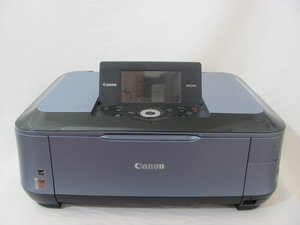

How do I wirelessly connect a second computer to this printer?
How do I wirelessly connect to this printer if one computer is already connected?
좋은 질문입니까?
점수
3
평판: 355
 10
10
 4
4
How do I wirelessly connect to this printer if one computer is already connected?
좋은 질문입니까?
평판: 202
6
1
Here is a great guide on the Canon webpage on how to set up all of your wireless devices.
이 답변이 도움이 되었나요?
평판: 61
2
IF you have a mac, connect it over wifi and it should detect it through system preferences -> Printers & Scanners -> the little + button at the bottom of the list. For windows, you can just download the drivers, Control panel -> Printers -> add a new device. Now it should show up in the list. Select it and you should be good to go! Remember to connect it via wifi or Ethernet cable/lan.
이 답변이 도움이 되었나요?
지난 24시간: 0
지난 7일: 3
지난 30일: 20
전체 시간: 703


