
 6
6  2
2 Keyboard malfunction,hardware or software problem?
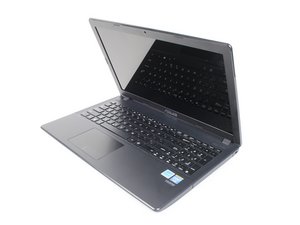
Okay so i know this is not the keyboard itself because i have replaced it and didn't fix the problem. Scanned my whole computer and found no viruses, what the problem is, is that if i were to press key "3" that's above letter "E" it would show up as ".74231" if i press letter "E" the results i get are "hge9+" also the caps lock and spacebar act like this, not every key but about a handful of them do. I have already tried the "fn" "num lk" technique but it still does it.
좋은 질문입니까?
점수
4




74231.7423174231.p7s 74231i have th74231i
I have the same problem! ugh. glad im not alone! all of the same problems although when i brought it to best buy to look at it they found nothing. they ..7423174231.74231.even kept it for a couple days and it didnt do it for them. but only for me. smh. i learned that if you slap the laptop with your hand, it will calm down for a few moments and stop...yup, the good ol fashion american way....lol.
mpickering86 의
experiencing the same problem. Any updates? Please help me!!!!
rheizel13 의
My guess is liquid damage / corrosion on keyboard connector, controller chip or circuit traces between kb connector and control chip.
Ben 의
Tengo el mismo problema, además la tecla de la "barra espacio" escribe "nbz ". Lo curioso es que el problema desapareció en 2 ocasiones que no estuve conectado a internet (5 horas aproximadamente), pero luego volvió al conectarme a internet.
Luis Ocampo 의