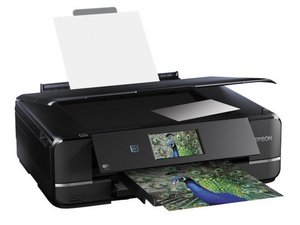

Epson XP-960 does not print black
I installed a non-oem black cartridge in my Epson XP-960. During the installation, the printer warned me that the cartridge is not Epson one, and that this may create problems (bad printing quality, etc). Then the printer specifically asked me if I want to use this cartridge. I clicked "yes", and the installation was completed OK. However, when I tried to print a document, black color was not printing at all. After that, I did all the maintenance, cleaned nozzles, etc. No effect. I have a feeling that the printer is simply pre-programmed not work with third party cartridges. Anybody had the same problem? Maybe there is a solution? Would be extremely grateful for any ideas or advice. thank you.
좋은 질문입니까?
점수
0

 7
7  66
66  97
97 