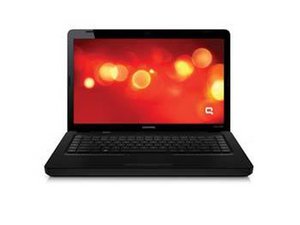

Screen issue turned sideways mouse acting funny
My screen turned sideways how do I get it back
좋은 질문입니까?
점수
1
평판: 13
 1
1
My screen turned sideways how do I get it back
좋은 질문입니까?
평판: 103.4k
18
 200
200
 308
308
Try pressing Ctrl + Alt + UP Arrow Keys(or one of the other Arrow Keys). Also right-click on empty Desktop > Graphics Options > Rotation or Orientation depending on your version of windows Hope this helps
이 답변이 도움이 되었나요?
this worked but the mouse is still flipped, is there a way to fix that?
지난 24시간: 0
지난 7일: 2
지난 30일: 12
전체 시간: 739