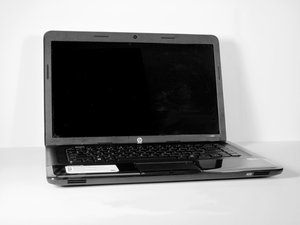

external monitor quit working
My external HP w2207 monitor was working fine. I'm running Windows 10 . A while back, that monitor quit working and also changed my desktop screen. I believe, but I'm not sure, the problem began after installing an update from AMD - the manufacturer of the processor. I have searched the AMD support site, the Microsoft and Windows 10 support site, and the HP support site, but I could find nothing about my problem.
Is this site monitored? Will I get an answer or advice?
좋은 질문입니까?
점수
0

Go to Settings --> System --> Display in Windows 10.
How many displays does your laptop see?
S W 의
check the input setting for the external monitor to see if it matches the type video cable you are using. There should be a menu function on the external monitor using the control buttons. You can also try a different video cable, VGA seems to work the easiest but with lower video quality.
DrGlowire 의