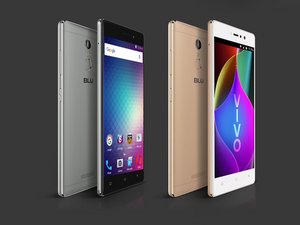

Data transfer through cable
How to data transfer from vivo 5R to pc through USB cable?
좋은 질문입니까?
점수
0
How to data transfer from vivo 5R to pc through USB cable?
좋은 질문입니까?
평판: 223
 2
2
Connect it to your PC. Then, once you have done that go into the notifications section on your phone. You’ll see something about the USB connection in the form of a notification. Tap it and pick the setting File Transfer.
이 답변이 도움이 되었나요?
To transfer data from vivo 5R to pc through USB cable, try Coolmuster Android Assistant. First, link it to pc via USB cable, enable USB debuggingg on it. A short scanning later, all data on vivo 5R will be displayed on program window, including contacts, text messages, call logs, photos, videos, music, et. Then we can preview and choose data to transfer to pc directly.
이 답변이 도움이 되었나요?
지난 24시간: 0
지난 7일: 0
지난 30일: 5
전체 시간: 716