
주요 콘텐츠로 건너뛰기
수리 커뮤니티 가입 - 계정 만들기

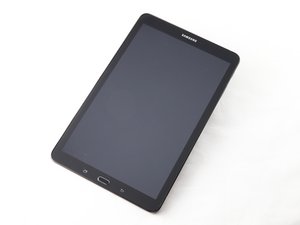
The Samsung Galaxy Tablet E 9.6 was announced June, 2015 and released on July 2015.

Forgot PIN Do NOT want factory reset

Can it be unlocked - without fsctory reset

이 질문에 답하기 저도 같은 문제가 있습니다

좋은 질문입니까?

점수 1
댓글 달기

답변 1개

가장 유용한 답변

No, sadly. You have to factory reset your phone in order to be able to use it again. It is a security measure put in place to protect your data from being in the wrong hands. You can factory reset your phone with the steps below.

  1. Turn off the device.
  2. Press and hold the Volume Up key and the Home key, then press and hold the Power key.
  3. When the Samsung Galaxy Tab E logo screen displays, release only the Power key
  4. When the Android logo displays, release all keys ('Installing system update' will show for about 30 - 60 seconds before showing the Android system recovery menu options).
  5. Press the Volume Down key several times key to highlight 'wipe data / factory reset.'
  6. Press Power button to select.
  7. Press the Volume down key until 'Yes -- delete all user data' is highlighted.
  8. Press Power button to select and start the master reset.
  9. When the master reset is complete, 'Reboot system now' is highlighted.
  10. Press the Power key to restart the device.

이 답변이 도움이 되었나요?

점수 2
댓글 달기

답변을 추가하세요

PattiPatti Birge 영원히 감사할 것입니다.
조회 통계:

지난 24시간: 1

지난 7일: 5

지난 30일: 41

전체 시간: 6,839