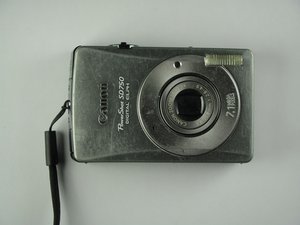

How do I adjust autofocus?
The camera works except pictures are always out of focus. Is there a way to make an adjustment?
좋은 질문입니까?
점수
-1
평판: 7
 2
2
The camera works except pictures are always out of focus. Is there a way to make an adjustment?
좋은 질문입니까?
평판: 86
 5
5
2
Want to rule out the possibility that basics needed we being done.
1. Press and hold the shutter button halfway for about a second or two before pressing completely. When the camera focuses, the camera will beep twice and a green indicator lights on. Also a green box appears on the LCD of the camera. Please let me know if this works.
이 답변이 도움이 되었나요?
Refer to this for more information
Thanks but I do know about holding the shutter button. The picture is visibly out of focus even on the LCD screen.
Any Ideas?
have you tried taking the camera apart and cleaning it/blowing air around the lens? It may be something is blocking the barrel from fine focus. other than that I'd imagine this may be a problem with your zoom/focus flex. if you follow the guides on the right there are a few links on the first page to parts shops and a blog about a lens problem..she has taken parts from a different powershot..it's worth a read and may help you a bit more..
btw are the photos on your pc out of focus or just on the lcd??
지난 24시간: 0
지난 7일: 1
지난 30일: 21
전체 시간: 2,710

