
 4
4  1
1 Apple Install Disk versus Ubuntu EFI
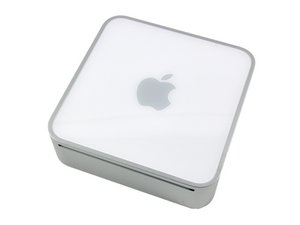
Trying to upgrade the disk in the mini I ran into a problem. It seems that if Ubuntu is installed first, the Apple Install disk isn’t even seen as a bootable disk. Using Alt to invoke the boot manager, only the Ubuntu/EFI partition showed. Just as a band aid I grabbed a new disk and installed it. Then the Apple Install was bootable and the install went smoothly.
How do I get rid of the Boot Manager Ubuntu installed so I can put Apple OS on that disk ? Now if I had a drive enclosure then I’d put it in there and use Disk Utility, but I don’t. Nor do I have a two disk system except an older Mac Pro that might run OS 9.
좋은 질문입니까?
점수
0

 977
977 