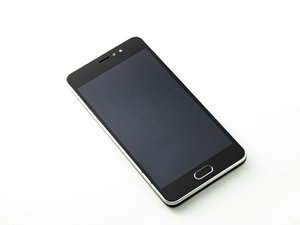

I can't see USB attachment
My orbic cell phone doesn't see the attached device using the USB
좋은 질문입니까?
점수
0
My orbic cell phone doesn't see the attached device using the USB
좋은 질문입니까?
평판: 550.1k
 11
11
 424
424
 1.6k
1.6k
Hi @jonnaland,
Are you trying to connect a USB 2.0 device to the phone?
Assuming that you have an Orbic Wonder as selected, you need to connect the USB device via a USB-C to USB 2.0 OTG cable adapter (supplier example only).
OTG (On The Go) adapters are required to signal the phone that it needs to supply power to the hosted USB 2.0 device so that it can function.
If the USB device is also USB-C then it should not need an adapter as there should be signalling between the 2 devices when they first connect, that ensures that the phone will supply power to the hosted device.
Here’s a link that shows how to check if the phone supports OTG. Most modern Android phones do.
이 답변이 도움이 되었나요?
지난 24시간: 1
지난 7일: 7
지난 30일: 31
전체 시간: 557

