주요 콘텐츠로 건너뛰기

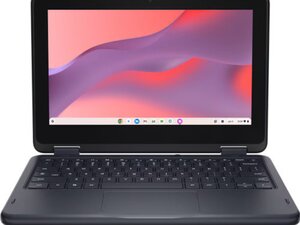
Repair guide and technical information for the Dell Chromebook 11 series, including the standard clamshell and 2-in-1 convertible models. Covers disassembly, replacement parts, and common fixes for displays, keyboards, batteries, and other components.

Why does my keyboard not respond?

I bought my chromebook refurbished about three months ago, and the keyboard isn't quite working right. When I type fast or the internet connection is slow, not all of the keys respond and the backspace bar freezes, resulting in mixed words with multiple missing letters, such as veins to showashe bms mo agrsseandolt wihe child. This is supposed to say begins to show as he becomes more aggressive with the child (this is from an essay I'm writing, don't question it). Is there any way I can fix this or should I send it somewhere?

답변되었습니다! 답변 보기 저도 같은 문제가 있습니다

좋은 질문입니까?

점수 1
댓글 2개

typing generally around the system or online such as Google docs?

It happens wherever I try to type if that's what you're asking

댓글 달기

답변 1개

선택된 해법

So a couple of things might be causing this issue. For starters, you're going to want to Power Wash your device. If something like an application is causing your CPU to be bogged down that might be the culprit.

I would also open the device up and check to make sure the keyboard cable is seated correctly. In addition, I have seen a few Chromebooks where the ribbon cable for the keyboard is creased by the battery. This causes damage to the cable and will result in the connection to the logic board not being complete. If you do open the device up definitely take pictures and upload them here.

이 답변이 도움이 되었나요?

점수 1
댓글 달기

답변을 추가하세요

Gianna Hemming 영원히 감사할 것입니다.
조회 통계:

지난 24시간: 0

지난 7일: 7

지난 30일: 21

전체 시간: 380