
Unable to check for software update
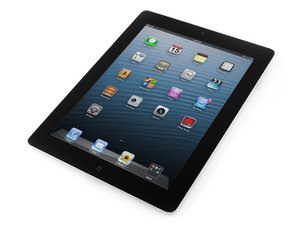
I’m trying to update my iPad fourth generation
좋은 질문입니까?
점수
0
평판: 27.6k
 208
208
 34
34
 43
43
Hi
On older models of the iPad this like this can be a bit more common
There is a way around it though:-)
If you open iTunes/finder on a Mac and plug it in you can update it that way
If you are using a windows computer you just need to download iTunes and do the same thing
When you plug it in there will be a iPad icon near the top of the screen ,click on it and you will have a option to update it
Here’s a video If need a guide
https://m.youtube.com/watch?v=UpAg4QknEG...
Hopefully this helps
Any questions please ask
Thanks:-)
이 답변이 도움이 되었나요?
지난 24시간: 0
지난 7일: 0
지난 30일: 22
전체 시간: 272


댓글 1개
What iPados are you trying to install
MemZNTV 의