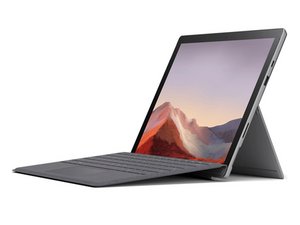

Touch screen not working
Touch screen not working screen works touch function not working
좋은 질문입니까?
점수
0
Touch screen not working screen works touch function not working
좋은 질문입니까?
평판: 1k
 4
4
 1
1
 1
1
If your touchscreen isn't responsive or not working how you would expect, try restarting your PC. If you're still having problems, check for updates: Select Start , then select Settings . In Settings, select Update & security , then WindowsUpdate , and then select the Check for updates button.
Regards,
Will
이 답변이 도움이 되었나요?
지난 24시간: 0
지난 7일: 4
지난 30일: 24
전체 시간: 1,481

