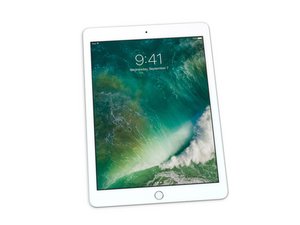

Charging socket not working
I bought the charging socket part to replace
I wanted to ask if there is anyone here who can explain how to change? Does it need soldering?
I would appreciate an answer
Thanks in advance

좋은 질문입니까?
점수
1
평판: 71
 5
5
 4
4
I bought the charging socket part to replace
I wanted to ask if there is anyone here who can explain how to change? Does it need soldering?
I would appreciate an answer
Thanks in advance
좋은 질문입니까?
평판: 1.4k
31
4
 4
4
The charging port seems to require SMD soldering with a heat gun or a hot plate from what I gather.
This is quite a complex procedure that requires soldering on the logic board, which is quite risky. If you do choose to fix it yourself, there are reference videos on Youtube for you to follow.
이 답변이 도움이 되었나요?
Can you get me a link to a YouTube video?
@elchanan1 https://www.youtube.com/watch?v=LbeuzkO5...
This one only includes the soldering part.
You will need to remove the logic board to access the solder pads for the Lightning port ribbon cable underneath it. You'll need to heat up the adhesives and be very gentle prying the digitizer and ribbon cables off.
This guide will take you up until that point:
Don't hesitate to ask if you have any doubts about the process.
지난 24시간: 0
지난 7일: 2
지난 30일: 20
전체 시간: 361

