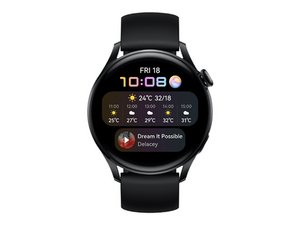

Power button is not working
Hi, there guide to change and replace Huawei Watch 3 crown(power button). Button pressing is not working.
좋은 질문입니까?
점수
2
평판: 25
 1
1
 1
1
Hi, there guide to change and replace Huawei Watch 3 crown(power button). Button pressing is not working.
좋은 질문입니까?
평판: 1.7k
3
Hi,
There is an excellent video on YouTube by GOODTIMES TECH that shows an identical issue with Huawei watch which shows the problem being related to a plastic piece that is worn causing the power button to not activate the switch.
The audio isn’t very clear but very easy to follow and shows successful remedy for the button issue.
You can find it here:
https://m.youtube.com/watch?v=e-_h8R2IXc...
If you’re battery isn’t dead this will more than likely be the issue with your watch.
cheers
이 답변이 도움이 되었나요?
My button clicks good. No worn plastic piece. Maybe corrosion underneath the clicking part onto the PCB ribbon behind.. Even some electronic contact liquid cleaner didn't have any effect.
It still shows the time, and sensors are right, but can't launch any app anymore.
Hello! Same issue like Mars Eye, button click feel good, scroll and long (reseting) button clicks works.
Only the single click doesn't respond. Do anyone have a solution already?
지난 24시간: 3
지난 7일: 18
지난 30일: 68
전체 시간: 1,843


Is your button clicking? Did you get it fixed?
K W 의