
 2
2 Install OS on 2012 iMac headlessly?
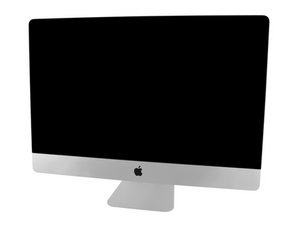
I came across a 2012 iMac (A1419) with a busted display. I removed the LCD panel and the cable altogether, connected it to an external display using a mini DP -> HDMI adapter and it booted up and output to the external display. However, the previous owner didn't wipe the hard drive so I'm stuck at the login screen. And I eventually want to run Linux on it heedlessly.
So I burned a Catalina recovery USB and tried to boot from it. I used a USB keyboard and pressed and held option key when powering up. The USB stick should be good. I can boot from it on a MacBook. However, it looks like the initial screen is not output to the external display so I have no way to install the OS.
Has anyone succeeded in doing this? If so, what's the trick? Thanks.
좋은 질문입니까?

 347
347  977
977 
댓글 4개
Can you hear anything from the computer? Such as the HDD or the computer speaking for VoiceOver?
TeHKy_SS 의
The hard drive is spinning (it’s an old magnetic hard drive, not an ssd, haha). But otherwise there’s no sound. It’s been a while since I installed macOS from scratch. But does voice over come in automatically?
Deling Ren 의
You can see the boot options screen on the external monitor, correct?
TeHKy_SS 의
No, I can’t. The first thing I see on the external monitor is the login screen of macOS. This seems to be different from MacBook where the display is mirrored from the very beginning.
Deling Ren 의