주요 콘텐츠로 건너뛰기
수리 커뮤니티 가입 - 계정 만들기

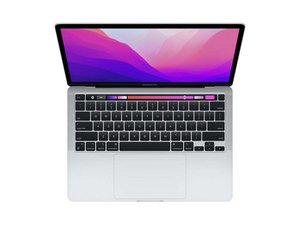
Repair guides and instructions for the Macbook Pro 13" with 2nd generation Apple Silicon (M2 Chip) and 13.3" Retina display. Model A2338. First released July 15, 2022 at WWDC 2022 alongside the Macbook Air M2.

New battery not working

I followed the guide to replace the new battery. However, when I tried to turn it on to start the calibration process. It just says 62% charged even when plugged in for a while. Nothing moves up or down. Then when I remove the charging cable, the Mac automatically turns off. I have to leave the charging cable connected so it can work.

Already have tried restarting, unplugging the battery connector, holding the power button and plugging it back. Not sure what else to do here?

이 질문에 답하기 저도 같은 문제가 있습니다

좋은 질문입니까?

점수 0
댓글 달기

답변 1개

I’m surprised you needed a new battery so soon as this system is still quite new. It sounds like the charging logic within the logic board is having problems. To diagnose further you really need a in-line power meter to place in between your charger and system so you can see the voltages of the system and charger handshake. Here’s one I like Power-Z C240 Portable USB-C Tester, Digital Power Meter, Supports up to 240W and PD3.1 QC5.0, for USB-C

If the charging logic within the logic board is bad you’ll need to find someone with the deeper skills to repair the board and sadly you didn’t need to get a new battery.

이 답변이 도움이 되었나요?

점수 0

댓글 2개:

Oh no the issue was that I spilled some water and everything else was fine except the battery, so that is why I needed to replace it since it was showing the service needed message. Do you think it would still be the charging logic?

@johnsmith79269 - Well that explains the need of a new battery, time to dig a bit deeper using the USB-C Power Meter. You should see 5volts then transition to 20volts which is the charging voltage.

댓글 달기

답변을 추가하세요

John Smith 영원히 감사할 것입니다.
조회 통계:

지난 24시간: 0

지난 7일: 0

지난 30일: 5

전체 시간: 104
