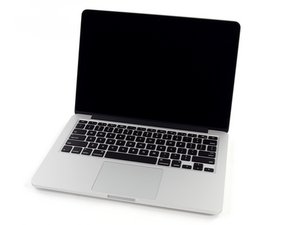

Video not displaying after attempted left speaker replacement
Tried to follow instructions but it didn't work out. Video is not displayed. Seems to do the bong start-up but no video. Help?
좋은 질문입니까?
점수
0
평판: 1
 2
2
Tried to follow instructions but it didn't work out. Video is not displayed. Seems to do the bong start-up but no video. Help?
좋은 질문입니까?
지난 24시간: 0
지난 7일: 2
지난 30일: 22
전체 시간: 204

댓글 7개
Please post some tight pics of the video cable (both sides) and the logic board connector as well so we can see what happened.
DanJ 의
Weird as the speakers are nowhere near to the display connections.... can you be more descriptive in what you had touched inside?
livfe 의
@livfe I followed the instructions for replacing the left speaker on a MacBook Pro 13" retina. The battery cable and speaker cable were the items I took apart and put a new speaker in.
Michael Takamoto 의
@danj I don't even know which cables are the video.
Michael Takamoto 의
@michaeltakamoto Seems something was touched on the board causing a short which is affecting the display.... maybe time to take it to a specialist for diagnosis...@oldturkey03 @danj any thoughts?
livfe 의
댓글 2개 더보기