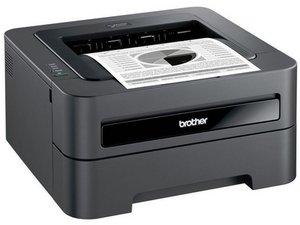

Not working & red x on touch screen
Not working. Red x on touch screen
좋은 질문입니까?
점수
0
평판: 861.1k
 1.5k
1.5k
 978
978
 2.4k
2.4k
@debbiehucik besides the red X do you see any error code when you check the Status Monitor on the Windows screen? The red X is just a generic error indicator and there are many possibilities for this Check the troubleshooting check list on page 40 on the Brother MFC L2740DW User Manual Accoring to the service manual:
Checks before Commencing Troubleshooting
Check the following items before commencing repairs on the machine.
Operating environment
(1) The machine is placed on a flat, stable surface.
(2) The machine is used in a clean environment where the temperature is 10°C (50°F) to 32.5°C (90.5°F), and the relative humidity is maintained between 20% and 80%.
(3) The machine is not exposed to direct sunlight, excessive heat, moisture, or dust.
(4) Hold the machine level while moving it. Be sure to move or lift the machine with two or more people.
Power supply
(1) Power described on the rating label attached on the machine is supplied.
Power fluctuation should be within ±10% of the rated voltage.
(2) The AC input power supply is within the regulated value.
(3) The cables and harnesses are connected correctly.
(4) The fuses are not blown.
Paper
(1) The recommended type of paper is being used.
(2) The paper is not damp.
(3) Short-grained paper or acid paper is not used.
Consumable parts
(1) The drum unit (including toner cartridge) is set correctly.
It would be perfect if your printer would display a real error code but until that we will have to relay on your troubleshooting. We will also need to involve our resident printer Guru @nick to see if he has a better idea ;-)
이 답변이 도움이 되었나요?
Yeah, we need an error. Something like Unable to print 01 to point to what is doing it.
지난 24시간: 0
지난 7일: 1
지난 30일: 17
전체 시간: 340

