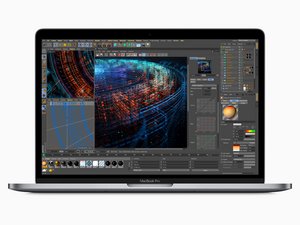

Topcase Replacement Issues - Wont display
Hi all,
I had to replace my top case on my 2018 MacBook Pro 15 inch (A1990). I worked through everything slowly and purposefully. When I tried to turn it on it wouldnt turn on. Then I connected the mains power adaptor and it fired up, I heard the chime but nothing on the display. The Touch Bar lit up and I could increase the volume and decrease but nothing else. Now I cant turn the unit off.
Can anyone shed any light on what might have gone wrong with the procedure or what I need to do to get it up and running again!
Many thanks
좋은 질문입니까?
점수
0

 33
33  42
42  8
8 
Why did you replace the top case? Do you mean the display lid part or the uppercase keyboard part?
DanJ 의
It was the keyboard part DanJ
Mansoor Ahmed 의
@mansoorahm23124 - OK, did you have a liquid spill of some sort?
DanJ 의
No, some of the keys were missing so thought of replacing the keyboard. Unfortuantely, that meant replacing the topcase in its entirety!
Mansoor Ahmed 의