
 5
5  1
1 driver and software update - no results
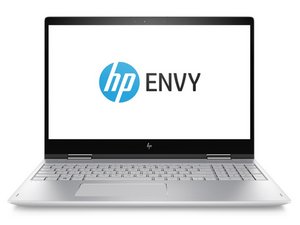
did a driver and software update for the hp envy x360 touch screen laptop keyboard downloaded the software went through the set up steps only to find nothing
i did go through the same process a while back but it did nothing again no further instructions on what to do next and the keyboard still kept having issues so now i need assistance as i did what the others have suggested and nothing so what to do as i have no idea well not no idea i have a idea but i would rather avoid dismantling a 699 laptop if am able to assist it as i have not found the keyboard ribbon cable and i did check google images but they confused the &&^& out of me so what next
any actual suggestions rather than the ones that have already been tried and failed
좋은 질문입니까?
점수
0


댓글 3개
@matt99712 what are the issue and what are "the ones that have already been tried and failed" What is the exact model number for your laptop?
oldturkey03 의
@oldturkey03 so many q's that cannot be answered all at once
Matt 의
@oldturkey03 the updates from the hp site have done nothing
model is hp envy x360 as stated above if checked correctly
Matt 의