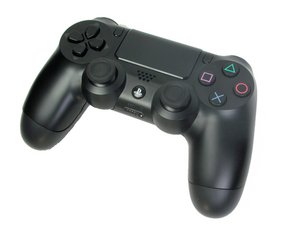

Why ps4 controller does turn on on
My PS4 and another controller work perfectly fine, so the issue is only with one specific DualShock 4 controller.
Problem details:
When I connect the controller with USB, the orange charging light appears briefly and then turns off. Pressing the PS button does nothing. I charged it for over 24 hours with no change. I already tried resetting the controller using the reset button on the back. The same USB cable and PS4 work correctly with another controller.
Because another controller works normally on the same PS4, I think the issue is inside this controller itself.
Does this sound more like:
a dead battery, faulty charging board/USB port, or motherboard failure?
좋은 질문입니까?
점수
0

 20
20  20
20  37
37 


댓글 2개
When you have the charger on it, and press the PS button, nothing happens as well? Or does it work when plugged in? If yes, replace the battery. Otherwise you need to check the membrane. Is it a Power A controller or genuine Dualshock 4? Thank you.
koppie007 의
@dan0 when I plugged in nothing happens and it is dualshock 4
ASIF Iqbal 의