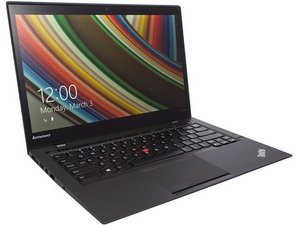

Can I replace the SSD?
Is it possible to remove the SSD and replace it with a larger one?
좋은 질문입니까?
점수
0
Is it possible to remove the SSD and replace it with a larger one?
좋은 질문입니까?
평판: 10.1k
 29
29
 12
12
 56
56
Hi!
Yes, you can replace the SSD in the ThinkPad X1 Carbon Gen 12.
Your laptop supports up to a 2 TB, 2280 M.2 SSD. Your laptop only have one single slot for the SSD, according to the User Guide, page 8.
In order to change the SSD, see the following sections in the Hardware Maintenance Guide:
If you prefer a more visual guide, iFixit does sadly not have one for this Laptop. But they have a guide for the similar ThinkPad X1 Carbon 9th Gen SSD Replacement. It is not exactly the same, e.g. the 9th gen has five screws securing the lower case, whereas you got four screws. And if you remove the battery for the replacement, your screws may be in other positions with another amount of screws.
Good luck,
Cheers
이 답변이 도움이 되었나요?
지난 24시간: 2
지난 7일: 16
지난 30일: 42
전체 시간: 183

