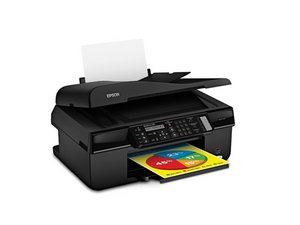

Epson Expression Home XP-5200 - Error 100016
Hello, I just bought an Epson Expression Home XP-5200 from a seller on eBay, and it arrived with the mentioned fault. I notified the seller, and they refunded me and told me to keep the printer.
I have now looked up this error and found many fixes.
Here is what I have tried so far.
1) Removed power cable while printer on, waited 60 sec, held power button for 30 secs, plugged power cable back in
Outcome: Ran printer, same issue.
2) Removed the side cover, unplugged the two ribbon cables nas the reseated the, the smaller one with the blue tab facing down, and the larger one with the blue tab facing up.
Outcome: Ran printer, same issue
3) Removed the scanner completely, opened the scanner and checked all cables. Moved the carriage over to the middle, gave everything a clean, and put it all back together.
Outcome: Ran printer; scanner carriage moved to the start position, then the error code appeared again.
Now, one of the suggested fixes for these issues is a firmware update; however, the error screen will not let me do anything. I can't reset the printer, which was another suggestion. I have no ink in the printer, which was another suggestion for the error code, but I still have no way to bypass the error screen.
So, please, if anyone knows how or if I can bypass the error screen, I may be able to reset the printer. Or is this just a brick destined for land fill (recycle)
좋은 질문입니까?

 2
2 