
 33
33  42
42  8
8 No Internal or External Display Issue
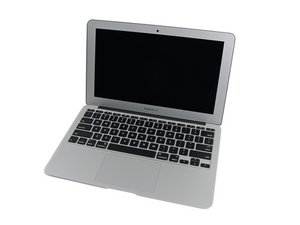
Have a 2015 A1465 here (820-00164) that chimes / boots but there is no display at all. We have tested with another known display assembly & on external displays but still nothing. From what we can see we are getting readings from the outputs, but nothing, just a black un lit screen. GPU failure I thought gets a white screen. The fan is also at high speed. What can be? (I do believe that the technician has replaced the SMC 2x already).
좋은 질문입니까?
점수
0



Does the system respond when you use the system in Clam Shell mode you do need external keyboard and mouse here besides the external display connection. The lid must be down as the Hall sensor needs to see the lid is closed to enable the external as the primary display.
DanJ 의
@danj Will try it. And update as and when.
livfe 의
Unite is dead, green light only, no fan spin, zero..... donor unit.
livfe 의