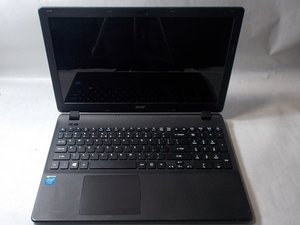

USB doesn't work
Mu usb doesn't work
좋은 질문입니까?
점수
0
평판: 554k
 11
 426
 1.6k
Hi @room1
Try connecting a mobile phone to the USB port and check if it shows that it is charging or connect a USB mouse and check that the laser lens turns on.
If it isn't, then check the following setting in Device Manager and make sure that it is disabled i.e. box is unchecked.
Go to Device Manager > Universal Serial Bus Controllers > right click on a USB Root Hub entry in the category > Properties > Power Management > checkbox that says "Allow the computer to turn off this device to save power" is unchecked > OK.
Do this for all the USB Root Hub entries listed in the category!
When complete close all open windows and then restart the laptop in the normal manner and check if the USB port now works OK.
To get to Device Manager in Win10/Win 11 press the Win key + x key (both keys together) and click on the Device Manager link in the menu box that appears.
이 답변이 도움이 되었나요?
지난 24시간: 20
지난 7일: 20
지난 30일: 20
전체 시간: 20