주요 콘텐츠로 건너뛰기
수리 커뮤니티 가입 - 계정 만들기

Accessing Logicboard

필요한 것

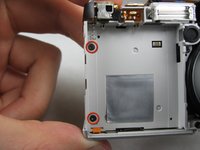
  1. Accessing Logicboard, Front and Back Cover: 1 단계, 이미지 2개 중 1개 Accessing Logicboard, Front and Back Cover: 1 단계, 이미지 2개 중 2개
    • Remove the following screws:

    • Two silver 3.15mm Phillips #00 screws on the right side of the camera

    • Two silver 2.08mm Phillips #00 screws on the left side of the camera

  2. Accessing Logicboard: 2 단계, 이미지 1개 중 1개
    • Remove the two indicated screws on the bottom of the camera:

    • The screw circled in red is a longer silver 3.15mm Phillips #00 screw

    • The screw circled in blue is a shorter silver 2.25mm Phillips #00 screw

  3. Accessing Logicboard: 3 단계, 이미지 2개 중 1개 Accessing Logicboard: 3 단계, 이미지 2개 중 2개
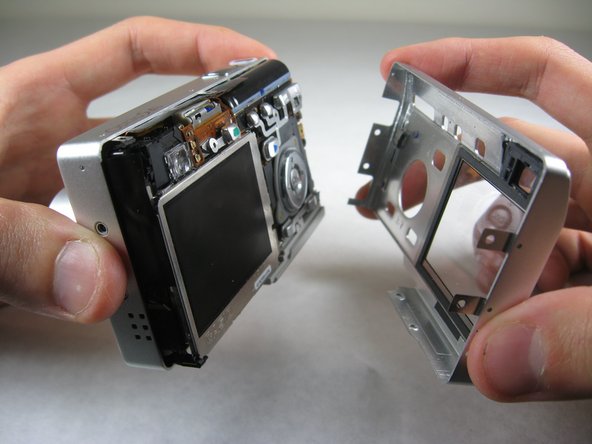
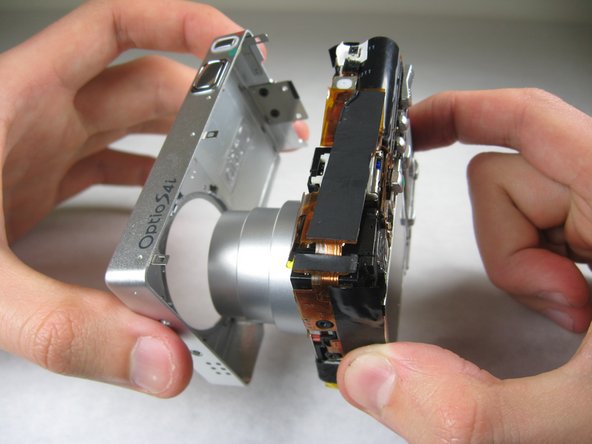
    • Carefully pull the back of casing away from the front.

  4. Accessing Logicboard: 4 단계, 이미지 3개 중 1개 Accessing Logicboard: 4 단계, 이미지 3개 중 2개 Accessing Logicboard: 4 단계, 이미지 3개 중 3개
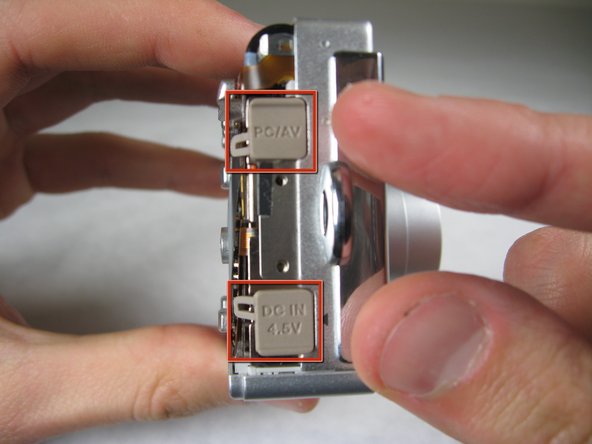
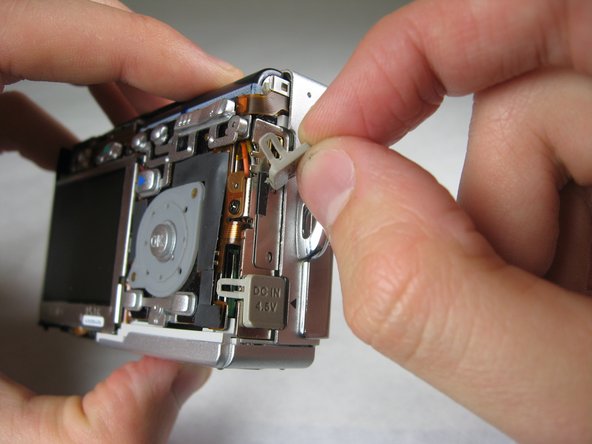
    • After removing the back cover, several things must be removed.

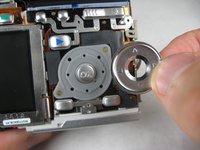
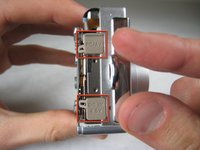
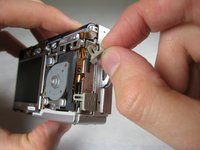
    • Silver donut-shaped button will fall off. Place separately. Remove the plug covers on the right side of camera, labeled “PC/AV” and “DC IN 4.5V”.

  5. Accessing Logicboard: 5 단계, 이미지 2개 중 1개 Accessing Logicboard: 5 단계, 이미지 2개 중 2개
    • To remove the front cover, gently hold the inside structure of the camera and slowly pull the front cover off.

  6. Accessing Logicboard, Logicboard: 6 단계, 이미지 2개 중 1개 Accessing Logicboard, Logicboard: 6 단계, 이미지 2개 중 2개
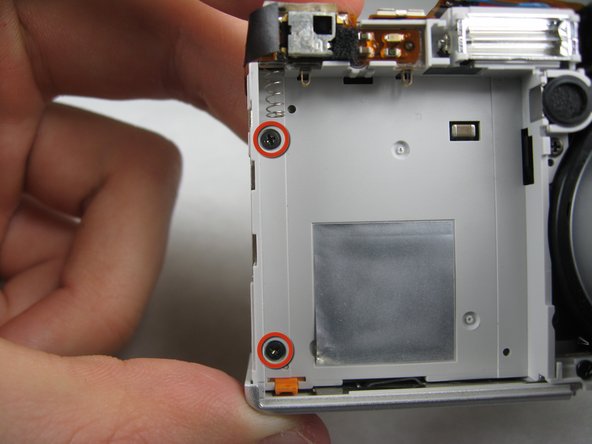
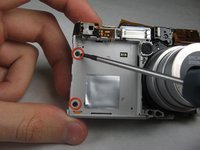
    • On the front of the camera, in battery case, remove screws indicated:

    • Two black 2.05mm Phillips #00 screws

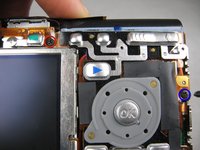
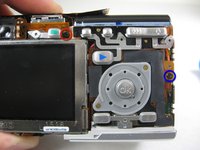
  7. Accessing Logicboard: 7 단계, 이미지 2개 중 1개 Accessing Logicboard: 7 단계, 이미지 2개 중 2개
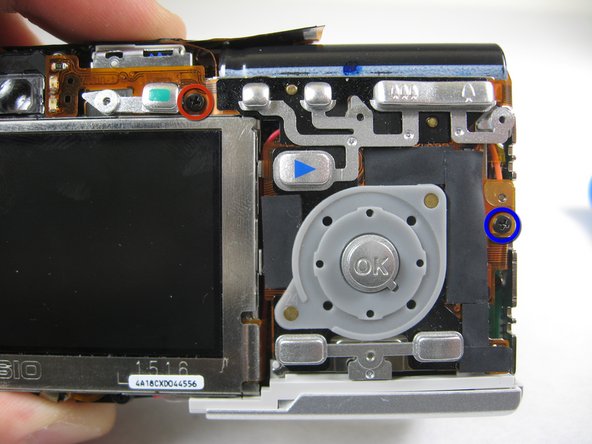
    • Flip the camera over to the backside and remove screws indicated:

    • The screw circled in red is a longer black 3.00mm Phillips #00 screw

    • The screw circled in blue is a shorter black 2.00mm Phillips #00 screw

  8. Accessing Logicboard: 8 단계, 이미지 1개 중 1개
    • Pull the cover plate off for the two power cord jacks.

  9. Accessing Logicboard: 9 단계, 이미지 3개 중 1개 Accessing Logicboard: 9 단계, 이미지 3개 중 2개 Accessing Logicboard: 9 단계, 이미지 3개 중 3개
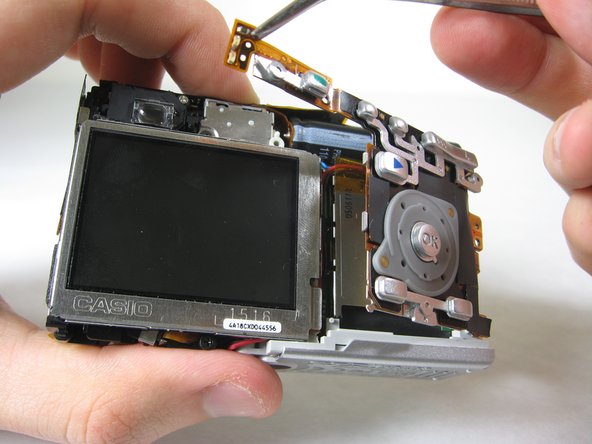
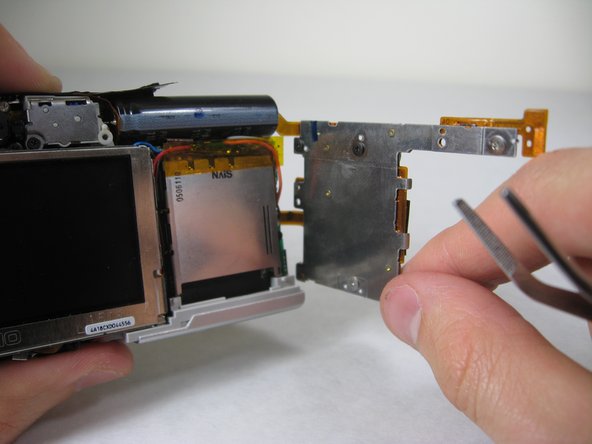
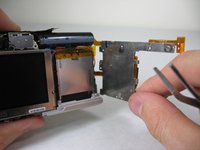
    • Cautiously and gently pull up the control board at the upper left corner, next to the viewfinder.

  10. Accessing Logicboard: 10 단계, 이미지 1개 중 1개
    • Remove the orange tape on top of the SD cardholder.

  11. Accessing Logicboard: 11 단계, 이미지 1개 중 1개
    • Open the battery cover.

  12. Accessing Logicboard: 12 단계, 이미지 2개 중 1개 Accessing Logicboard: 12 단계, 이미지 2개 중 2개
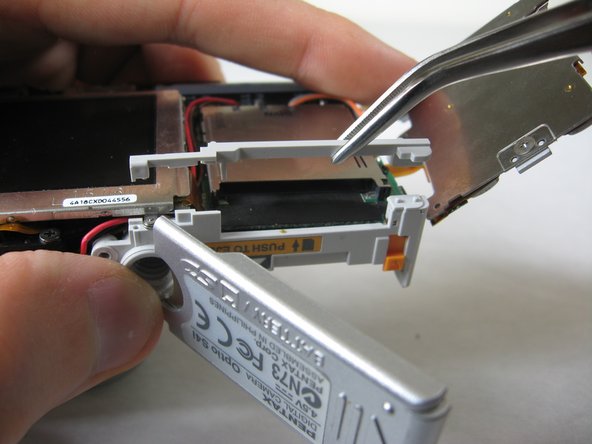
    • Lift the indicated plastic piece off.

  13. Accessing Logicboard: 13 단계, 이미지 2개 중 1개 Accessing Logicboard: 13 단계, 이미지 2개 중 2개
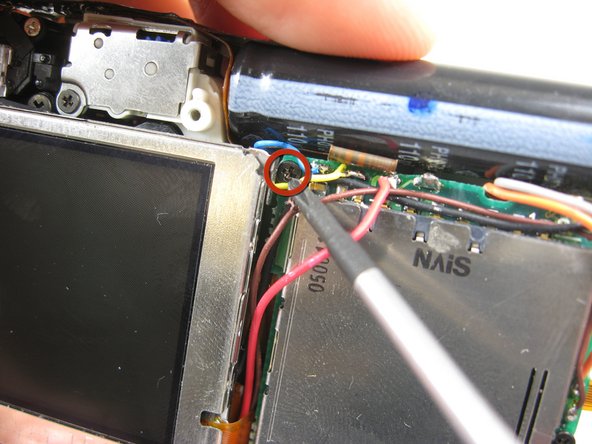
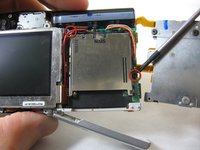
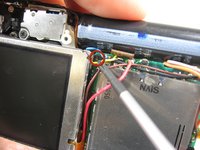
    • Remove screws indicated:

    • Two black 4.80mm Phillips #00 screws

  14. Accessing Logicboard: 14 단계, 이미지 1개 중 1개
    • Unsolder points indicated.

    • Please refer to steps 1 through 6 of the Ifixit soldering guide to unsolder these leads.

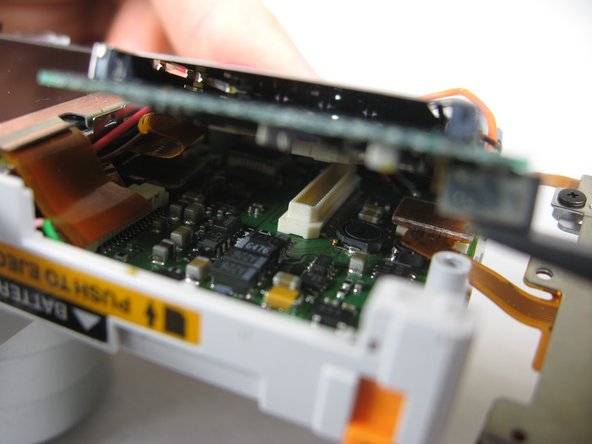
  15. Accessing Logicboard: 15 단계, 이미지 3개 중 1개 Accessing Logicboard: 15 단계, 이미지 3개 중 2개 Accessing Logicboard: 15 단계, 이미지 3개 중 3개
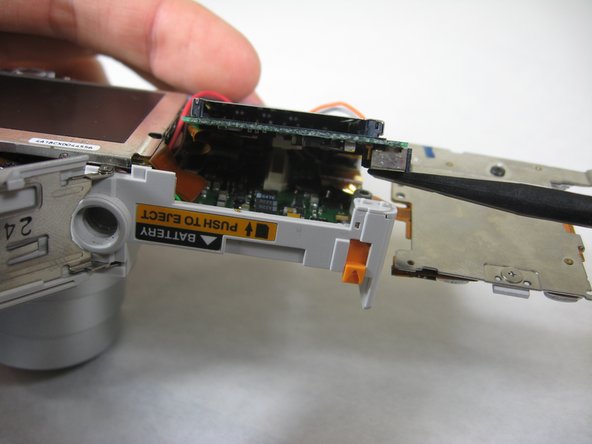
    • Carefully lift up SD cardholder to reveal logicboard.

결론

To reassemble your device, follow these instructions in reverse order.

작성자

5다른 기여자 명과 함께

Nicole Wong

회원 가입일: 01/30/11

371 평판

안내서 3개를 작성함

Cal Poly, Team 4-29, Regan Winter 2011 Cal Poly, Team 4-29, Regan Winter 2011 회원

CPSU-REGAN-W11S4G29

3 회원들

안내서 10개를 작성함

0가이드 댓글

댓글 쓰기

조회 통계:

지난 24시간: 2

지난 7일: 7

지난 30일: 28

전체 시간: 1,722