소개
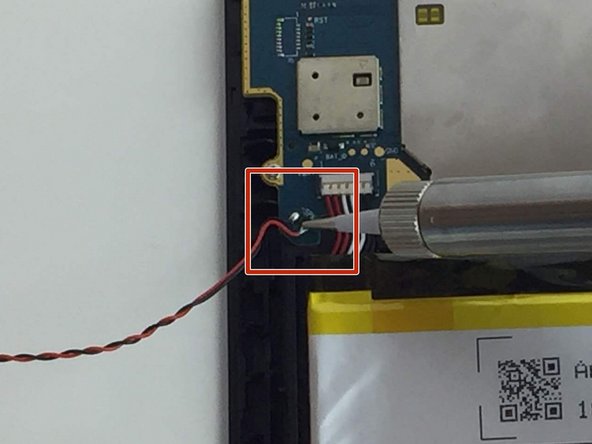
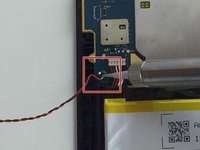
Use this guide to replace the speaker on the Amazon Fire 5th Generation tablet. This replacement is fairly simple but requires basic knowledge of solder and how to use a soldering iron.
필요한 것
-
-
While holding the device firmly, wedge the iFixit Opening Tool into the crease along the outer edge of the device (as shown in the image).
-
Slowly, grind the iFixit Opening Tool into the crease along the outer edges of the device until the entire back cover loosens.
-
Then, remove the back cover from the device.
 FixBot에 문의하기
-
-
-
-
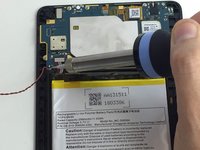
Pry the speaker from the case using the iFixit Opening Tool.
-
Lift the speaker up from the device to remove the speaker wires from their groove in the case.
-



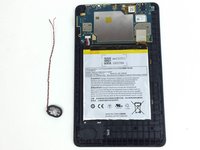
To reassemble your device, follow these instructions in reverse order.
다른 한 분이 해당 안내서를 완성하였습니다.

팀

USF Tampa, Team 1-2, Nance Spring 2016 USF Tampa, Team 1-2, Nance Spring 2016 회원
USFT-NANCE-S16S1G2
3 회원들
안내서 13개를 작성함
