소개
A failing battery can impact daily use and pose safety risks. By replacing the battery, you can restore your phone's reliability, improve its lifespan, and avoid the need for a costly new device. Before replacing the battery, test with a different charger and inspect the charging port for debris. Make sure to not puncture the battery as it can be dangerous. Always power off the phone and disconnect it from any power source before starting. Use this guide to replace your device's battery.
필요한 것
-
-
-
Look for the two small holes at the top of your device.
-
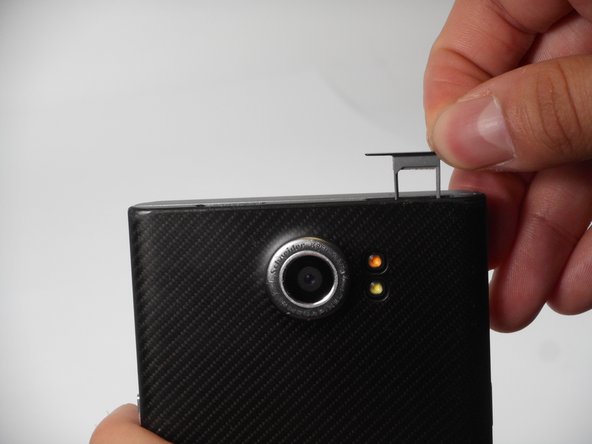
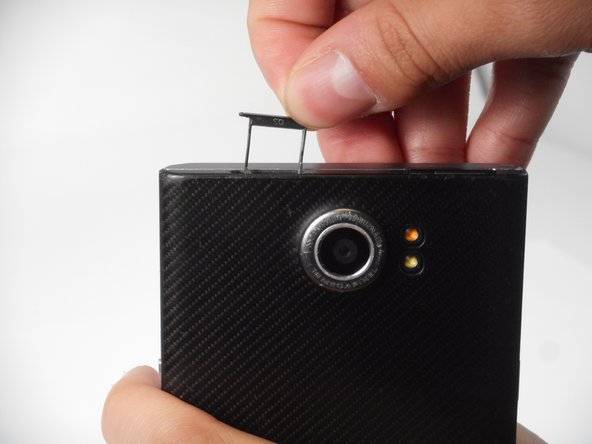
Use a SIM eject tool to push down into the holes which lifts the SIM and SD trays.
-
Pull the trays up and out of the device.
 FixBot에 문의하기
-
-
-
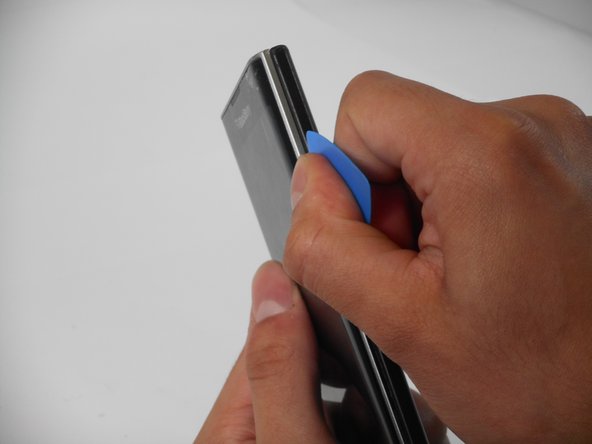
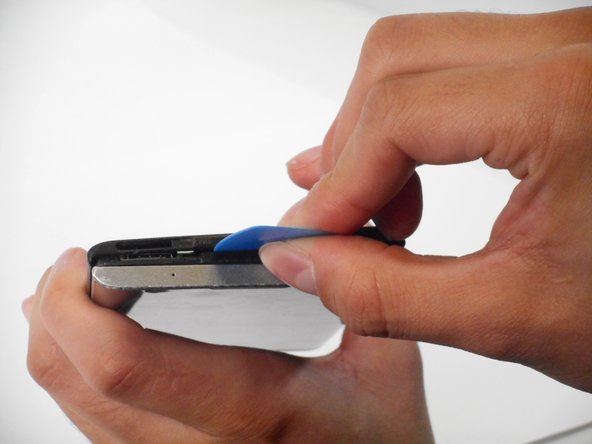
Insert an opening pick in the seam between the rear casing and chassis. Apply downward pressure to pry the casing upward.
-
-
-
-
-
-
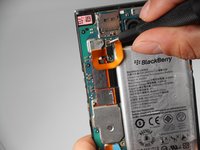
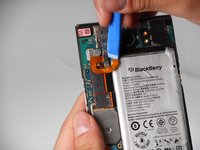
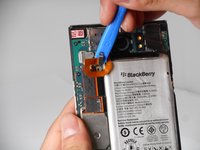
Remove the two 3.3 mm T4 Torx screws that secure the battery connector.
-
-





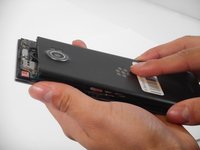
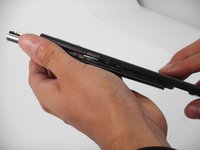
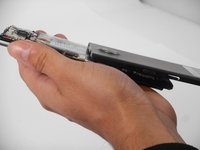


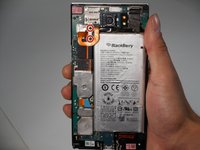



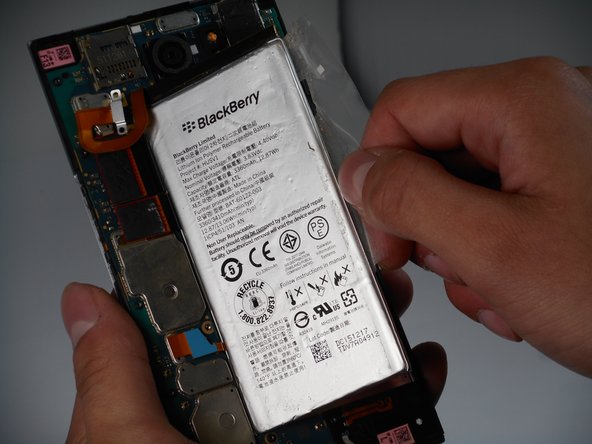
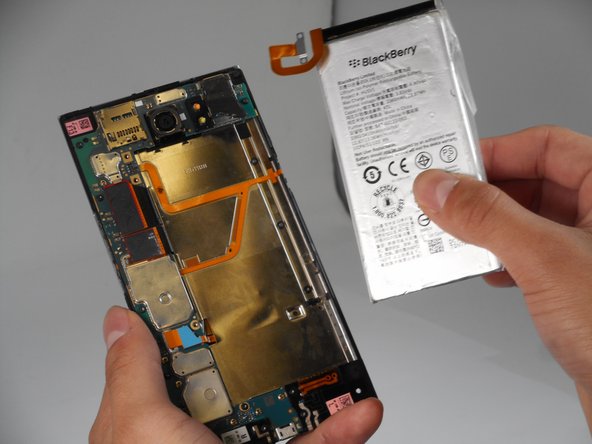
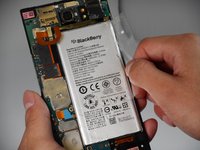
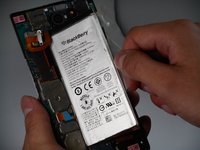
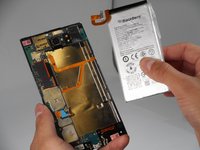
To reassemble your device, follow the above steps in reverse order.
For optimal performance, after completing this guide, calibrate your newly installed battery.
Take your e-waste to an R2 or e-Stewards certified recycler.
Repair didn’t go as planned? Try some basic troubleshooting or ask our Answers community for help.

팀

University of Memphis, Team 1-4, Sneed Fall 2024 University of Memphis, Team 1-4, Sneed Fall 2024 회원
UM-SNEED-F24S1G4
4 회원들
안내서 41개를 작성함
