주요 콘텐츠로 건너뛰기
수리 커뮤니티 가입 - 계정 만들기

D-Link DIR-890L Power Adapter Port Replacement

필요한 것

    1. D-Link DIR-890L Power Adapter Port Replacement, Case: 1 단계, 이미지 3개 중 1개 D-Link DIR-890L Power Adapter Port Replacement, Case: 1 단계, 이미지 3개 중 2개 D-Link DIR-890L Power Adapter Port Replacement, Case: 1 단계, 이미지 3개 중 3개
      • Peel off the four rubber rectangular feet with your fingers.

      • The feet may be hard to remove. Apply additional force if necessary.

      댓글 쓰기

    2. D-Link DIR-890L Power Adapter Port Replacement: 2 단계, 이미지 3개 중 1개 D-Link DIR-890L Power Adapter Port Replacement: 2 단계, 이미지 3개 중 2개 D-Link DIR-890L Power Adapter Port Replacement: 2 단계, 이미지 3개 중 3개
      • Unscrew the 5mm screws in each corner using the Phillips #1 screwdriver.

      댓글 쓰기

    3. D-Link DIR-890L Power Adapter Port Replacement: 3 단계, 이미지 3개 중 1개 D-Link DIR-890L Power Adapter Port Replacement: 3 단계, 이미지 3개 중 2개 D-Link DIR-890L Power Adapter Port Replacement: 3 단계, 이미지 3개 중 3개
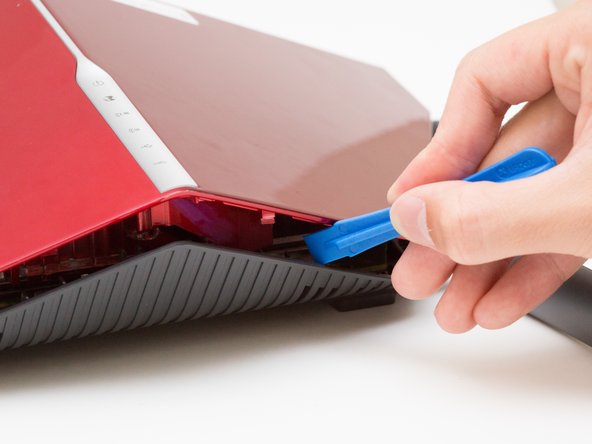
      • Wedge the opening tool between the red top panel and the gray bottom panel.

      • Twist the opening tool to separate the panels. Work your way around the case until both of the panels are separated.

      댓글 쓰기

    1. D-Link DIR-890L Power Adapter Port Replacement, Motherboard: 4 단계, 이미지 1개 중 1개
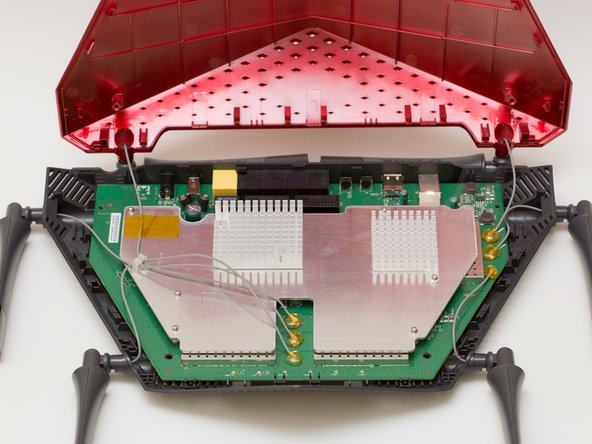
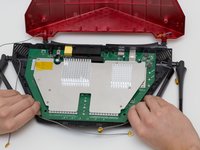
      • Orient the router so the narrow end of the router faces you and the ports face away from you.

      • The six, hot-glued antenna connections are in the middle and at the top right of the motherboard.

      댓글 쓰기

    2. D-Link DIR-890L Power Adapter Port Replacement: 5 단계, 이미지 3개 중 1개 D-Link DIR-890L Power Adapter Port Replacement: 5 단계, 이미지 3개 중 2개 D-Link DIR-890L Power Adapter Port Replacement: 5 단계, 이미지 3개 중 3개
      이 단계에 사용된 도구:
      Heavy-Duty Spudger
      $4.99

      댓글 쓰기

    3. D-Link DIR-890L Power Adapter Port Replacement: 6 단계, 이미지 2개 중 1개 D-Link DIR-890L Power Adapter Port Replacement: 6 단계, 이미지 2개 중 2개
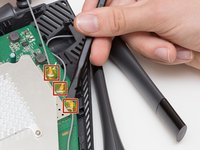
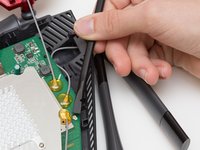
      • Continue to pry off the last three antenna connections on the upper right portion of the motherboard.

      댓글 쓰기

    4. D-Link DIR-890L Power Adapter Port Replacement: 7 단계, 이미지 3개 중 1개 D-Link DIR-890L Power Adapter Port Replacement: 7 단계, 이미지 3개 중 2개 D-Link DIR-890L Power Adapter Port Replacement: 7 단계, 이미지 3개 중 3개
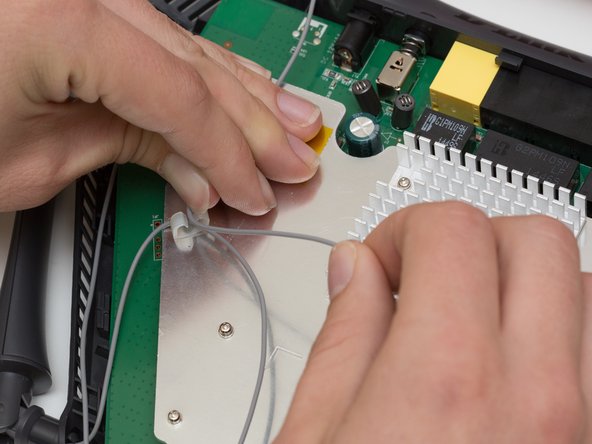
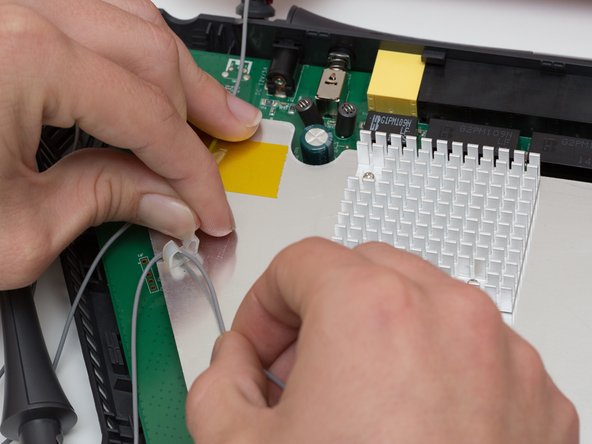
      • Open the plastic bracket enclosing the three antenna wires and pull the wires out with your hands.

      댓글 쓰기

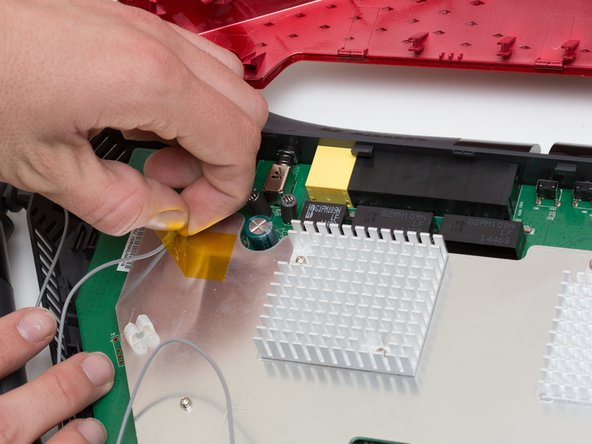
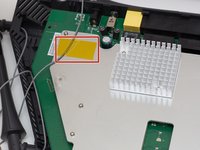
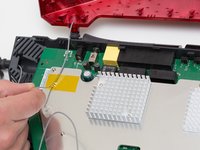
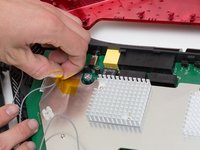
    5. D-Link DIR-890L Power Adapter Port Replacement: 8 단계, 이미지 3개 중 1개 D-Link DIR-890L Power Adapter Port Replacement: 8 단계, 이미지 3개 중 2개 D-Link DIR-890L Power Adapter Port Replacement: 8 단계, 이미지 3개 중 3개
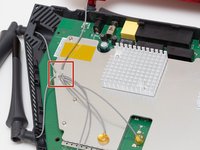
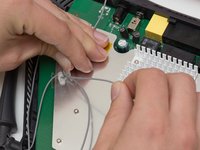
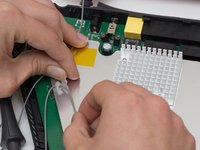
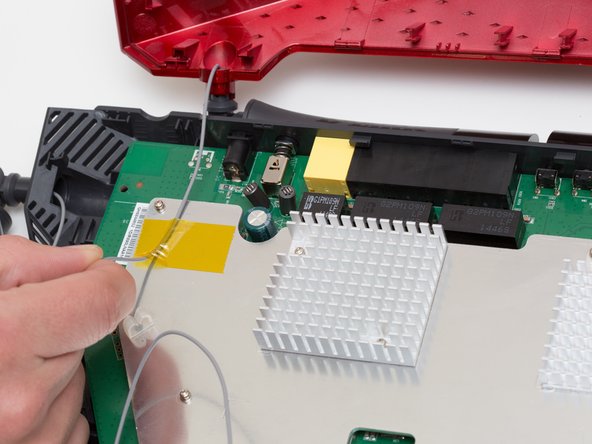
      • Pull the yellow tape off of the motherboard to release the final antenna wire.

      댓글 쓰기

    6. D-Link DIR-890L Power Adapter Port Replacement: 9 단계, 이미지 2개 중 1개 D-Link DIR-890L Power Adapter Port Replacement: 9 단계, 이미지 2개 중 2개
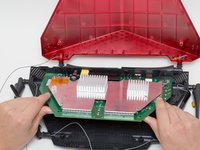
      • Pull the the motherboard away from the case to remove it. Start on the side closest to you, and pull up and out.

      댓글 쓰기

    1. D-Link DIR-890L Power Adapter Port Replacement, Power Adapter Port: 10 단계, 이미지 3개 중 1개 D-Link DIR-890L Power Adapter Port Replacement, Power Adapter Port: 10 단계, 이미지 3개 중 2개 D-Link DIR-890L Power Adapter Port Replacement, Power Adapter Port: 10 단계, 이미지 3개 중 3개
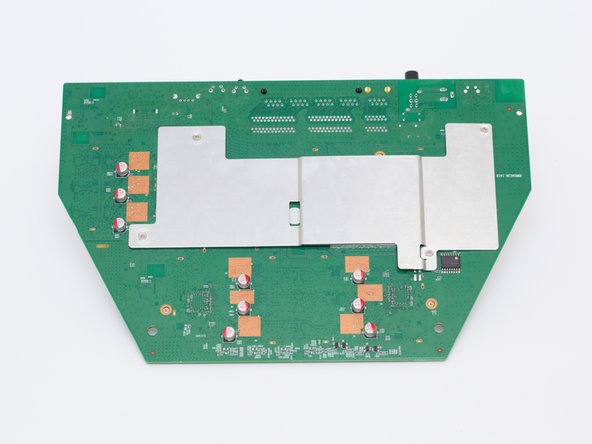
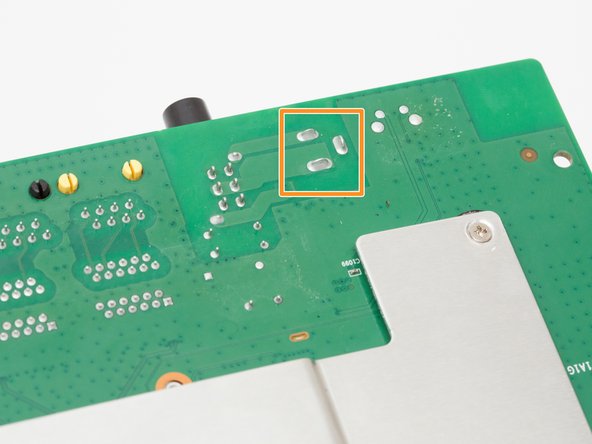
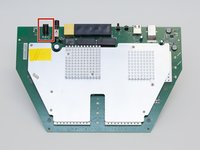
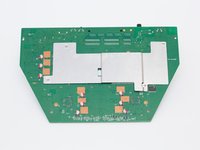
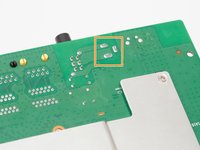
      • Locate the power adapter port at the top left of the motherboard.

      • Flip the motherboard over.

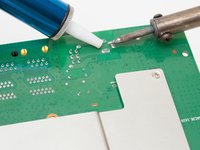
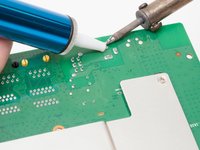
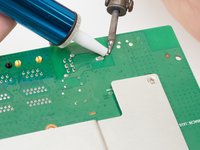
      • Locate the 3 solder joints that connect the power adapter port to the motherboard.

      댓글 쓰기

    2. D-Link DIR-890L Power Adapter Port Replacement: 11 단계, 이미지 3개 중 1개 D-Link DIR-890L Power Adapter Port Replacement: 11 단계, 이미지 3개 중 2개 D-Link DIR-890L Power Adapter Port Replacement: 11 단계, 이미지 3개 중 3개
      이 단계에 사용된 도구:
      Desoldering Pump
      $3.99
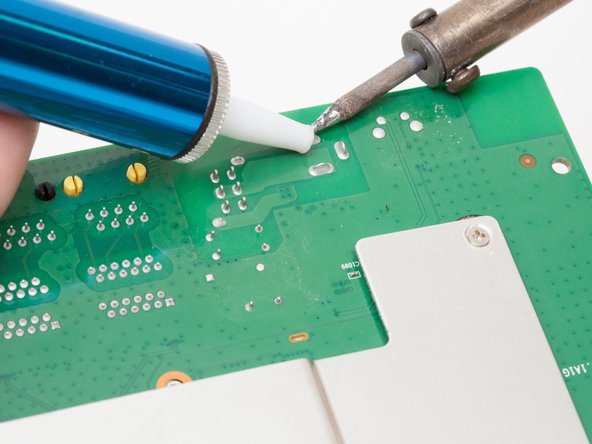
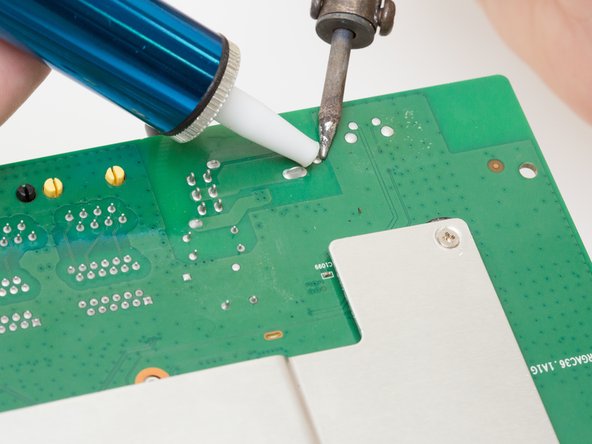
      • Using a soldering iron and desoldering pump, desolder the power adapter port from the board.

      • For more information, see this guide on desoldering

      댓글 쓰기

결론

To reassemble your device, follow these instructions in reverse order.

취소: 해당 안내서를 완성하지 않았습니다.

다른 한 분이 해당 안내서를 완성하였습니다.

작성자

4다른 기여자 명과 함께

Rachel Shaw

회원 가입일: 10/06/16

553 평판

안내서 5개를 작성함

Cal Poly, Team 10-7, Livingston Fall 2016 Cal Poly, Team 10-7, Livingston Fall 2016 회원

CPSU-LIVINGSTON-F16S10G7

4 회원들

안내서 12개를 작성함

1가이드 댓글

What are the specifications of the power port if we would like to replace it?

Chad Altobelli - 답글 공유

댓글 쓰기

조회 통계:

지난 24시간: 0

지난 7일: 4

지난 30일: 26

전체 시간: 949