소개
For this project you will need to have the knowledge, and tools necessary to solder. The following link gives instructions on how to solder. 연결부 납땜 및 납제거 방법
필요한 것
-
-
-
Take plastic opening tools, and find a spot on the back of tablet to lift the back plate. Once back is lifted enough, remove the back of the tablet carefully with fingers
 FixBot에 문의하기
-
-
-
-
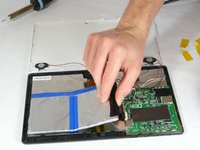
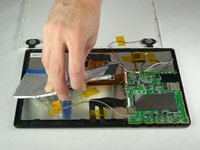
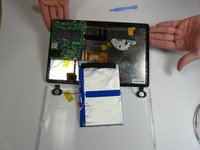
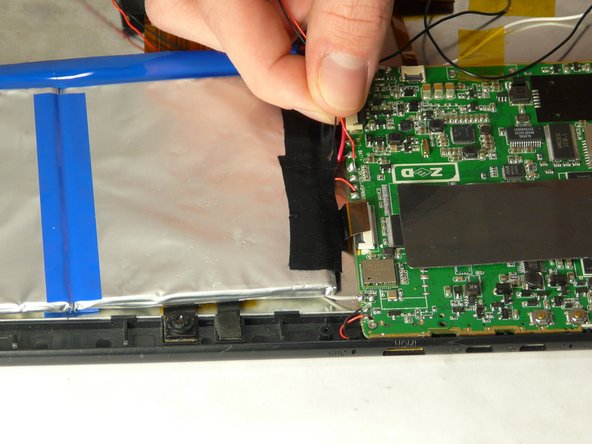
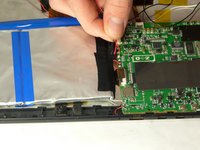
Carefully remove battery without putting any strain on connected wires. The battery is held to the tablet with adhesive, so be careful not to jerk the battery when it becomes loose.
-
-
-
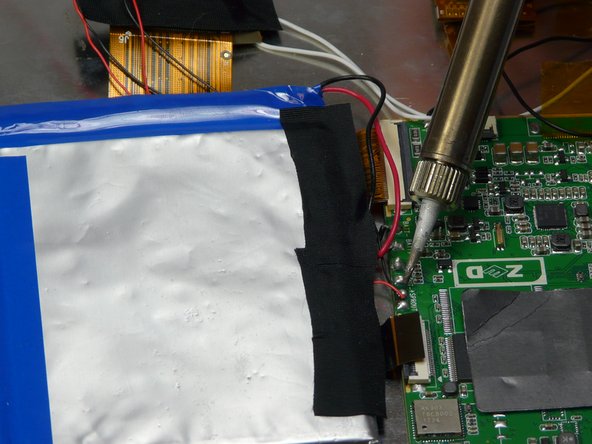
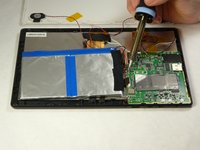
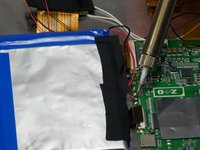
Use a soldering iron to carefully remove wires from motherboard. Then remove battery.
-
-



To reassemble your device, follow these instructions in reverse order.
다른 한 분이 해당 안내서를 완성하였습니다.

팀

USF Tampa, Team 5-2, Brown Winter 2015 USF Tampa, Team 5-2, Brown Winter 2015 회원
USFT-BROWN-W15S5G2
4 회원들
안내서 10개를 작성함
