주요 콘텐츠로 건너뛰기
수리 커뮤니티 가입 - 계정 만들기

Digital2 D2-861G LCD Screen Replacement

필요한 것

  1. Digital2 D2-861G LCD Screen Replacement, Battery: 1 단계, 이미지 1개 중 1개
    • Working on your device while powered on may result in electric shock. Make sure to unplug and power down your device before you begin.

    • Place your device on a soft cloth to avoid scratching the screen.

    • Flip your device over so back panel is facing upwards

    댓글 쓰기

  2. Digital2 D2-861G LCD Screen Replacement: 2 단계, 이미지 2개 중 1개 Digital2 D2-861G LCD Screen Replacement: 2 단계, 이미지 2개 중 2개
    • Do not use a lot of force as it can break the clips or the back panel.

    • Insert spudger in the slot below the micro SD card

    • You should hear clips releasing as you pry along the edges.

    • With the spudger tool, run along the edges of the backing undoing 20 plastic clips.

    댓글 쓰기

  3. Digital2 D2-861G LCD Screen Replacement: 3 단계, 이미지 3개 중 1개 Digital2 D2-861G LCD Screen Replacement: 3 단계, 이미지 3개 중 2개 Digital2 D2-861G LCD Screen Replacement: 3 단계, 이미지 3개 중 3개
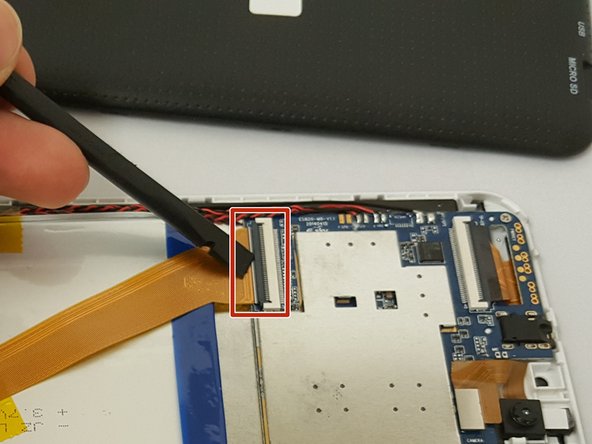
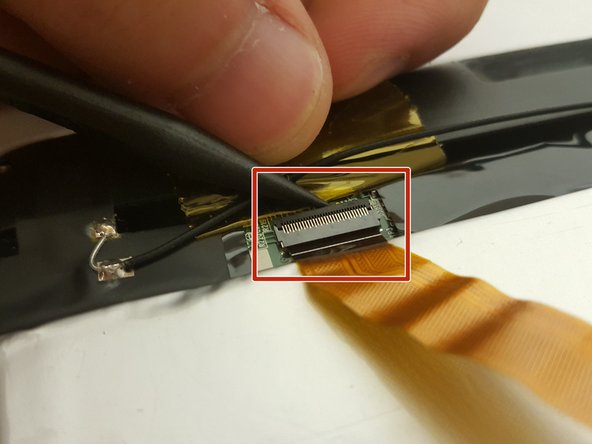
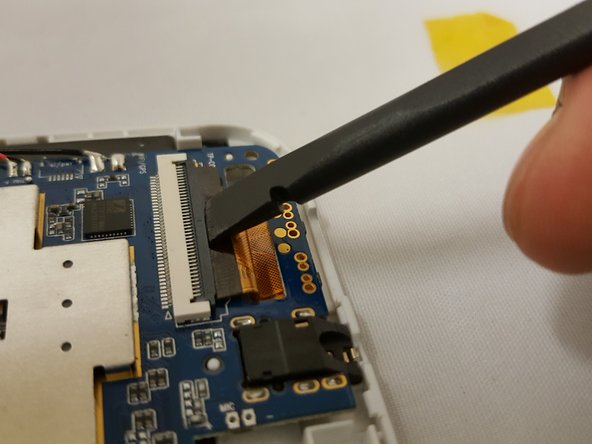
    • Look at the images to locate the black tabs.

    • Carefully remove the tape to avoid damaging the device.

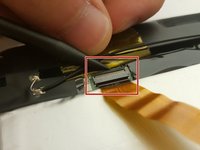
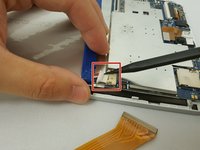
    • Remove ALL the yellow tape securing the gold colored ZIF (Zero insertion force) connector and the battery. Discard or save the tape if you would like.

    • To unclip the connector. Go under the black tab with a spudger or finger nail and simply lift up.

    댓글 쓰기

  4. Digital2 D2-861G LCD Screen Replacement: 4 단계, 이미지 2개 중 1개 Digital2 D2-861G LCD Screen Replacement: 4 단계, 이미지 2개 중 2개
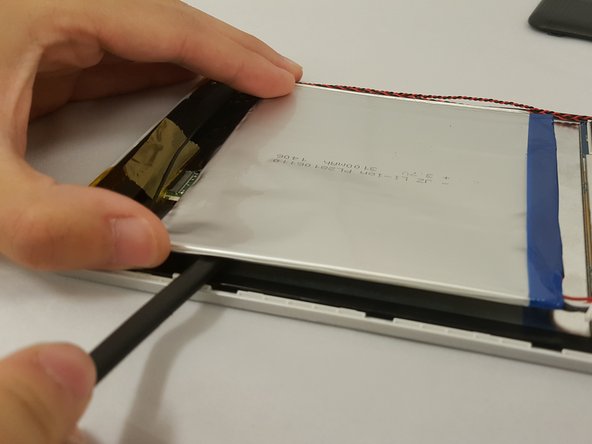
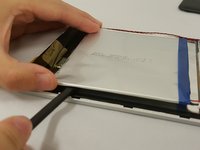
    • Make sure to not bend or puncture the battery when removing it.

    • Locate the bundled cable connector and disconnect it by simply pulling it gently with your hands or using a spudger.

    • Use prying tools to carefully break the adhesive under the battery

    댓글 쓰기

  5. Digital2 D2-861G LCD Screen Replacement, LCD Screen: 5 단계, 이미지 2개 중 1개 Digital2 D2-861G LCD Screen Replacement, LCD Screen: 5 단계, 이미지 2개 중 2개
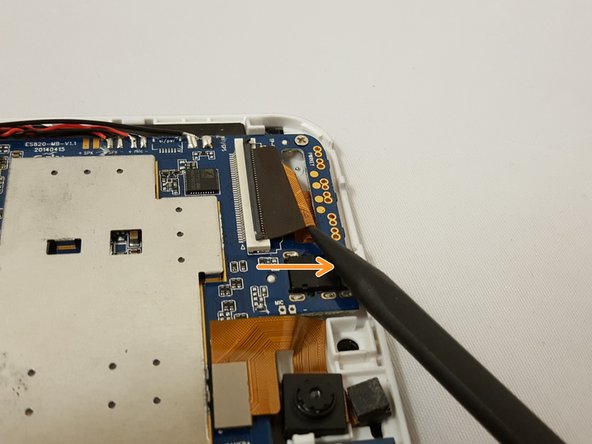
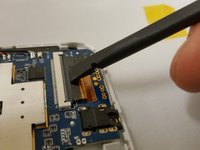
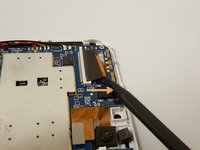
    • Locate the flat-top connector. Go under it with the spudger and simply lift up.

    댓글 쓰기

  6. Digital2 D2-861G LCD Screen Replacement: 6 단계, 이미지 2개 중 1개 Digital2 D2-861G LCD Screen Replacement: 6 단계, 이미지 2개 중 2개
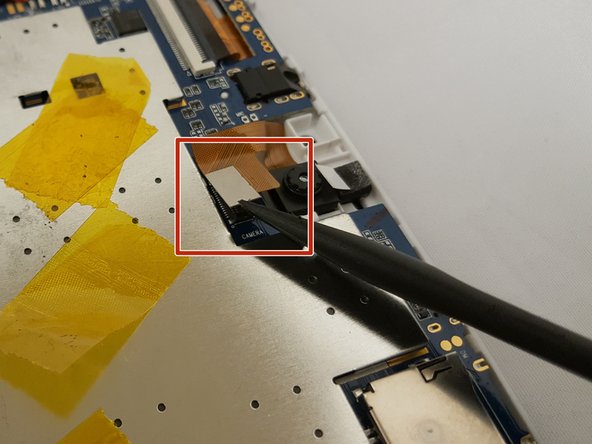
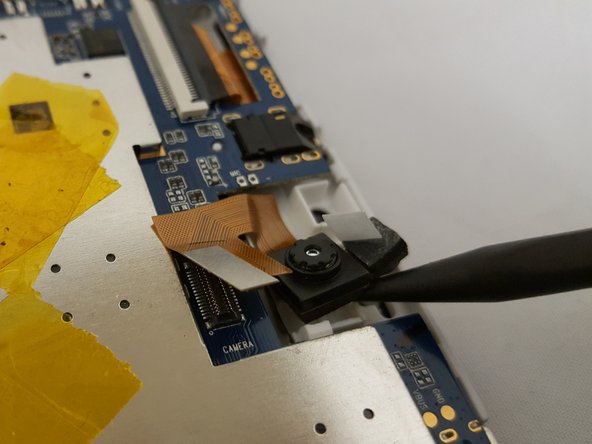
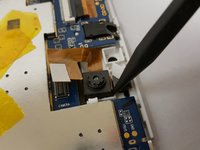
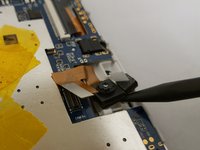
    • To remove the camera, simply use the pointed end of the spudger and insert it in the corner and gently lift.

    댓글 쓰기

  7. Digital2 D2-861G LCD Screen Replacement: 7 단계, 이미지 2개 중 1개 Digital2 D2-861G LCD Screen Replacement: 7 단계, 이미지 2개 중 2개
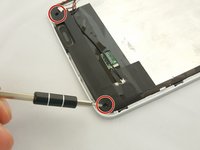
    • Be sure to have a magnetic mat or anything magnetic to hold your screws!

    • Remove two 3.51mm screws located on the bottom corners of the device with your Phillips #00 Screwdriver.

    • Carefully lift the casing and pull back the tape along with the soldered wire.

    • You can remove the soldered wire if you want or leave it connected. Refer to iFixit's guide on how to Solder 연결부 납땜 및 납제거 방법

    댓글 쓰기

  8. Digital2 D2-861G LCD Screen Replacement: 8 단계, 이미지 3개 중 1개 Digital2 D2-861G LCD Screen Replacement: 8 단계, 이미지 3개 중 2개 Digital2 D2-861G LCD Screen Replacement: 8 단계, 이미지 3개 중 3개
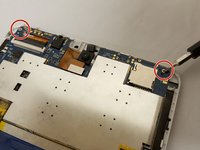
    • Make sure to have your magnetic board to hold your screws!

    • Remove the two 3.51mm screws that are located on the top corners of the device with the same phillips screwdriver..

    • Next, unplug the ZIF connector and slide it out with the pointed side of the spudger.

    • To unclip the connector, go under the black tap and simply lift with your finger nail or spudger.

    댓글 쓰기

  9. Digital2 D2-861G LCD Screen Replacement: 9 단계, 이미지 1개 중 1개
    • Use little force or else you risk breaking the motherboard.

    • Watch out for the ZIF connector!

    • To remove the motherboard, grab the component on the top left and gently lift. Be careful with the clip holding the motherboard.

    댓글 쓰기

  10. Digital2 D2-861G LCD Screen Replacement: 10 단계, 이미지 3개 중 1개 Digital2 D2-861G LCD Screen Replacement: 10 단계, 이미지 3개 중 2개 Digital2 D2-861G LCD Screen Replacement: 10 단계, 이미지 3개 중 3개
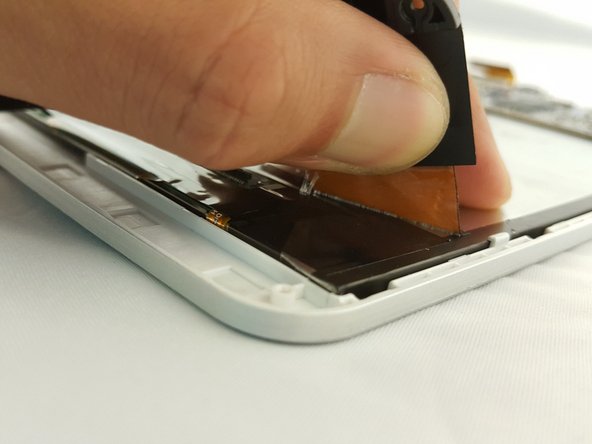
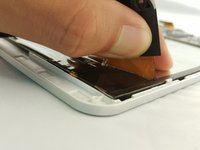
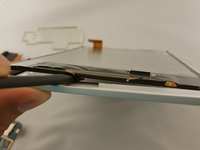
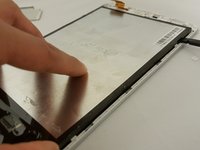
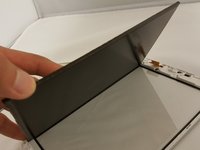
    • Now that every component is removed, use the flat side of the spudger and insert it on the bottom of the screen.

    • Gently move along the edges to lift the screen.

    댓글 쓰기

  11. Digital2 D2-861G LCD Screen Replacement: 11 단계, 이미지 1개 중 1개
    • If you have a damaged front case, take the opportunity to replace that as well.

    댓글 쓰기

결론

To reassemble your device, follow these instructions in reverse order.

취소: 해당 안내서를 완성하지 않았습니다.

작성자

2다른 기여자 명과 함께

Eduardo Duran

회원 가입일: 09/29/16

600 평판

안내서 5개를 작성함

0가이드 댓글

댓글 쓰기

조회 통계:

지난 24시간: 2

지난 7일: 8

지난 30일: 31

전체 시간: 770