주요 콘텐츠로 건너뛰기
수리 커뮤니티 가입 - 계정 만들기

Disassembling Nokia X2-00

필요한 것

    1. Disassembling Nokia X2-00, Nokia X2-00 Background Info: 1 단계, 이미지 1개 중 1개
      • it's a cheap low-end Music Phone

      • mine got wet so i decided to clean it up and look inside!

      댓글 쓰기

    2. Disassembling Nokia X2-00, Removing the Battery: 2 단계, 이미지 3개 중 1개 Disassembling Nokia X2-00, Removing the Battery: 2 단계, 이미지 3개 중 2개 Disassembling Nokia X2-00, Removing the Battery: 2 단계, 이미지 3개 중 3개
      • Flip it and pull the tab

      • the metal part should jump right off

      • after that remove the battery and sim card

      댓글 쓰기

    3. Disassembling Nokia X2-00, Diging In!: 3 단계, 이미지 1개 중 1개
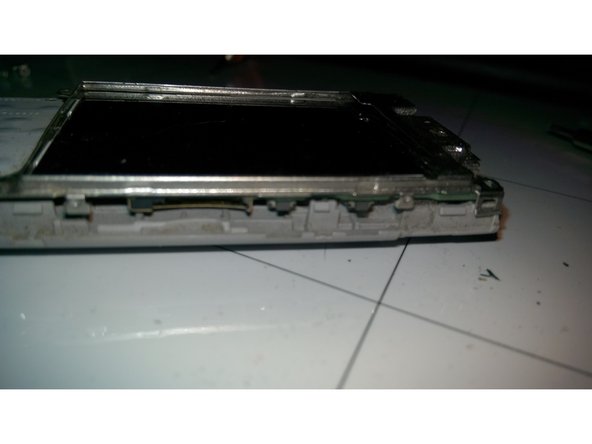
      • so i was kinda !#^&@@ off becouse there were no screws!

      • so i tryed to remove the screen protection, and it worked!

      • 1. i did break it

      • 2. there were no screws

      • just don't do that unless you need

      댓글 쓰기

    4. Disassembling Nokia X2-00, Diging In! 2nd attemp!: 4 단계, 이미지 2개 중 1개 Disassembling Nokia X2-00, Diging In! 2nd attemp!: 4 단계, 이미지 2개 중 2개
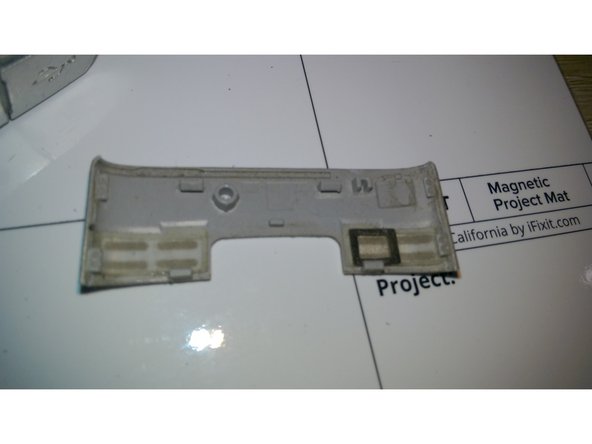
      • i tried to remove the side panels but that didn't work so i tried on top and it did work (Jimmy worked fine)

      • these clips kind of suck ....it takes lot of force to unclip these )

      • after you unclip it you get that piece

      댓글 쓰기

    5. Disassembling Nokia X2-00, Removing the midframe: 5 단계, 이미지 3개 중 1개 Disassembling Nokia X2-00, Removing the midframe: 5 단계, 이미지 3개 중 2개 Disassembling Nokia X2-00, Removing the midframe: 5 단계, 이미지 3개 중 3개
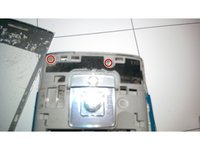
      • remove these 2 TR6 Screws (mine were a bit blue)

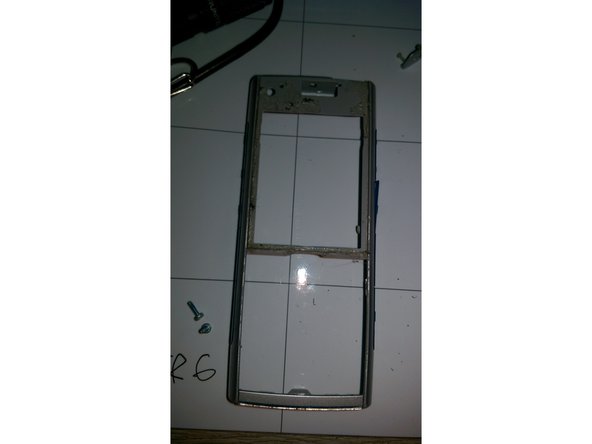
      • open it up (clips on the bottom)

      • i was on Beast-Mode on these annying clips that held like gorilla

      댓글 쓰기

    6. Disassembling Nokia X2-00, Removing the display: 6 단계, 이미지 3개 중 1개 Disassembling Nokia X2-00, Removing the display: 6 단계, 이미지 3개 중 2개 Disassembling Nokia X2-00, Removing the display: 6 단계, 이미지 3개 중 3개
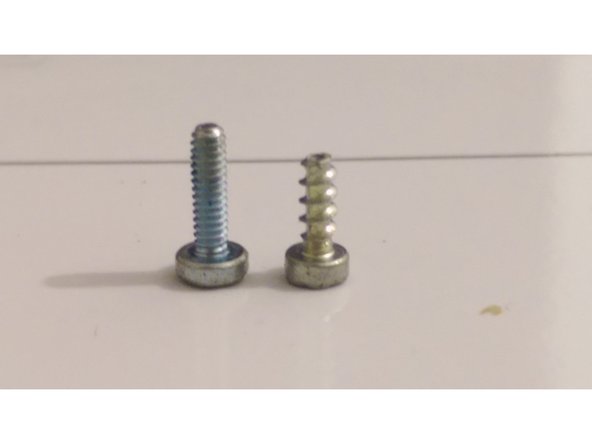
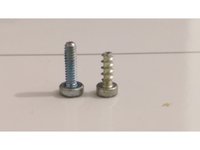
      • Remove the 4 TR6 Screws

      • They are diffrent from the last ones !!! (this one on the right)

      • remove the whole PCB and remove the clips from the display and it should pop off

      댓글 쓰기

    7. Disassembling Nokia X2-00, The Display: 7 단계, 이미지 2개 중 1개 Disassembling Nokia X2-00, The Display: 7 단계, 이미지 2개 중 2개
      • it's TFT 2.2" 240x320 182 ppi Display

      댓글 쓰기

    8. Disassembling Nokia X2-00, The main PCB: 8 단계, 이미지 1개 중 1개
      • anything shiehielded ...and non-replacable ...i don't like that one at all

      • sorry guys i have forgott to make photo of the backside :(

      댓글 쓰기

    9. Disassembling Nokia X2-00, Extra - Mastery pieces & Test: 9 단계, 이미지 2개 중 1개 Disassembling Nokia X2-00, Extra - Mastery pieces & Test: 9 단계, 이미지 2개 중 2개
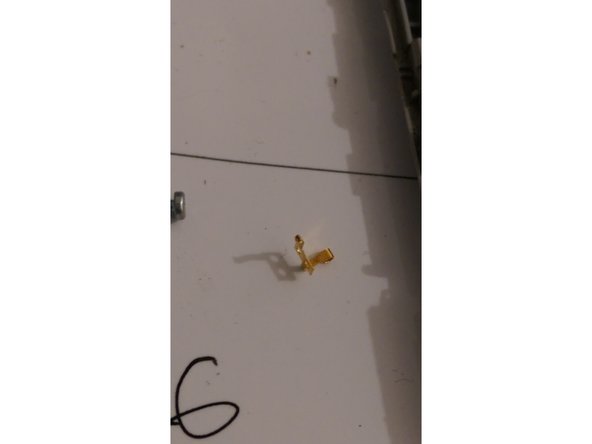
      • extra steps that you don't need to do

      • 2 of those fell of and i have NO idea where from (and i don't even care)

      • i cleaned it up and powered it up and it works (just make sure you don't short anything)

      댓글 쓰기

    10. Disassembling Nokia X2-00, The END: 10 단계, 이미지 1개 중 1개
      • i don't really like that one becouse it's hard to open and easy to crack plastics

      • but you can replace many things (not anything)

      • i would like USB on doughterboard and less shielding

      댓글 쓰기

결승점

취소: 해당 안내서를 완성하지 않았습니다.

다른 10명이 해당 안내서를 완성하였습니다.

작성자

3다른 기여자 명과 함께

Mateusz

회원 가입일: 10/20/14

1,525 평판

안내서 2개를 작성함

1가이드 댓글

Well done,come on

Segmenttopten - 답글 공유

댓글 쓰기

조회 통계:

지난 24시간: 1

지난 7일: 9

지난 30일: 48

전체 시간: 6,069