소개
If your device is not holding a charge, or only functions when plugged into the charger, then this guide will show how to fix this problem by replacing the battery. This process could take anywhere from 15-30 minutes, and requires you to detach and desolder all of the battery's connection to the device.
필요한 것
-
-
Insert the hooked end of the plastic opening tool in the gap between the screen and the back panel on the edge of the device.
-
Slide the plastic opening tool down the long side of the device.
-
Insert tool again and slide it down the long slide of the case a second time.
 FixBot에 문의하기
-
-
-
이 단계에 사용된 도구:Tweezers$4.99
-
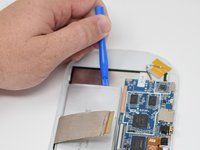
Flip up the black retaining tab using the plastic opening tool.
-
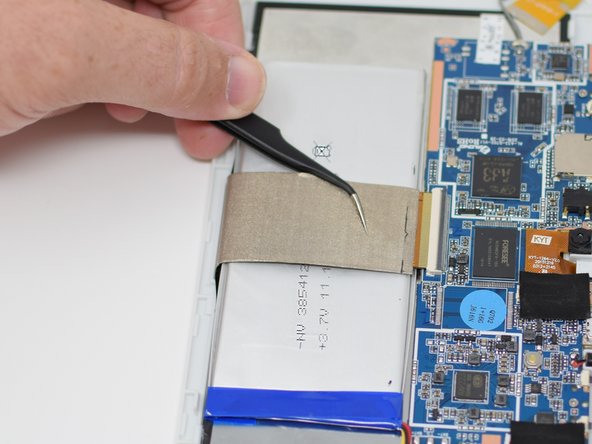
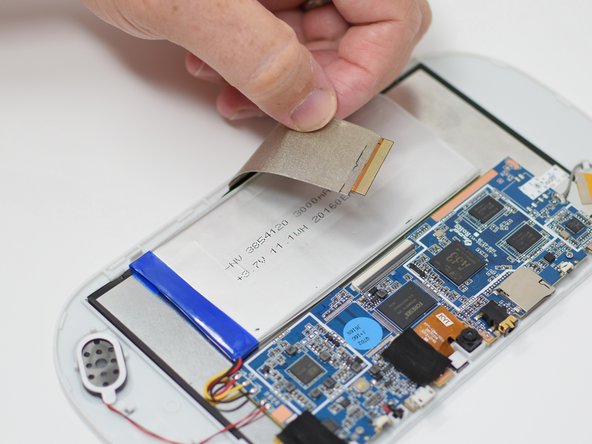
Pull out the large wire ribbon that crosses over the battery.
-
-
-
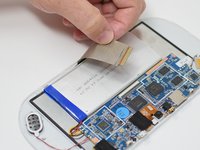
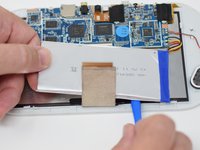
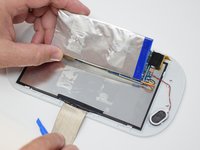
Insert the plastic opening tool under the battery.
-
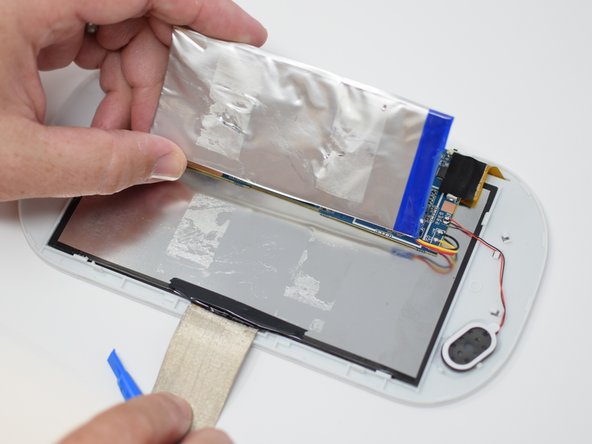
Using the plastic opening tool, pry up the battery.
-
-
-
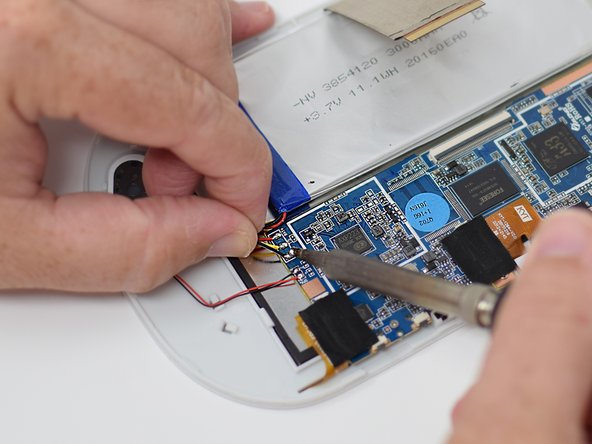
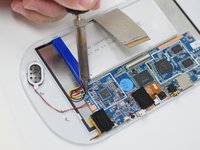
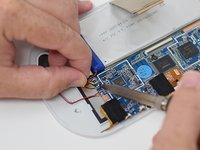
Remove the wires from the motherboard using a soldering iron tool. Here is a link on How To Solder and Desolder Connections.
-
After the connections are desoldered, remove the battery.
-






To reassemble your device, follow these instructions in reverse order.

팀

UW Tacoma, Team S1-G5, Cardinal Summer 2018 UW Tacoma, Team S1-G5, Cardinal Summer 2018 회원
UWT-CARDINAL-SU18S1G5
4 회원들
안내서 12개를 작성함
