소개
This guide will show you how to replace motherboard on a Emerson EM744. The tools need for this replacement are a #00 screwdriver, opening tools, spudger, and soldering kit.
필요한 것
-
-
-
Use a Phillips 00 bit to remove two 3mm screws from the bottom of the tablet.
 FixBot에 문의하기
-
-
-
Insert the nylon spudger into the bottom of the tablet, and gently slide it up the side.
-
Pull apart the two sides of the tablet, exposing the circuit board, battery, and other components of the tablet.
-
-
-
-
-
-
Use a Phillips 00 bit to remove 3 screws from the top of the tablet.
-
-
-
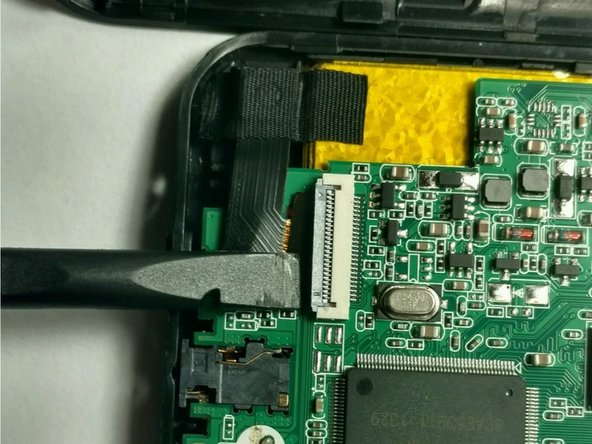
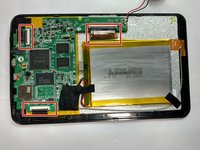
Disconnect three ribbon connectors from the circuit board with the nylon spudger.
-
-
-
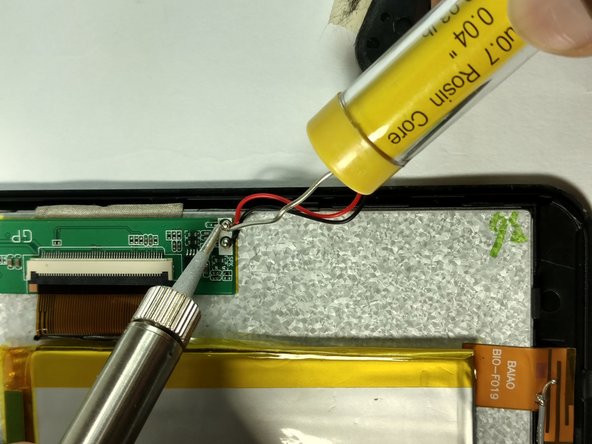
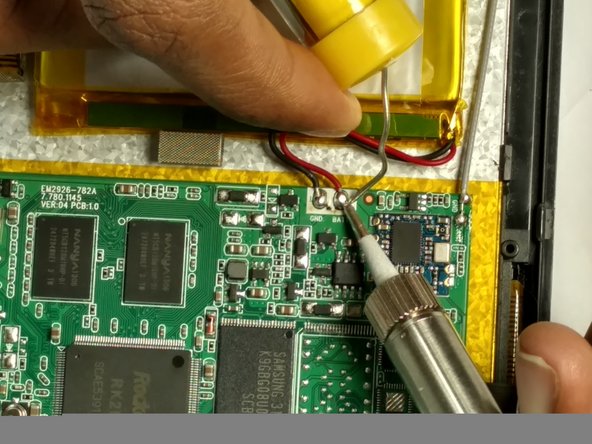
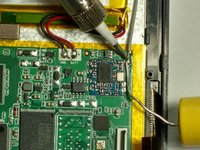
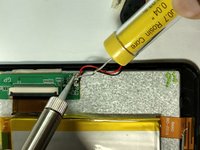
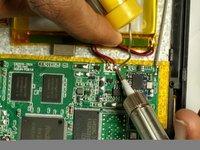
Desolder the positive (red) wire to the positive (+) lead, followed by desoldering the negative (black) wire to the negative lead.
-
Refer to the solder technique guide.
-
-




To reassemble your device, follow these instructions in reverse order.
다른 한 분이 해당 안내서를 완성하였습니다.

팀

USF Tampa, Team 2-5, Blackwell Fall 2016 USF Tampa, Team 2-5, Blackwell Fall 2016 회원
USFT-BLACKWELL-F16S2G5
4 회원들
안내서 12개를 작성함
