주요 콘텐츠로 건너뛰기
수리 커뮤니티 가입 - 계정 만들기

Google Pixel Buds 2a Bottom Shell Replacement

필요한 것

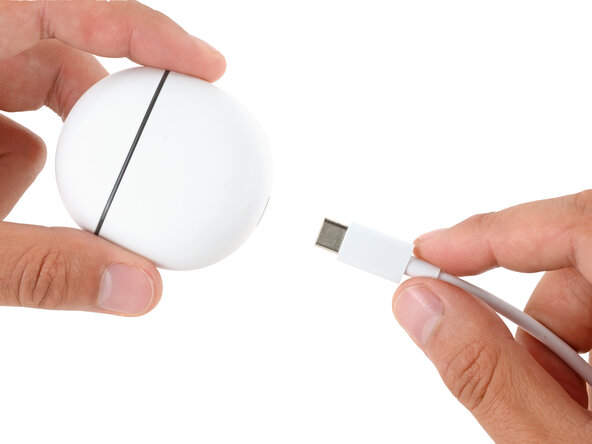
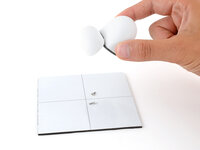
    1. Google Pixel Buds 2a Bottom Shell Replacement, Unplug the charging case: 1 단계, 이미지 1개 중 1개
      • Before starting your repair, unplug your charging case.

      댓글 쓰기

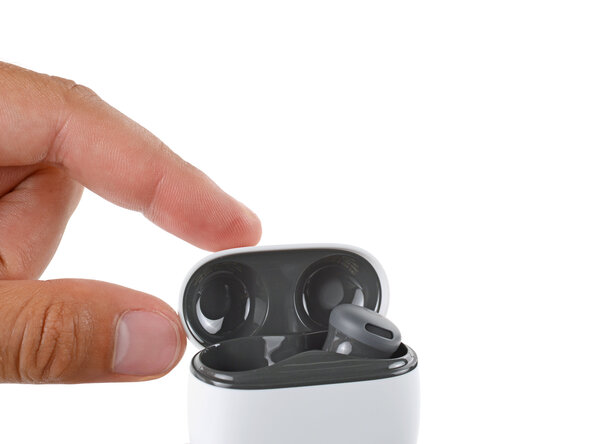
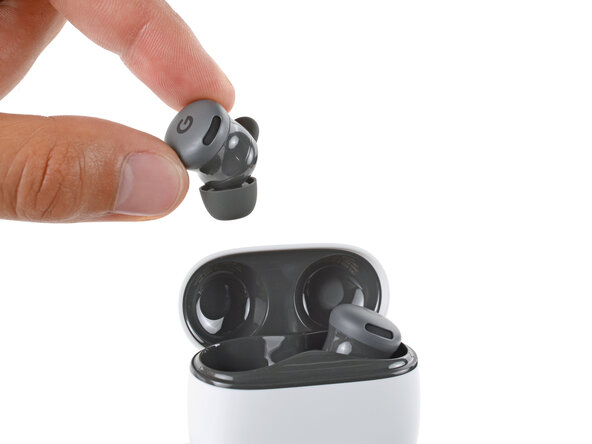
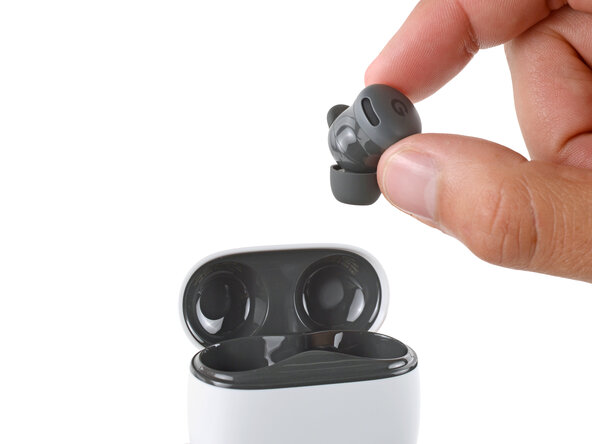
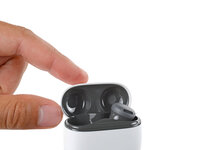
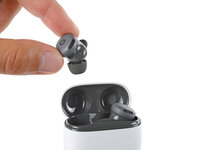
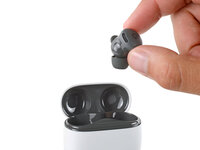
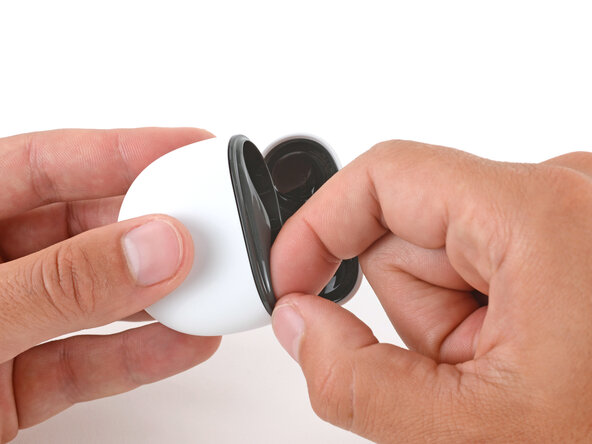
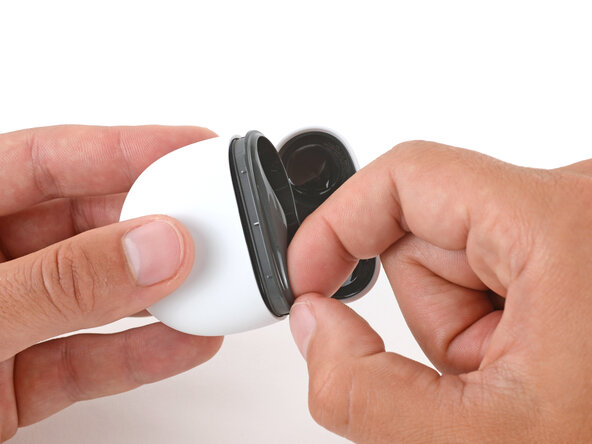
    2. Google Pixel Buds 2a Bottom Shell Replacement, Remove the Buds: 2 단계, 이미지 3개 중 1개 Google Pixel Buds 2a Bottom Shell Replacement, Remove the Buds: 2 단계, 이미지 3개 중 2개 Google Pixel Buds 2a Bottom Shell Replacement, Remove the Buds: 2 단계, 이미지 3개 중 3개
      • Open the case lid, remove the Pixel Buds, and set them aside.

      댓글 쓰기

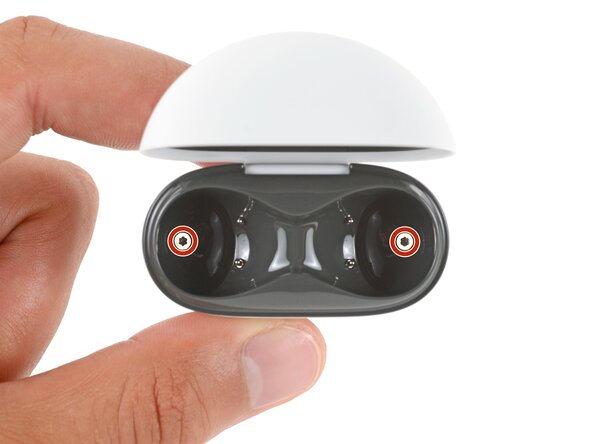
    3. Google Pixel Buds 2a Bottom Shell Replacement, Remove the case screws: 3 단계, 이미지 3개 중 1개 Google Pixel Buds 2a Bottom Shell Replacement, Remove the case screws: 3 단계, 이미지 3개 중 2개 Google Pixel Buds 2a Bottom Shell Replacement, Remove the case screws: 3 단계, 이미지 3개 중 3개
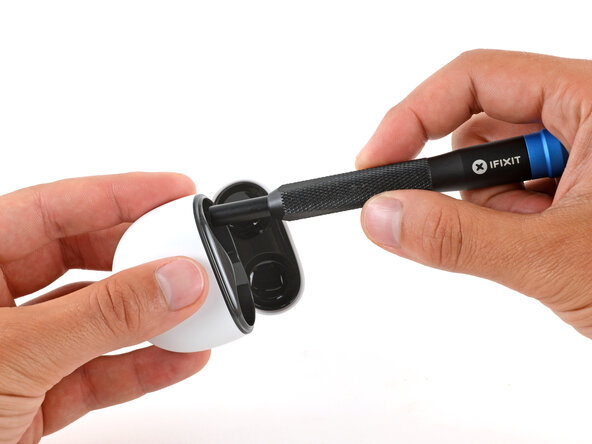
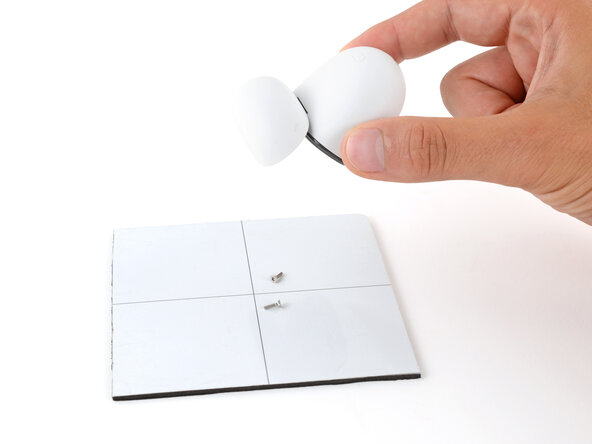
      • Use a T5 Torx screwdriver to remove the two 6.2 mm‑long screws from the ear bud recesses.

      • You may need to flip the case over and gently shake it to get the screws to fall out.

      댓글 쓰기

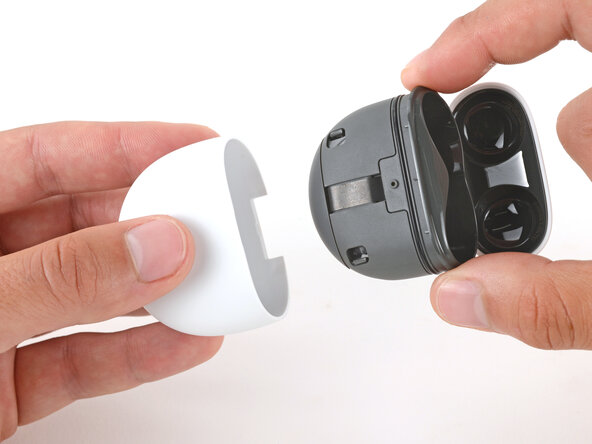
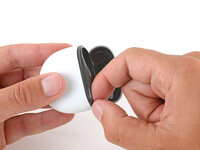
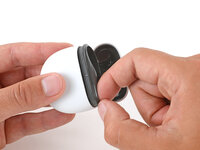
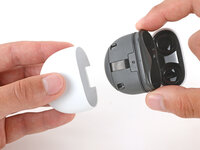
    4. Google Pixel Buds 2a Bottom Shell Replacement, Remove the bottom shell: 4 단계, 이미지 3개 중 1개 Google Pixel Buds 2a Bottom Shell Replacement, Remove the bottom shell: 4 단계, 이미지 3개 중 2개 Google Pixel Buds 2a Bottom Shell Replacement, Remove the bottom shell: 4 단계, 이미지 3개 중 3개
      • Slide the main body of the charging case completely out of the bottom shell, inserting a fingernail in the seam near the top of the case to create an initial gap.

      • If you're having trouble, use the flat end of a spudger to start the initial gap.

      댓글 쓰기

결론

To reassemble your device, follow these instructions in reverse order.

Take your e-waste to an R2 or e-Stewards certified recycler.

Repair didn’t go as planned? Try some basic troubleshooting, or ask our Answers community for help.

취소: 해당 안내서를 완성하지 않았습니다.

작성자

1다른 기여자 명과 함께

Spencer Day

회원 가입일: 09/14/22

198,722 평판

안내서 1,243개를 작성함

0가이드 댓글

댓글 쓰기

조회 통계:

지난 24시간: 4

지난 7일: 13

지난 30일: 39

전체 시간: 321