주요 콘텐츠로 건너뛰기
수리 커뮤니티 가입 - 계정 만들기

HP Pavilion 15-e043cl Optical Drive Replacement

필요한 것

    1. HP Pavilion 15-e043cl Optical Drive Replacement, Battery: 1 단계, 이미지 2개 중 1개 HP Pavilion 15-e043cl Optical Drive Replacement, Battery: 1 단계, 이미지 2개 중 2개
      • Flip the device over.

      • Slide the battery switch on the right half of the laptop.

      • Make sure the device is powered off, and that it is not connected to any power sources.

      댓글 쓰기

    2. HP Pavilion 15-e043cl Optical Drive Replacement: 2 단계, 이미지 2개 중 1개 HP Pavilion 15-e043cl Optical Drive Replacement: 2 단계, 이미지 2개 중 2개
      • Lift the battery up and out of the device by the inward-facing edge.

      댓글 쓰기

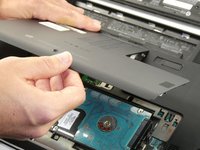
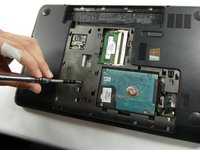
    1. HP Pavilion 15-e043cl Optical Drive Replacement, Maintenance Panel: 3 단계, 이미지 3개 중 1개 HP Pavilion 15-e043cl Optical Drive Replacement, Maintenance Panel: 3 단계, 이미지 3개 중 2개 HP Pavilion 15-e043cl Optical Drive Replacement, Maintenance Panel: 3 단계, 이미지 3개 중 3개
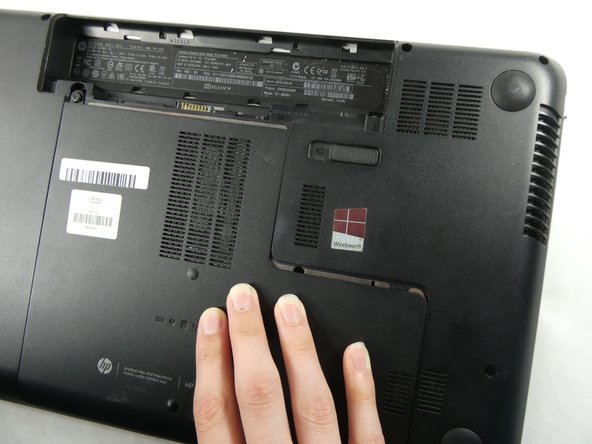
      • Unscrew the single Phillips #0 captive screw that was previously hidden by the battery.

      • The screw can not, and should not, be fully removed.

      • Slide the maintenance panel away from the battery compartment to release it.

      댓글 쓰기

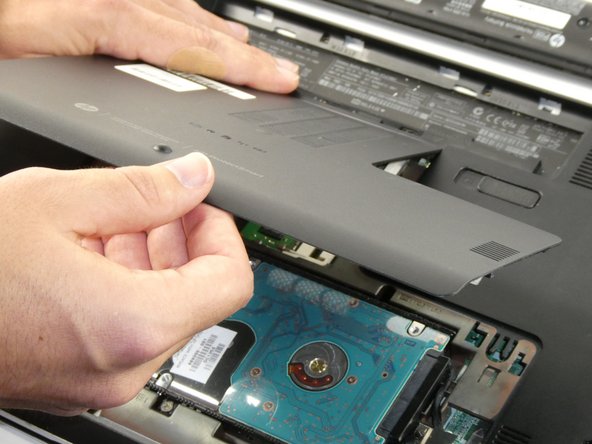
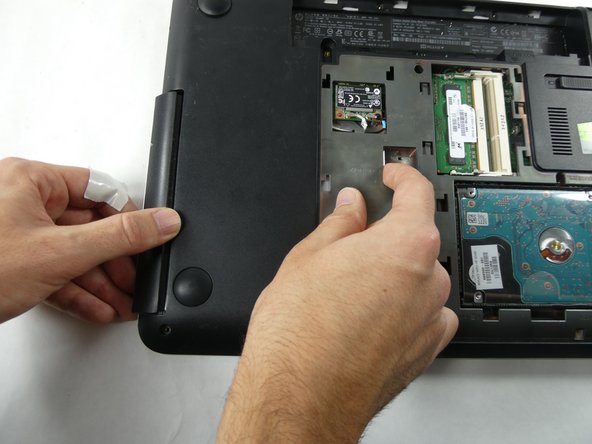
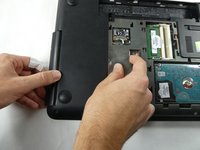
    1. HP Pavilion 15-e043cl Optical Drive Replacement, Optical Drive: 4 단계, 이미지 2개 중 1개 HP Pavilion 15-e043cl Optical Drive Replacement, Optical Drive: 4 단계, 이미지 2개 중 2개
      • Remove the black screw nearby to the disk tray.

      • Push the disk tray out of the laptop near the stamp that says "RELEASE."

      댓글 쓰기

결론

To reassemble your device, follow these instructions in reverse order.

취소: 해당 안내서를 완성하지 않았습니다.

작성자

3다른 기여자 명과 함께

Cace Letendre

회원 가입일: 10/25/22

528 평판

안내서 6개를 작성함

UMass Dartmouth, Team 4-5, Sinclaire Fall 2022 UMass Dartmouth, Team 4-5, Sinclaire Fall 2022 회원

UMASSD-SINCLAIRE-F22S4G5

5 회원들

안내서 47개를 작성함

0가이드 댓글

댓글 쓰기

조회 통계:

지난 24시간: 0

지난 7일: 6

지난 30일: 25

전체 시간: 391