소개
This guide will lead you throughout the process of the replacement of the charging port in Huawei M750
필요한 것
-
-
Depress the top of the battery cover, and pull downwards towards the base of the phone.
 FixBot에 문의하기
-
-
-
Remove the battery by levering the battery out, using the cut just below the camera.
-
-
-
Use the opening tool to start prying the camera and speaker cover, starting from the battery side.
-
Work the opening tool around the border of the camera and speaker cover, until it comes loose.
-
-
-
-
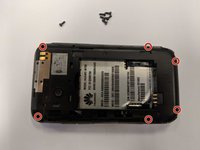
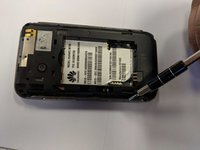
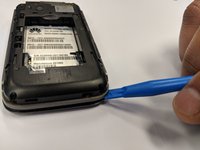
Using the opening tool, pry the back panel from the front panel.
-
Work your way around the phone until the panels separate evenly.
-
-
-
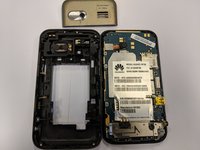
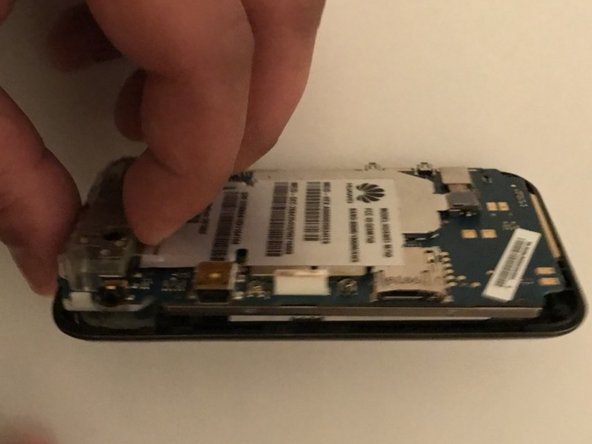
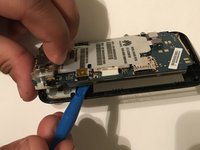
Using the opening tool, start prying out the motherboard from the front panel along the border.
-
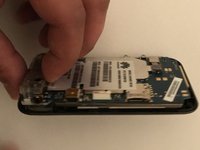
When the motherboard seems separated from the front panel, pull it outwards.
-
-
-
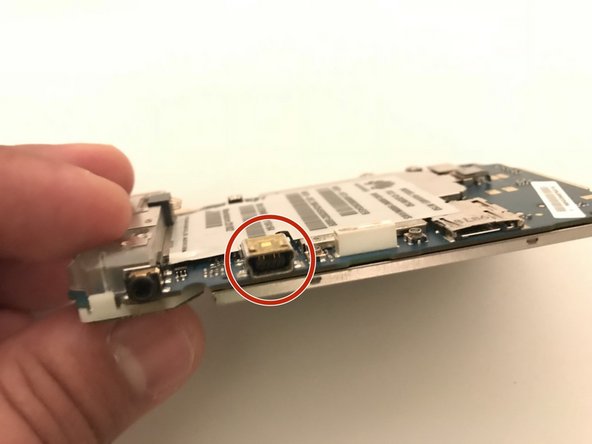
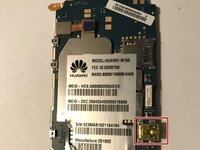
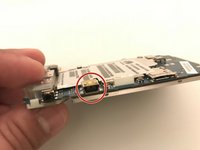
The charging port is soldered to the motherboard, use this guide to do the replacement.
-






To reassemble your device, follow these instructions in reverse order.
다른 한 분이 해당 안내서를 완성하였습니다.

팀

University of North Texas, Team S1-G6, Thompson Spring 2018 University of North Texas, Team S1-G6, Thompson Spring 2018 회원
UNT-THOMPSON-S18S1G6
3 회원들
안내서 20개를 작성함
